4.7 Setting Parameters
4-29
4.7.5 Setting a numeric value type parameter
The procedure for setting a numeric-value-type parameter is as follows:
[Procedure]
1. Turn the encoder to move the cursor onto the parameter to be set.
2. Perform one of the following operations to start entry.
• Press the encoder
• Press
Set
To step 3
• Press
Enter
• Press numeric keypad
• Press
+/
−
To step7
• Press
BS
3. When starting entry with encoder,
Set
or
Enter
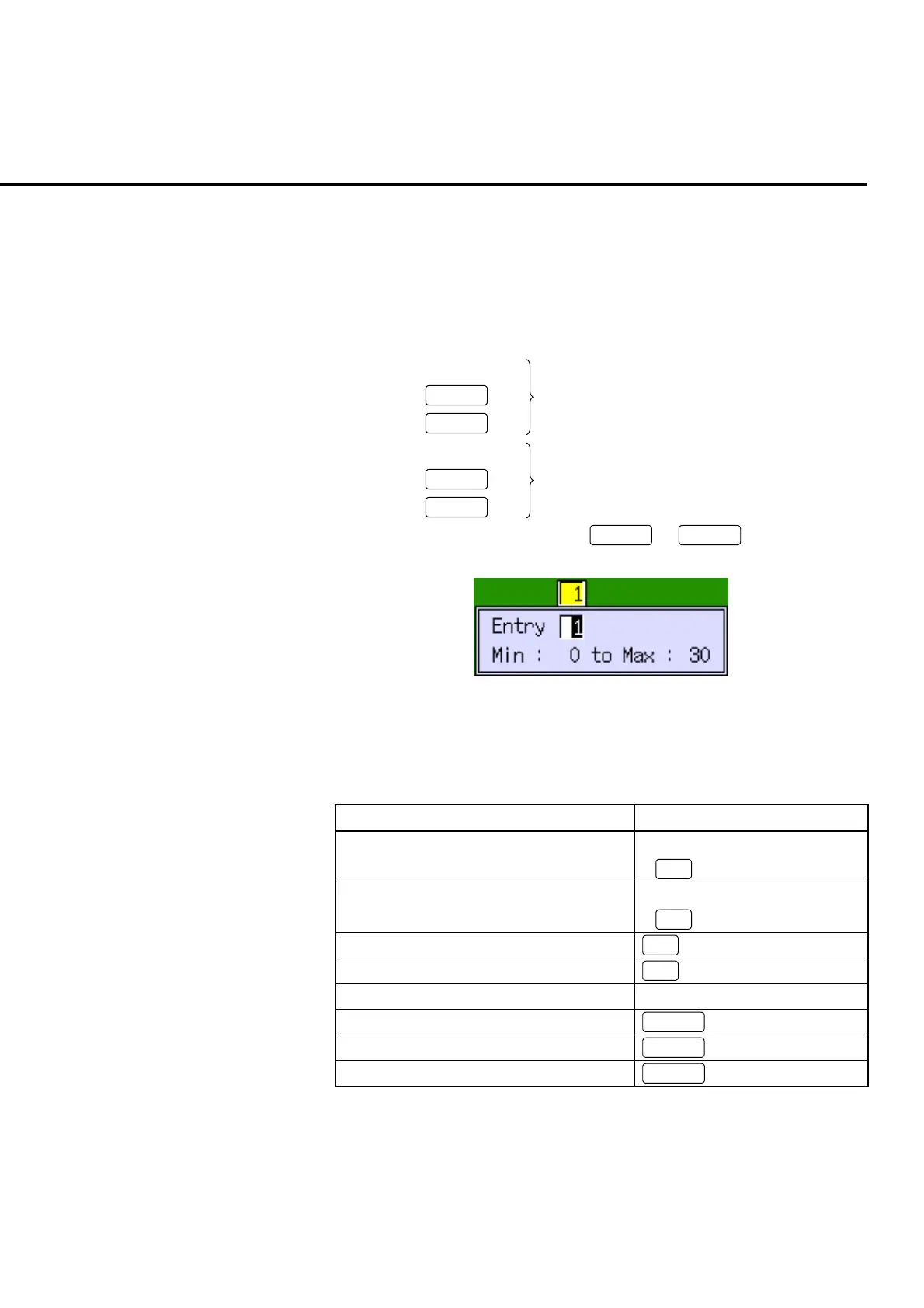
, the popup window
to enter the numeric value is opened.
Fig. 4-7-5-1 Example of the numeric value entry popup window
4. Enter numeric values by the operations described in Table 4-7-5-1.
Table 4-7-5-1 Operations in the numeric value entry popup window
Numeric value entry Operation
Increase the value for cursor by 1 • Turn the encoder to the left
•
∧
Reduce the value for cursor by 1 • Turn the encoder to the right
•
∨
Move the cursor to the left
<
Move the cursor to the right
>
Numeric value entry Numeric keypad
Reverse the symbol
+/
−
Delete the value for cursor
BS
Cancel the entry operation
Cancel













 To Next Page