4.6 Operating a Function Menu
4-23
4.6.5 Execution menu
Press function key in the execution menu to set execution status for displayed func-
tion. Screen selection function and calibration execution function are included in
the execution menu.
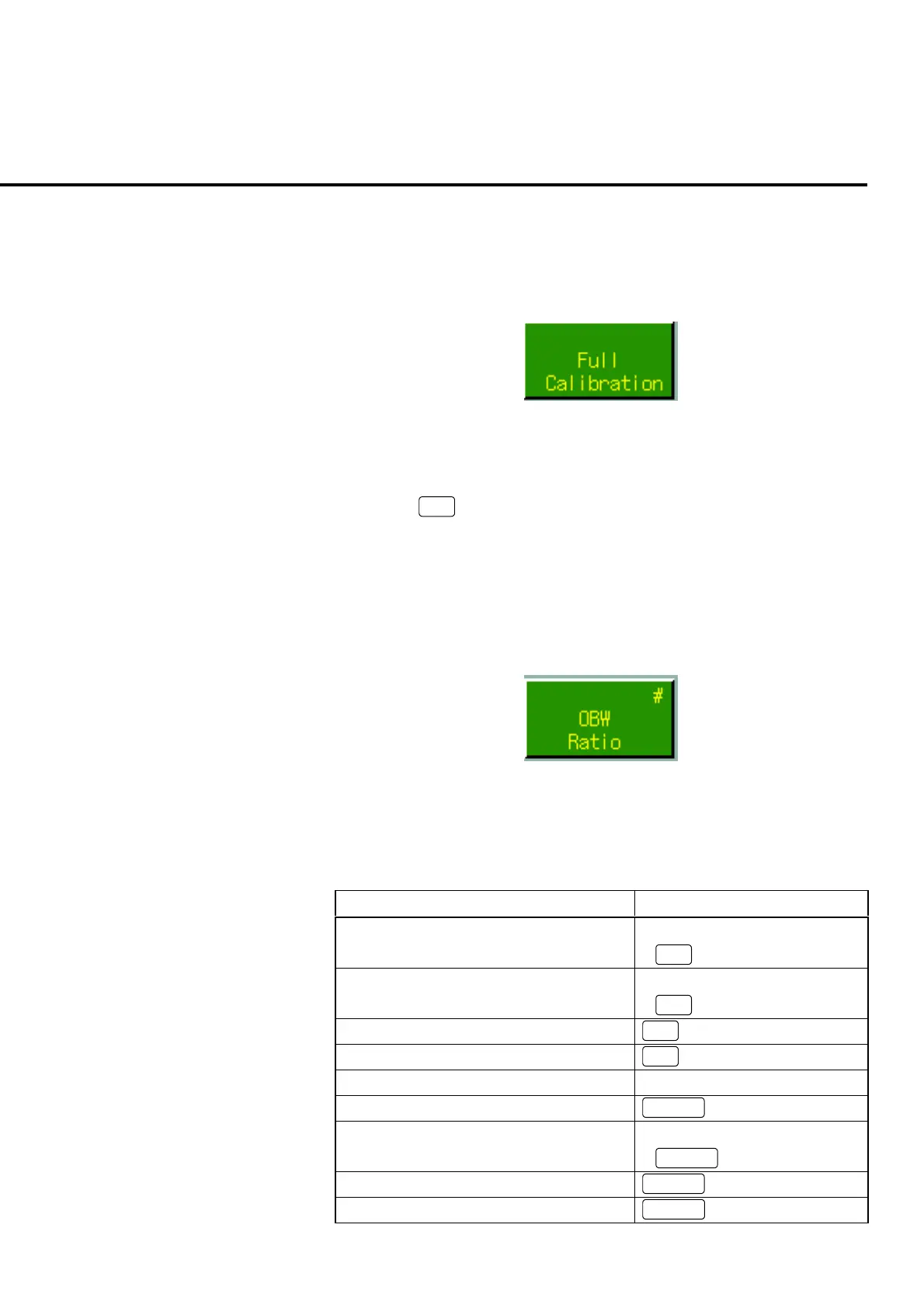
Fig. 4-6-5-1 Example of an execution menu
Example:
To execute Full Calibration on the measurement screen
Press
F6
: Full Calibration to execute Full Calibration.
4.6.6 Numeric value entry menu
Menu to enter the numeric value for parameter, etc. Pup up window to enter the
numeric value is opened by pressing the function key of the numeric value entry key.
The numeric value entry menu is displayed with a # mark.
Fig. 4-6-6-1 Example of a numeric value entry menu
Operations in the popup window are described in Table 4-6-6-1.
Table 4-6-6-1 Operations in numeric value entering popup window
Numeric value entry Operation
Increase the value for cursor by 1 • Turn the encoder to the right
•
∧
Reduce the value for cursor by 1 • Turn the encoder to the left
•
∨
Move the cursor to the left
<
Move the cursor to the right
>
Enter the numeric value Numeric key
Deleting the value for cursor
BS
Determine the numeric value and entry end
/moving to the next entry item*
• Press encoder
•
Enter
Determine the numeric value and entry end
Set
Cancel the entry
Cancel













 To Next Page