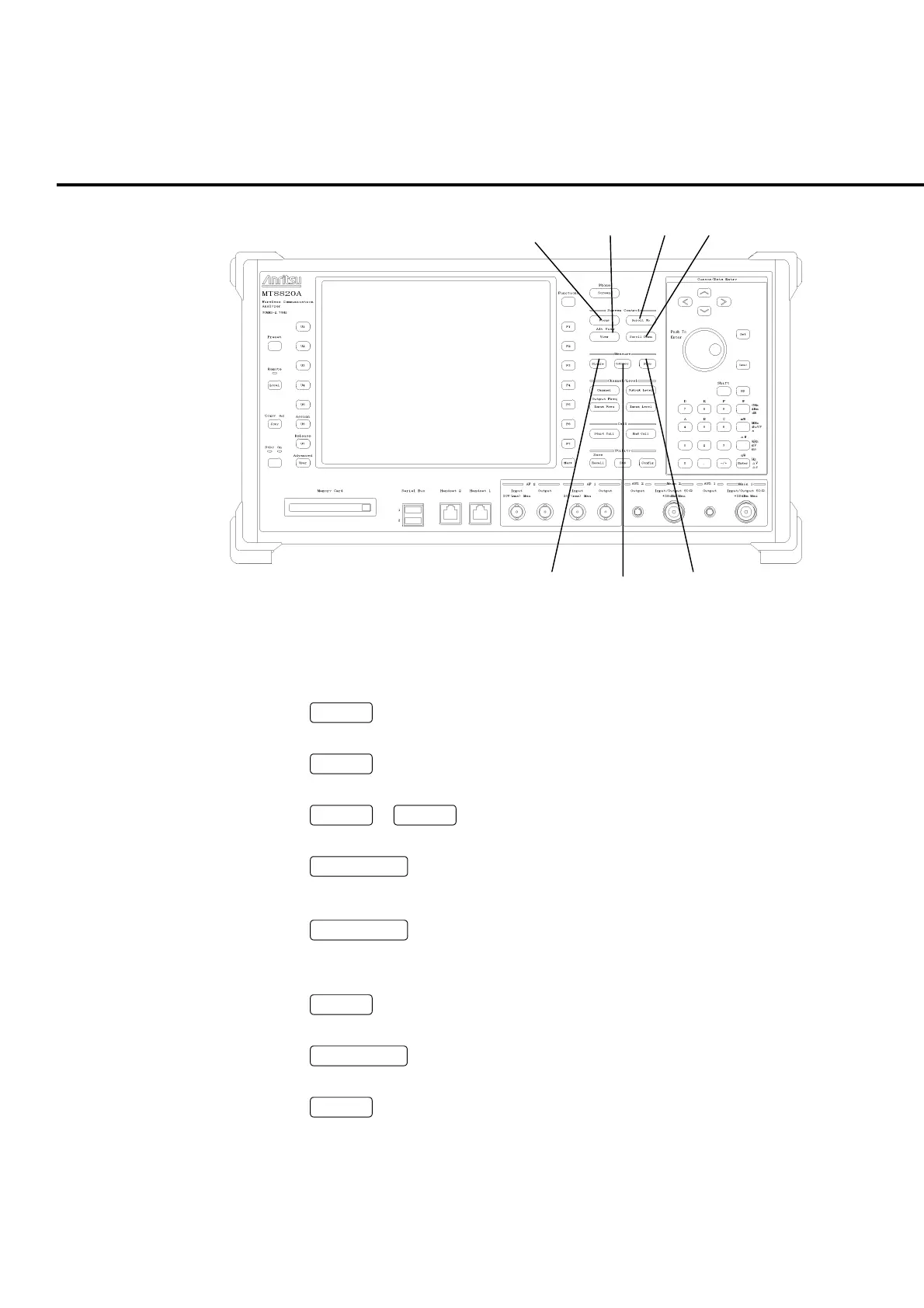
Section 2 Setup
2-10
25
26
27
28
29 30 31
Fig. 2-1-2-7 Front panel (7)
Screen control keys (Screen Control)
25.
Focus
Focus key
Switches between windows to be operated.
26.
View
View key
Opens/Closes the View window.
Shift
+
View
Alt View Alt View key
Switches between View windows to be displayed.
27.
Scroll Up
Up scroll key
Scrolls up screens or windows.
28.
Scroll Down
Down scroll key
Scrolls down screens or windows.
Measurement keys (Measure)
29.
Single
Single key
Starts measurement in the single mode.
30.
Continuous
Continuous key
Starts measurement in the continuous mode.
31.
Stop
Measurement stop key
Stops measurement.













 To Next Page