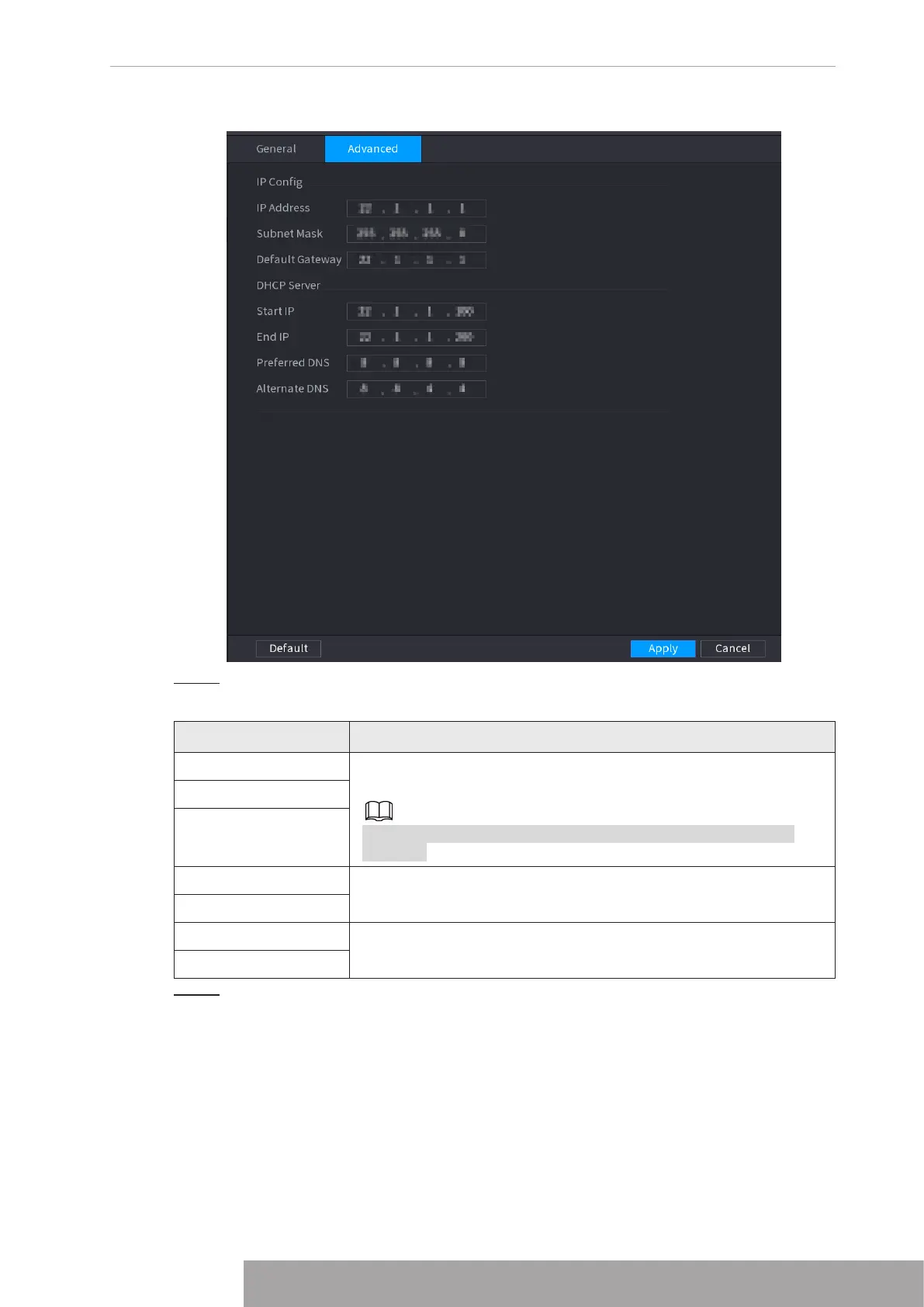
Figure 4-226
Step 2 Configure parameters. For details, see Table 4-69.
Table 4-69
Parameter Description
IP Address Set IP address, subnet mask and default gateway for the Wi-Fi
parameters of NVR.
IP address and default gateway must be in the same network
segment.
Subnet Mask
Default Gateway
Start IP
Set the start IP address and end IP address of the DHCP server.
End IP
Preferred DNS
Set preferred/alternate DNS server of the DHCP server.
Alternate DNS
Step 3 Click
Apply
to complete the configuration.
1.11.5 3G/4G
Prerequisites
Make sure that 3G/4G module is installed on the device.
Copyright © NSS Sp. z o.o.
221 User‘s Manual



 To Next Page