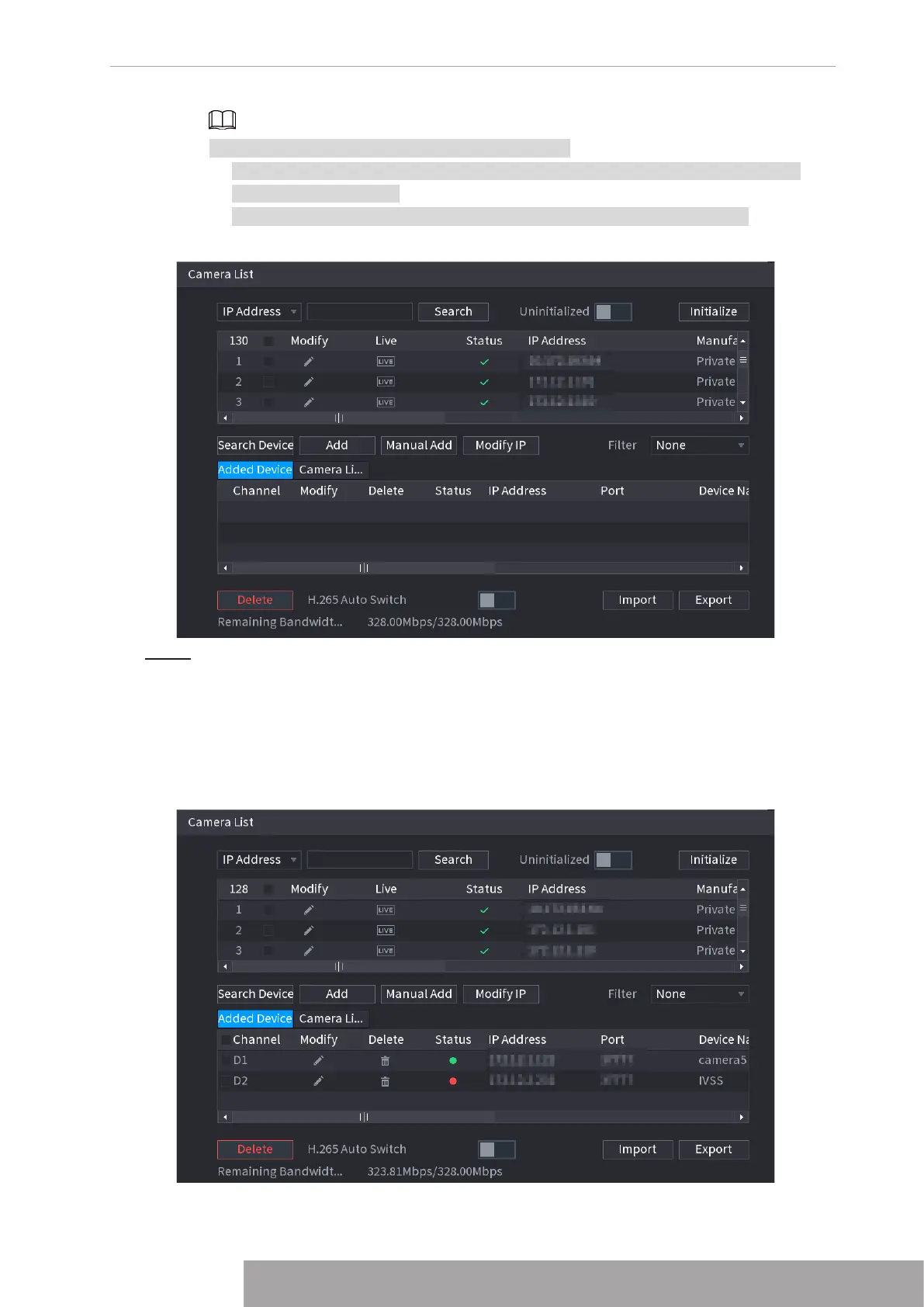
There are two ways to go to
Registration
interface.
● Select
Main Menu
>
CAMERA
>
Camera List
>
Camera List
, you can go to the
Camera List
interface.
● On the live view interface, right click mouse and then select
Add Camera
.
Figure 4-28
Step 2 Register remote device.
● Search and then add
1. Click
Search
.
The devices found are displayed at the upper pane.
2. Double-click a remote device, or select a remote device and then click
Add
to
register it to the
Added Device
list. See Figure 4-29.
Figure 4-29
3. Set parameters. See Table 4-7.
Copyright © NSS Sp. z o.o.
27 User‘s Manual



 To Next Page