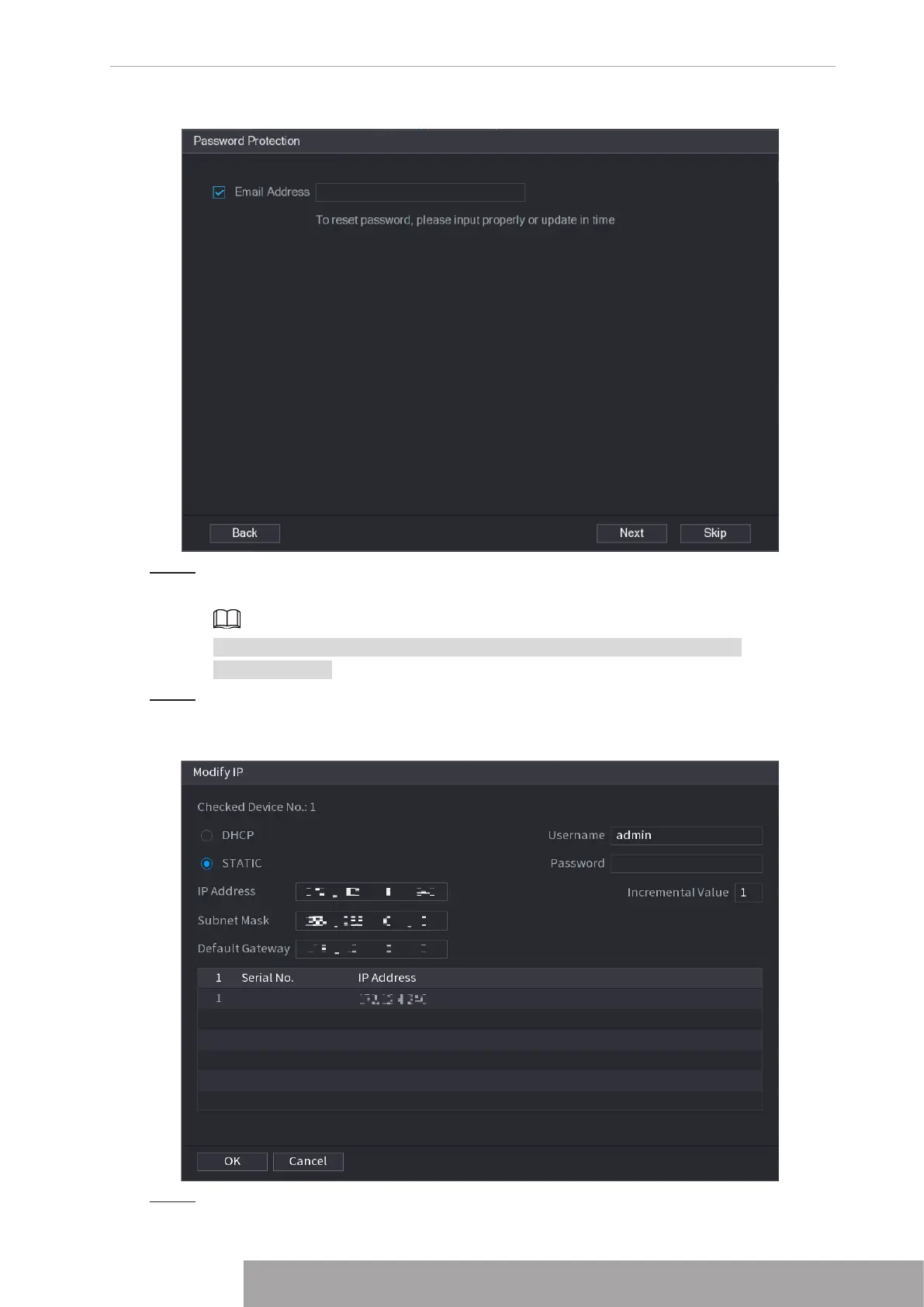
Figure 4-51
Step 6 Set email information.
Input an email address for reset password purpose.
Cancel the box and then click Next or Skip if you do not want to input email
information here.
Step 7 Click
Next
.
The
Network
interface is displayed. See Figure 4-52.
Figure 4-52
Step 8 Set camera IP address.
Copyright © NSS Sp. z o.o.
47 User‘s Manual



 To Next Page