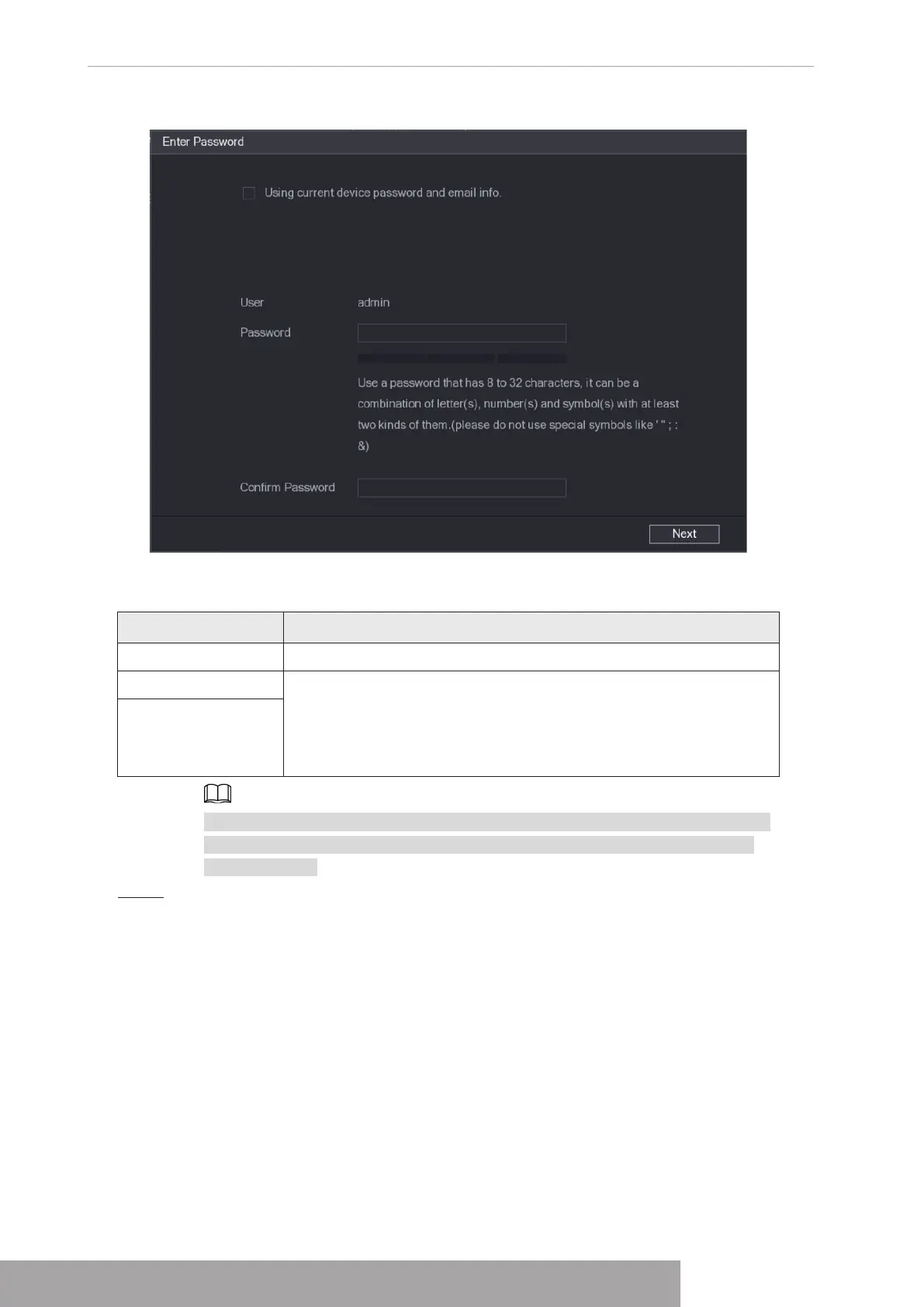
Figure 4-50
2) Configure parameters.
Table 4-12
Parameter Description
User
The default is
admin.
Password The new password can be set from 8 characters through 32
characters and contains at least two types from number, letter and
special characters (excluding"'", """, ";", ":" and "&").
Enter a strong password according to the password strength bar
indication.
Confirm Password
For your device own safety, create a strong password of your own choosing. We
also recommend you change your password periodically especially in the high
security system.
Step 5 Click
Next
.
The
Password Protection
interface is displayed. See Figure 4-51.
Copyright © NSS Sp. z o.o.
User‘s Manual 46



 To Next Page