Operation C 2
ekrPro Com
60
web guide controller EDV-No.: MD.191.01.05/1.6.x Chapter: C 2
with analog sensors Date: 23.11.2007 Page: 6/19
C 2.2.2 Scan start
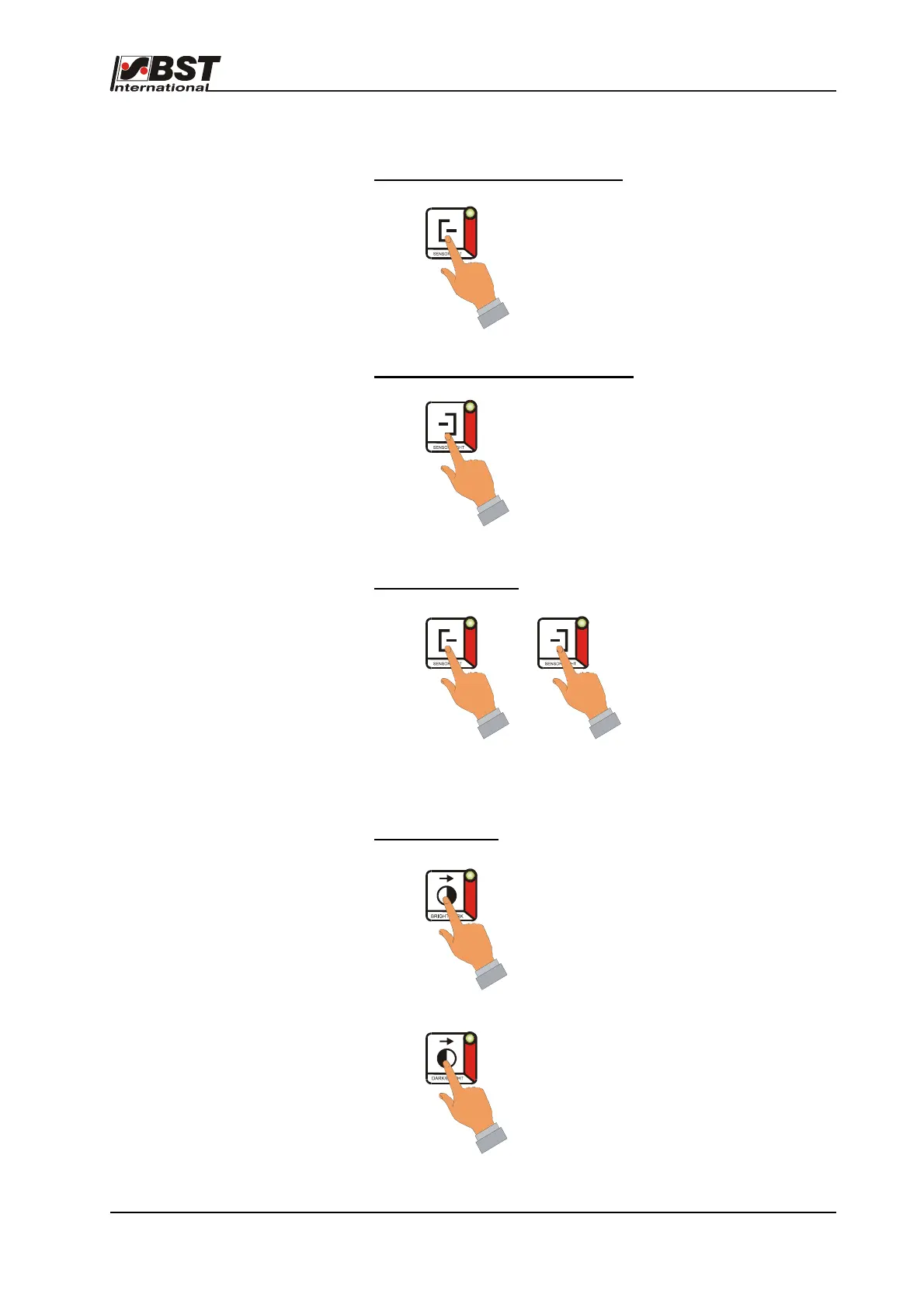
The required scanning mode is set up as follows:
Web edge guiding: left web edge*
Press ”SENSOR LEFT” key.
Web edge guiding: right web edge*
Press ”SENSOR RIGHT” key.
* in the material running direction!
Web center guiding
Press the “SENSOR LEFT“ and “SENSOR RIGHT“ buttons
simultaneously
Contrast guiding
(line or edge)
Contrast transition: LIGHT/DARK
Contrast transition: DARK/LIGHT
+



 To Next Page