Commissioning B 3
ekrPro Com
60
web guide controller EDV No.: MD.191.01.05/1.6.x Chapter: B 3
with analog sensors Date: 23.11.2007 Page: 7/73
B 3.4 Adjust password
User administration in the ekrPro Com
60
differentiates between four
different user levels with different user rights.
The individual user levels are each protected by a password.
Dependent on the selected user level, more or fewer paths are
activated in the setup menu. Non-activated entries are greyed out in
the menus and cannot be selected.
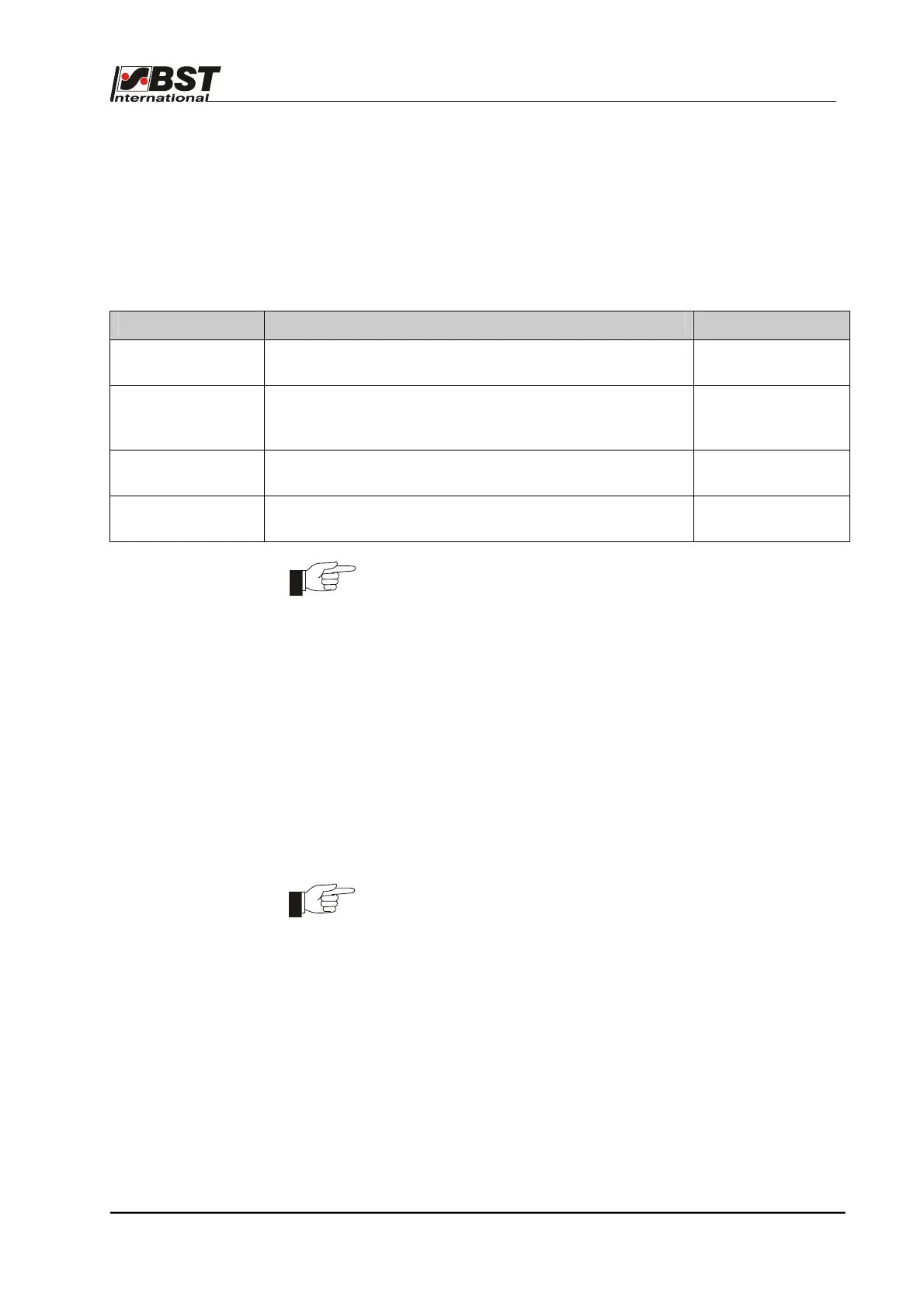
The user levels with the corresponding user rights are shown in the
following table.
User level Rights Default Password
Operator
(Operator)
• No rights to make changes in the setup menus.
0
Mainten.
Maintenance
personnel
• Unlimited changing rights in the menu
“Material Setup”.
1
Admin.
Administrator
• Unlimited rights to make changes in the setup menus.
2
BST Support
(BST-Service
• As for “Admin.” (only for BST servicing purposes)
The unit is supplied with the user level Admin set.
The indicated default password should only be used for the first
access to the setup menu and then an application-appropriate
password entered. This is also true for the Mainten. user level. This
protects the system against unauthorized access.
Make sure these new passwords are only known to the authorized
personnel!
BST International GmbH is not liable for damage arising from the
incorrect use of the password(s).
An automatic logout time can be set for all user levels (timeout time).
If no key is pressed for the set time, the user is automatically logged
out and the controller changes to the user level Operator.
Changes to passwords and the timeout time is undertaken from the
menu General Setup > Special > Change Pwd
All passwords can be reset to the default passwords up to 20
seconds after switching on of the controller by pressing the key
combination F4” + “ESC.
When the controller is switched-off, the last active user level is
stored and automatically activated after a reboot.
The procedure for selecting the user level is described in the
following pages.



 To Next Page