Operation C 2
ekrPro Com
60
web guide controller EDV-No.: MD.191.01.05/1.6.x Chapter: C 2
with analog sensors Date: 23.11.2007 Page: 7/19
C 2.2.3 Gain adjustment
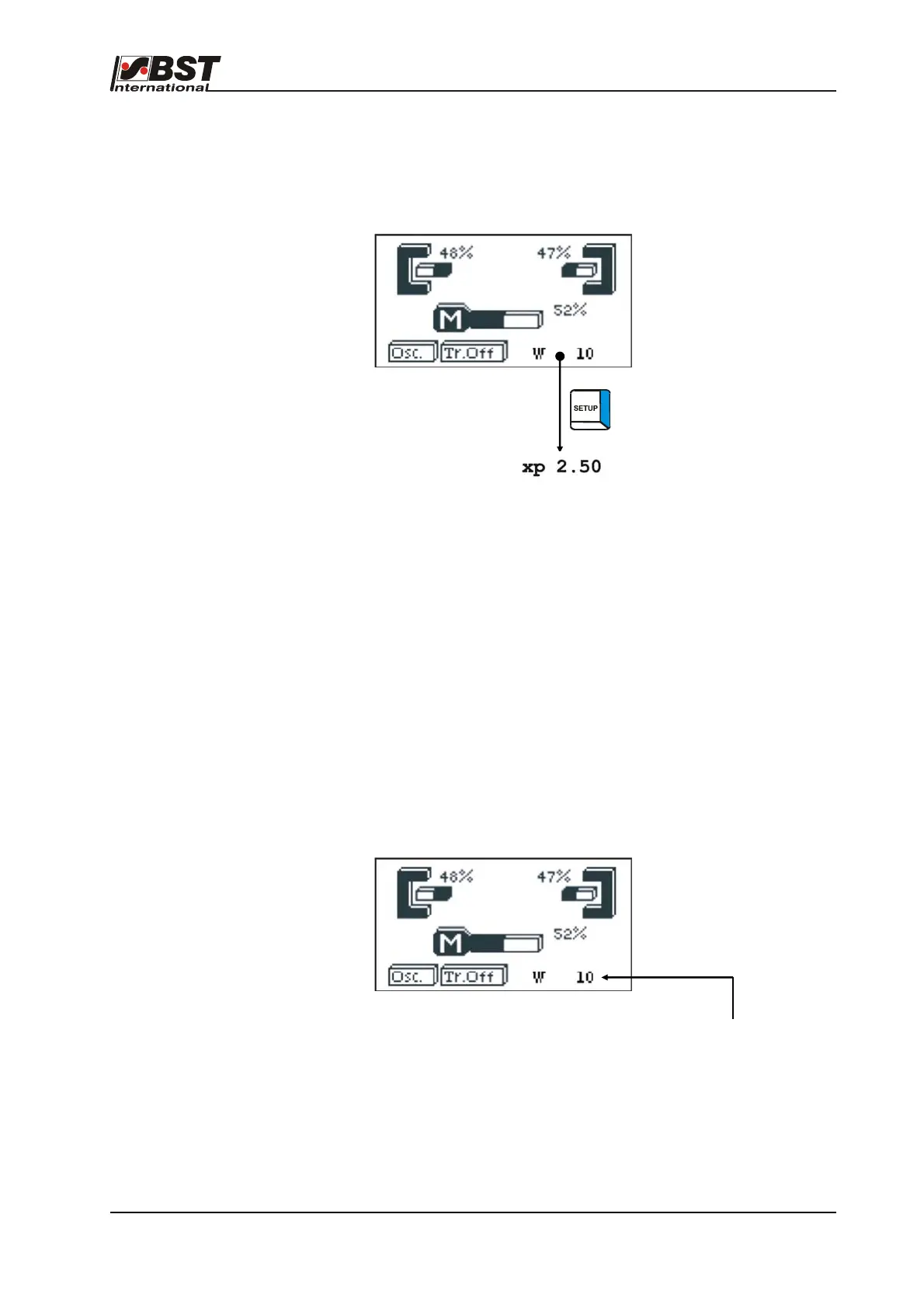
The controller gain can be set up directly in the operating status
display or in the set-up menu.
The operating status display settings are described in the
following.
The system must be in “AUTO” mode.
Press the SET-UP button and the parameters displayed in the line
at the bottom of the screen will change from the displayed setpoint
(W) to the gain setting (XP).
The controller gain can now be modified using the horizontal arrow
keys. The new setting will have an immediate effect on the
controller.
Modifying the setting via the set-up menu is described in section
B 3.6.4.4.1.
C 2.2.4 Changing the settings
This setting can also be set up direct in the operating status screen
or in the set-up menu.
The operating status display settings are described in the
following.
The system must be in “AUTO” mode.
The setting is displayed in the line at the bottom of the screen.
The setting can now be modified using the horizontal arrow keys.
The new setting will have an immediate effect on the controller.



 To Next Page