Instructions for use Primus Infinity Empowered SW 4.5n 111
Operation
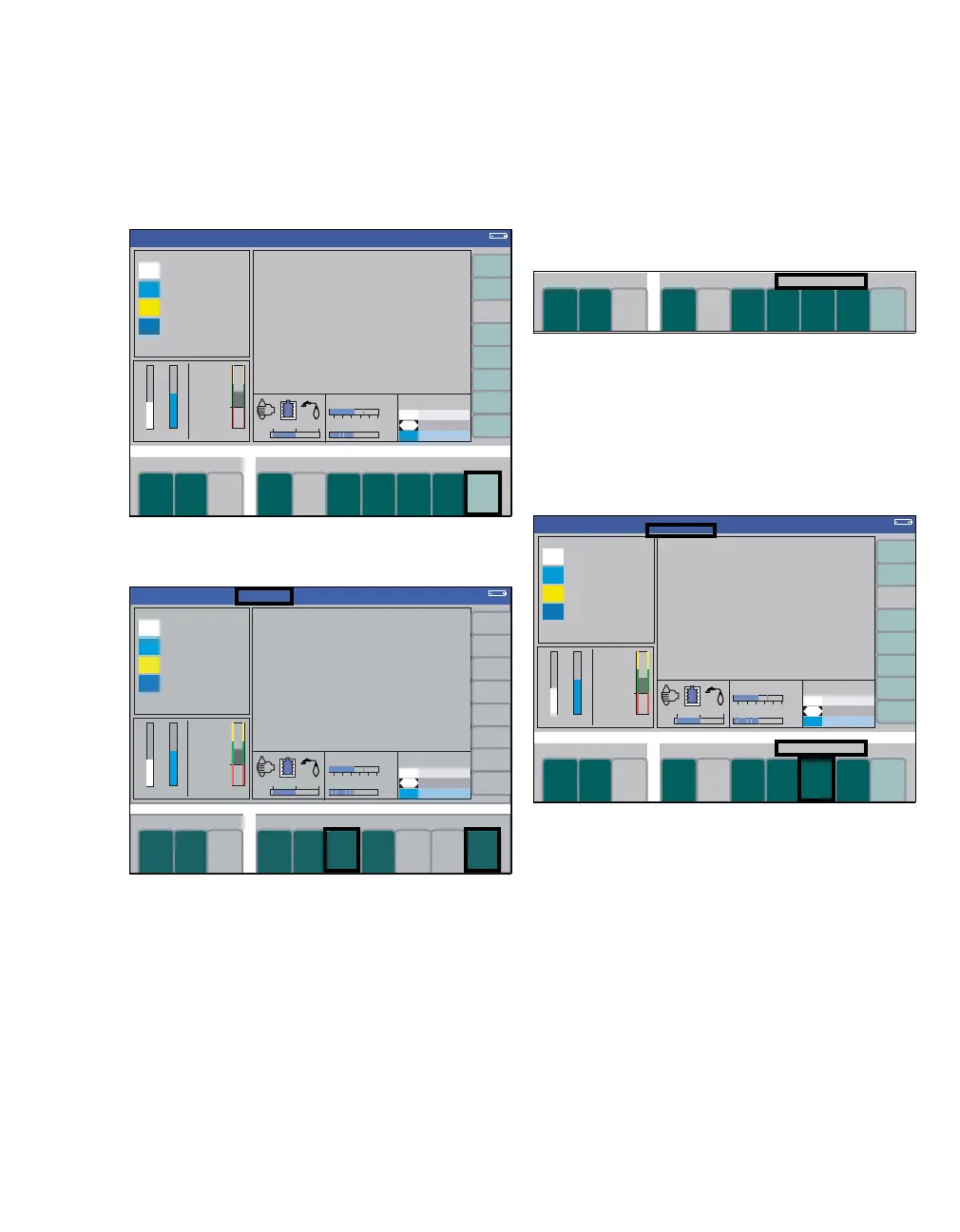
Synchronized pressure-controlled ventilation
Synchronization is activated by entering a value for
the trigger sensitivity. This can be defined via the
soft key extra settings.
1 Press the soft key extra settings (A). The trig-
ger sensitivity Trigger is displayed.
2 Press the soft key Trigger (B). The last value
set appears as default value when the key is ac-
tivated.
3 Set and confirm the trigger sensitivity with the
rotary knob. When finally confirmed, the indica-
tion sync. in the status area (C) of the ventila-
tion mode lights up steadily instead of flashing.
A mandatory breath triggered by the patient is rep-
resented by a continuous vertical black line in the
pressure curve and in the flow curve (trigger indica-
tor). The active window for the stroke triggered by
the patient corresponds to the last 25 % of the ap-
plicable expiratory time.
4 Press the soft key extra settings (D) again.
The current trigger status is shown above the
keys for the ventilation parameters (E).
Synchronized pressure-controlled ventilation
with pressure support (optional)
Pressure support is activated during pressure-con-
trolled ventilation by entering a value for the level of
pressure support. This can be defined via the soft
key
∆
PPS.
1 Press the soft key
∆
PPS (F). When the key is ac-
tivated, the last value set for pressure support
appears as the default value, together with the
last value set for the trigger sensitivity above it.
2 Set and confirm the value for pressure support
with the rotary knob. When finally confirmed,
the indication PressSupp in the status area (G)
of the ventilation mode lights up steadily instead
of flashing.
If the patient was ventilated without synchronization
when pressure support was activated, synchroniza-
tion will now be activated automatically with the last
trigger setting used.
311307
Pressure
A
B
C
Pressure
D
sync.
311311
E
Pressure
G
H
F
sync.
PressSupp












 To Next Page