191
v Paper Feed Section
chap.3
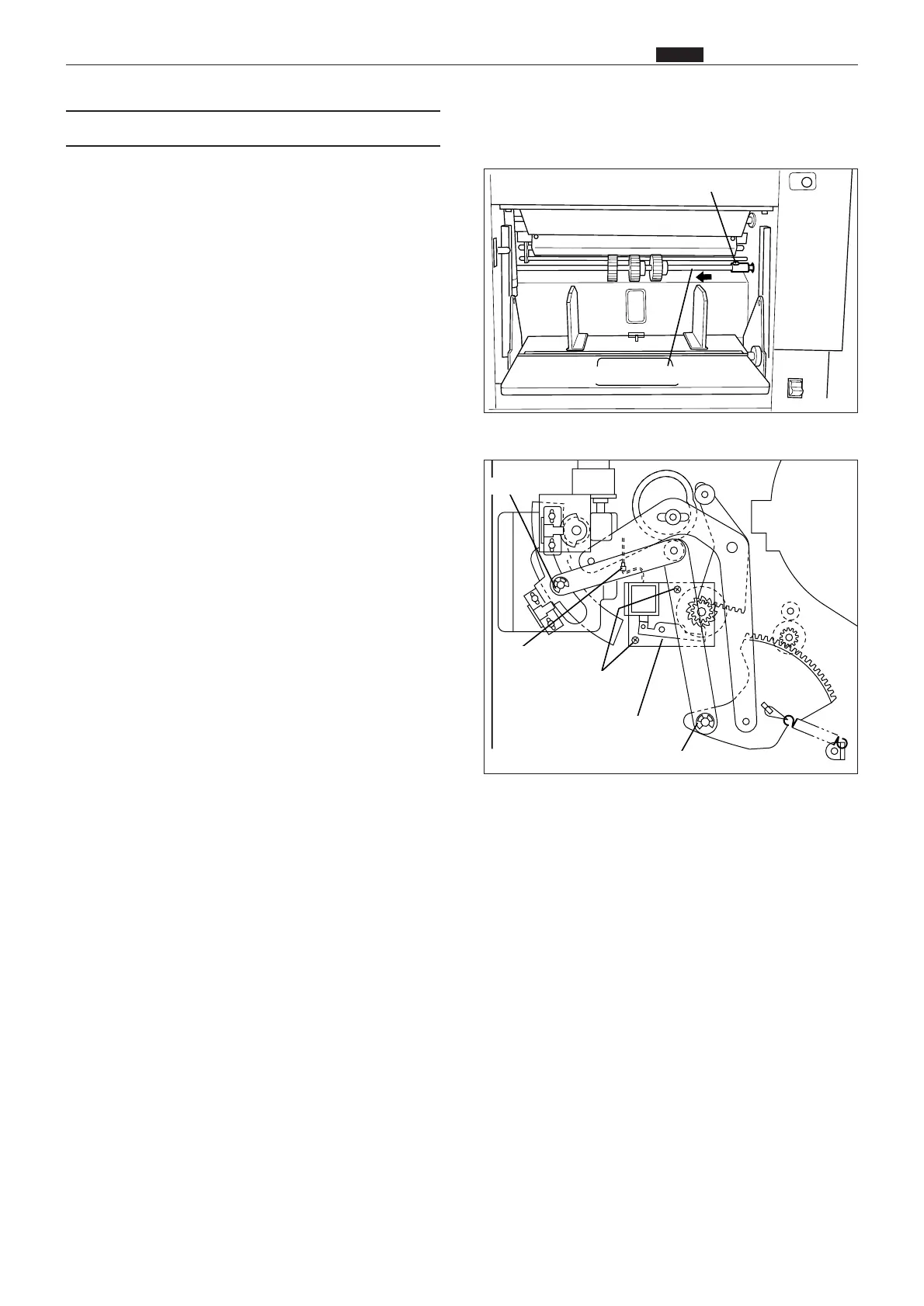
(5) Removal of Paper Feed Clutch Unit
1) Remove the screw indicated, and disconnect the
paper feed shaft from the coupling.
2) Remove the 2 E-rings, and remove the links.
3) Remove the cord band, and remove the connector
indicated.
4) Remove the 2 screws indicated, and remove the
paper feed clutch unit.
Screw
Paper feed shaft
Paper feed clutch unit
E-ring
E-ring
Connector
Screws
63S00357
43SH0347










 To Next Page