241
, Drum Section
chap.4
3. Adjusting the Lateral R / E on the Reading Side
Adjustment procedure
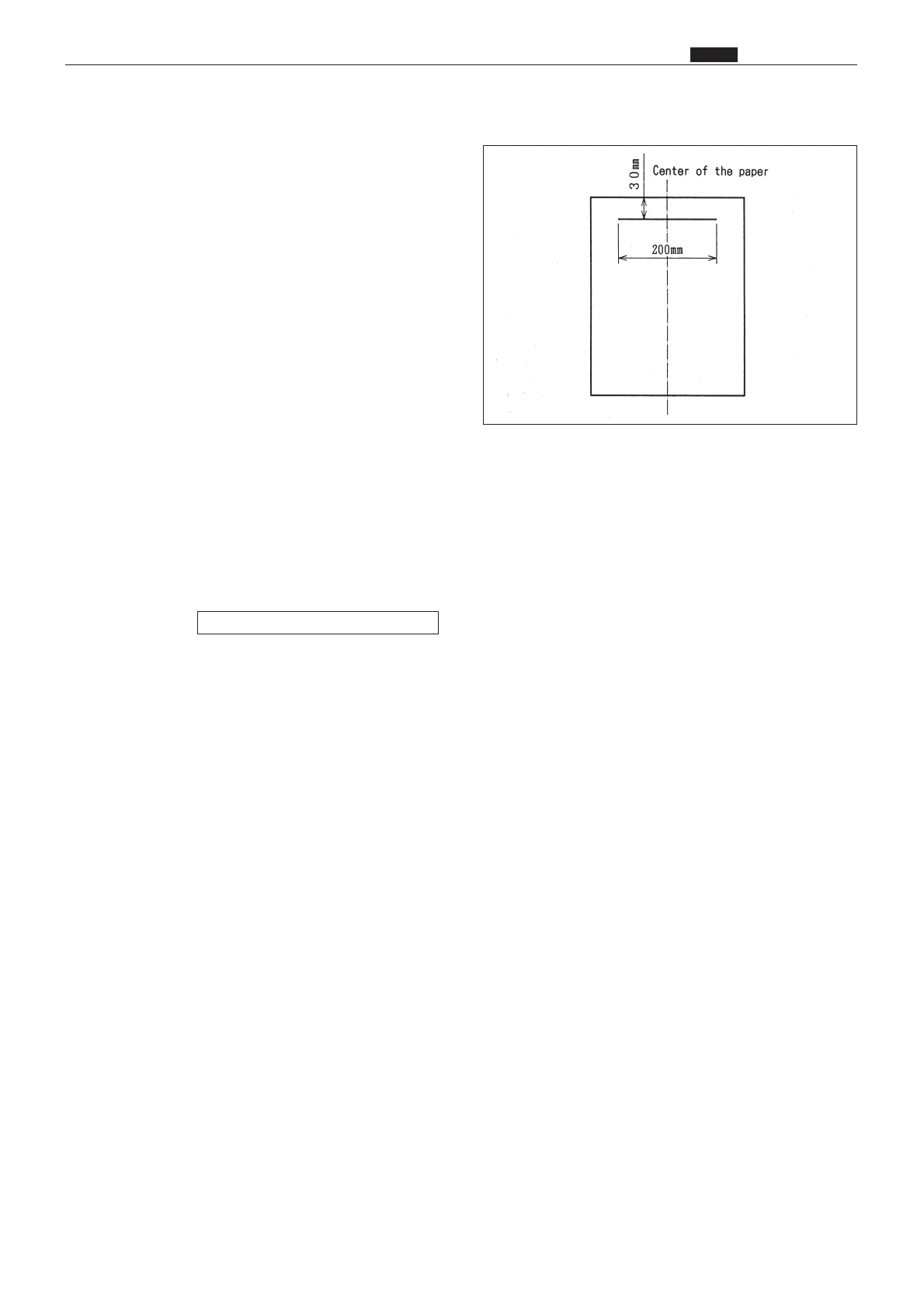
1) Prepare a basic document as shown in the figure.
Draw a 200mm-line at the position 30mm from
the top end of the A3 (DP-43E/S) or B4 (DP-
33E/S, 31E/S) paper.
2) Place the basic document on the document table
to perform platemaking and printing.
Standard values:
¡Compare the size of A section of the printed
image with that of the basic document. Check
that the difference of the size is ±2.0mm.
If the clearance is not the standard value:
1) If not, adjust with the H-49.
HELP mode H-49 \ see p.350










 To Next Page