350
c HELP Mode Function and Operation Procedures
chap.7
H-49
(1) Adjustment / specification settingHELP mode
1. Functions
(1) Adjustment of sensing side widthwise zoom factor
2. Operation procedures
- L -
****
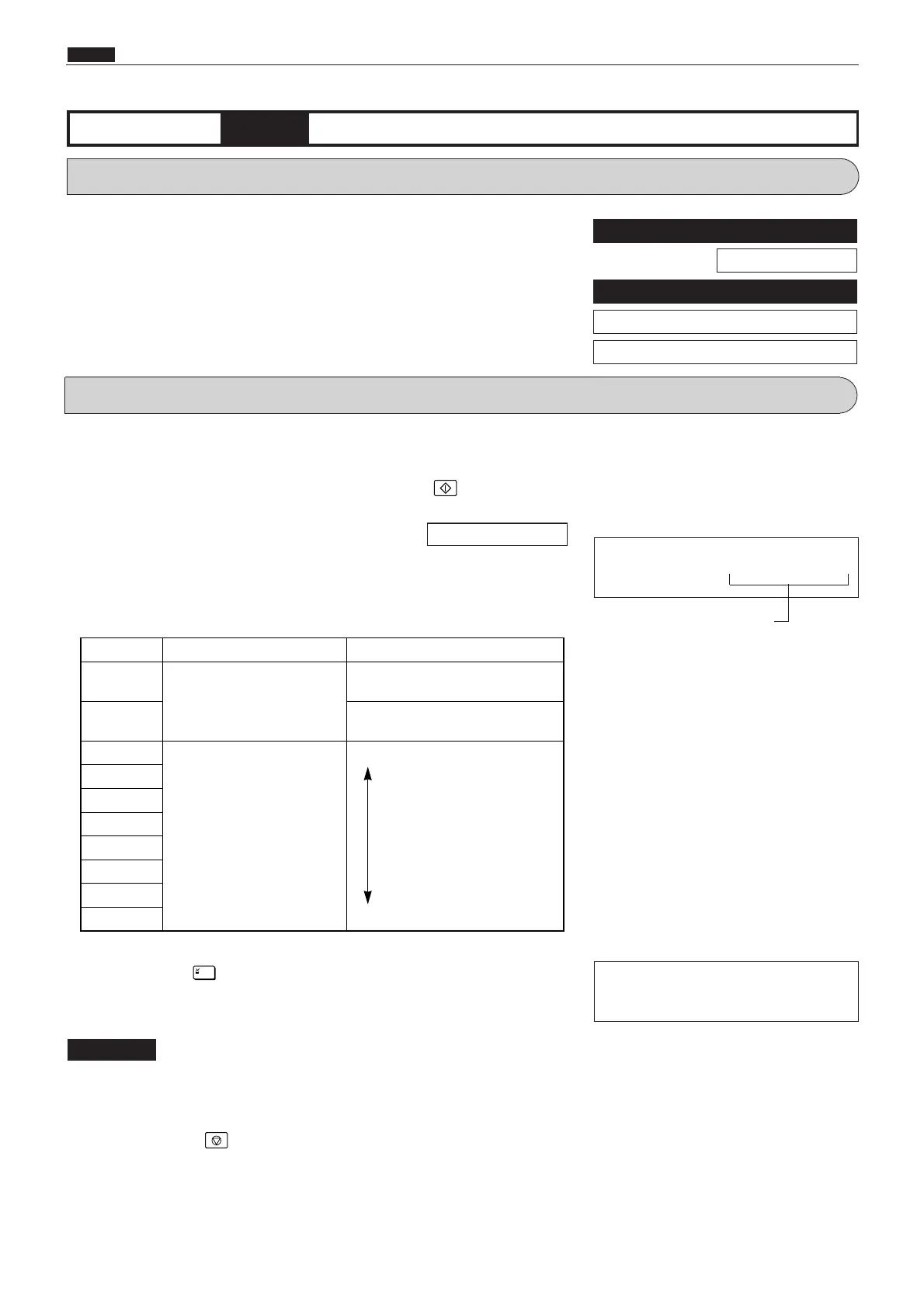
Correction amount display
During memorization:
(1) Adjustment of sensing side widthwise zoom factor
q
Access HELP mode H-49, and press the PRINT key.
For the basic procedure for accessing HELP modes.
w
Use the [0] and [1] numeric keys to enter a 4-place binary value for
the desired correction amount. See the table below for 4-place
binary values and the corresponding correction amounts.
r
Press the STOP key. The HELP mode selection display will
reappear.
a To exit the HELP mode : Turn the power switch OFF.
a To access another HELP mode : Enter the desired mode number
using the numeric keys.
e
Press the [=] key. The correction amount will be memorized
in the battery PCB unit's EEPROM. During memorization, "-L-"
will be displayed.
Do not turn off the power before the "-L-" display has disappeared.
IMPORTANT
\See page 291
For Standards / Adjustment
\See page 241
Related HELP mode
HELP mode H-24 \See page 328
HELP mode H-22 \See page 326










 To Next Page