4/4
3. Mode
32513
32513
Setup
6. From the check results at Step 4 and Step 5, decide the correction value and enter each color to
change.
7. Click Enter.
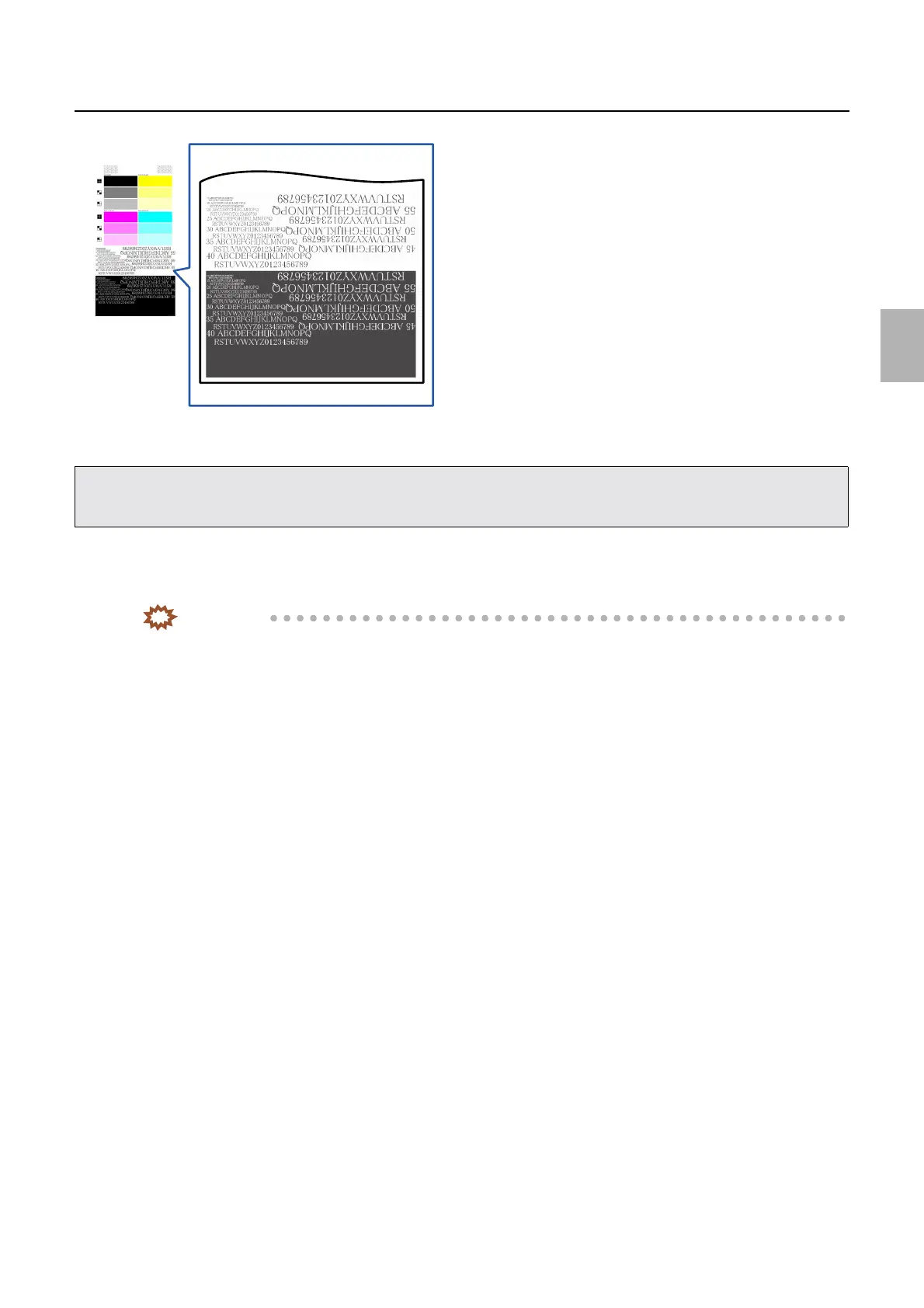
8. Check the letters on the prints carefully and correct them if necessary.
IMPORTANT
• The test print is reference. Confirm the result with the actual print.
• Correct all CMY colors in the minus direction.
• For example, when you want to decrease the B (blue) color, do not increase (plus direction) the Y correction value, but correct M
and C in the minus direction.
G084961
Distributed by: minilablaser.com



 To Next Page