2/3
3. Mode
32514
32514
Setup
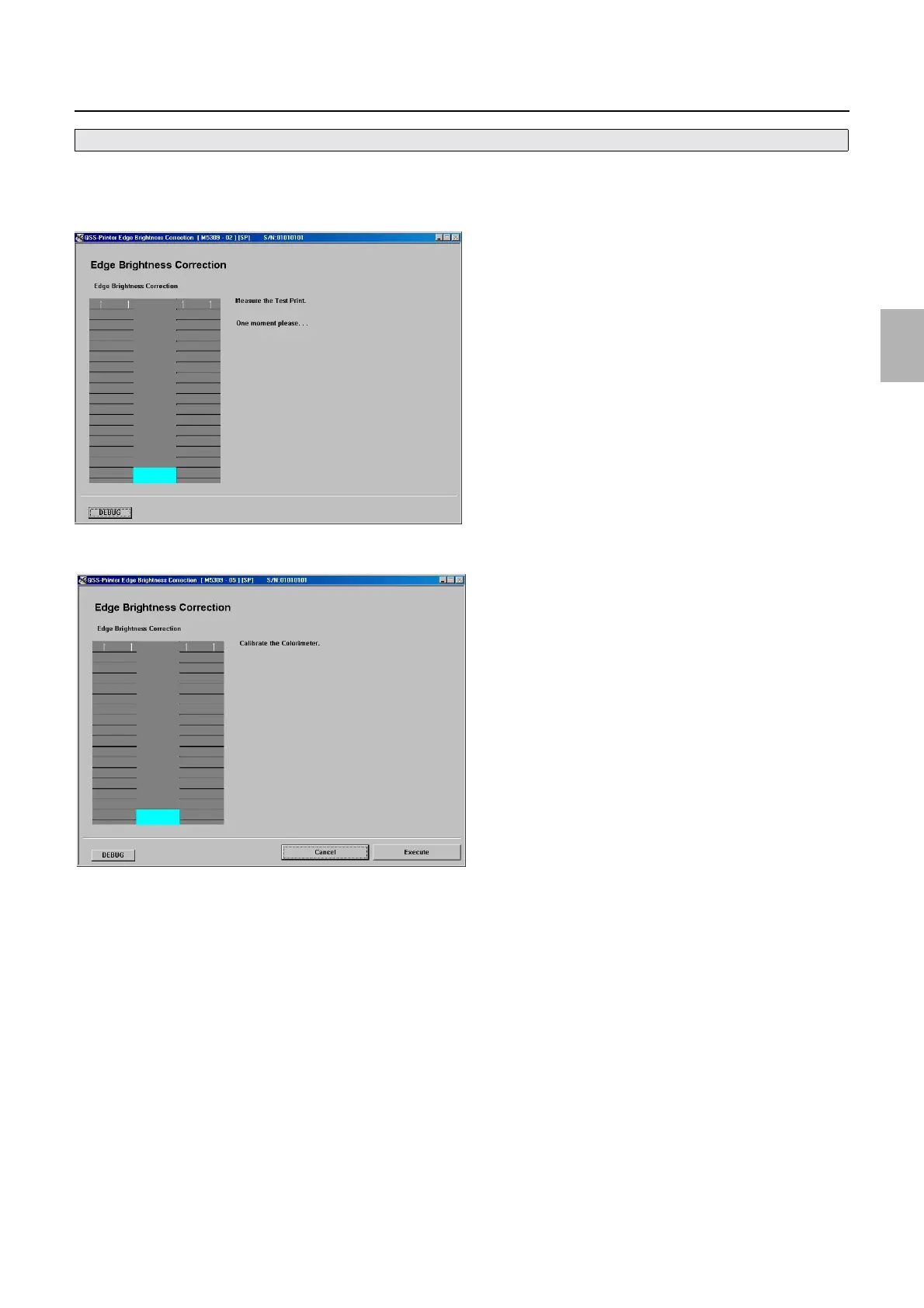
4. Pressing Next starts automatic test print.
5. The test print measurement display is shown.
6. The calibration display of the colorimeter is shown.
7. Click Execute.
8. Confirm that the printing surface of the test print is not dirty.
• If it is clean, go to the next step.
• If it is dirty, continue printing until it becomes clean.
9. Open the conveyor unit.
• You can perform Brightness of the Edge only with paper whose width is 305 mm.
M5309-02
M5309-05
Distributed by: minilablaser.com



 To Next Page