3. Mode
33004
2/5
33004
Processor Settings
1. Click Functions.
2. Click Measure Auto Cleaning Water Output Amount.
The display to select the processing solution to output is shown.
3. Select the processing solution to measure the output amount.
4. Move the colorimeter unit to the central position of the rail.
5. Spread a cloth or the like over the processor top.
When removing the hose of automatic cleaning pipe, the water in the hose comes out. Spread a cloth from the lower
processor top cover to upper processing tank to prevent water from getting into the processing tank.
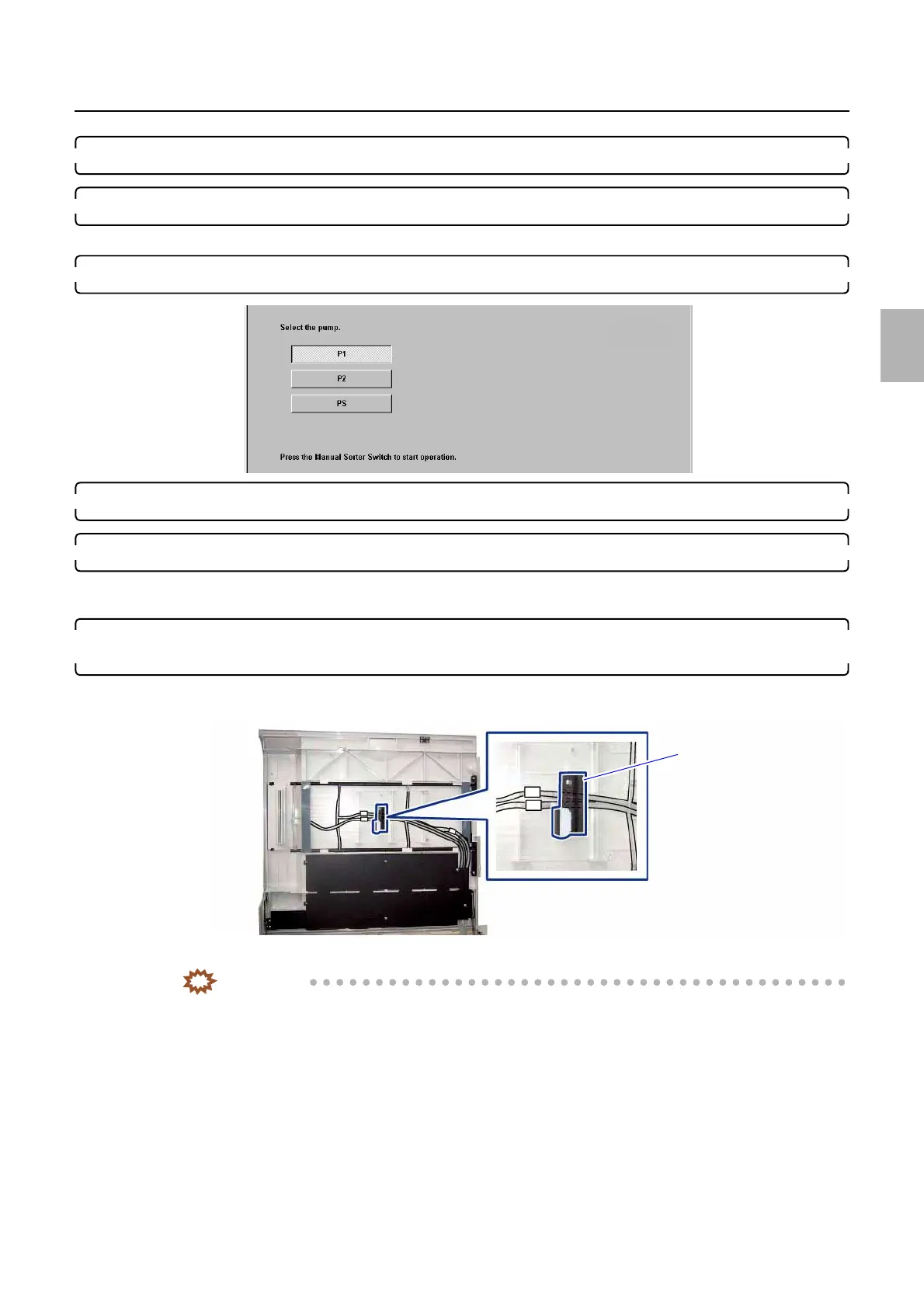
6. Remove the hose of automatic cleaning pipe used for measuring the output of the processing solution
at the connection part.
(1) Remove the hose of automatic cleaning pipe from the following part.
(2) Remove the connection parts.
IMPORTANT
• Water comes out from the hose of automatic cleaning pipe. Be careful not to get in the water in the
processing tank to prevent the contamination.
S5468-01-UM00
Disconnect the hose from
this part.
G088992
Distributed by: minilablaser.com



 To Next Page