3/5
3. Mode
33004
33004
Processor Settings
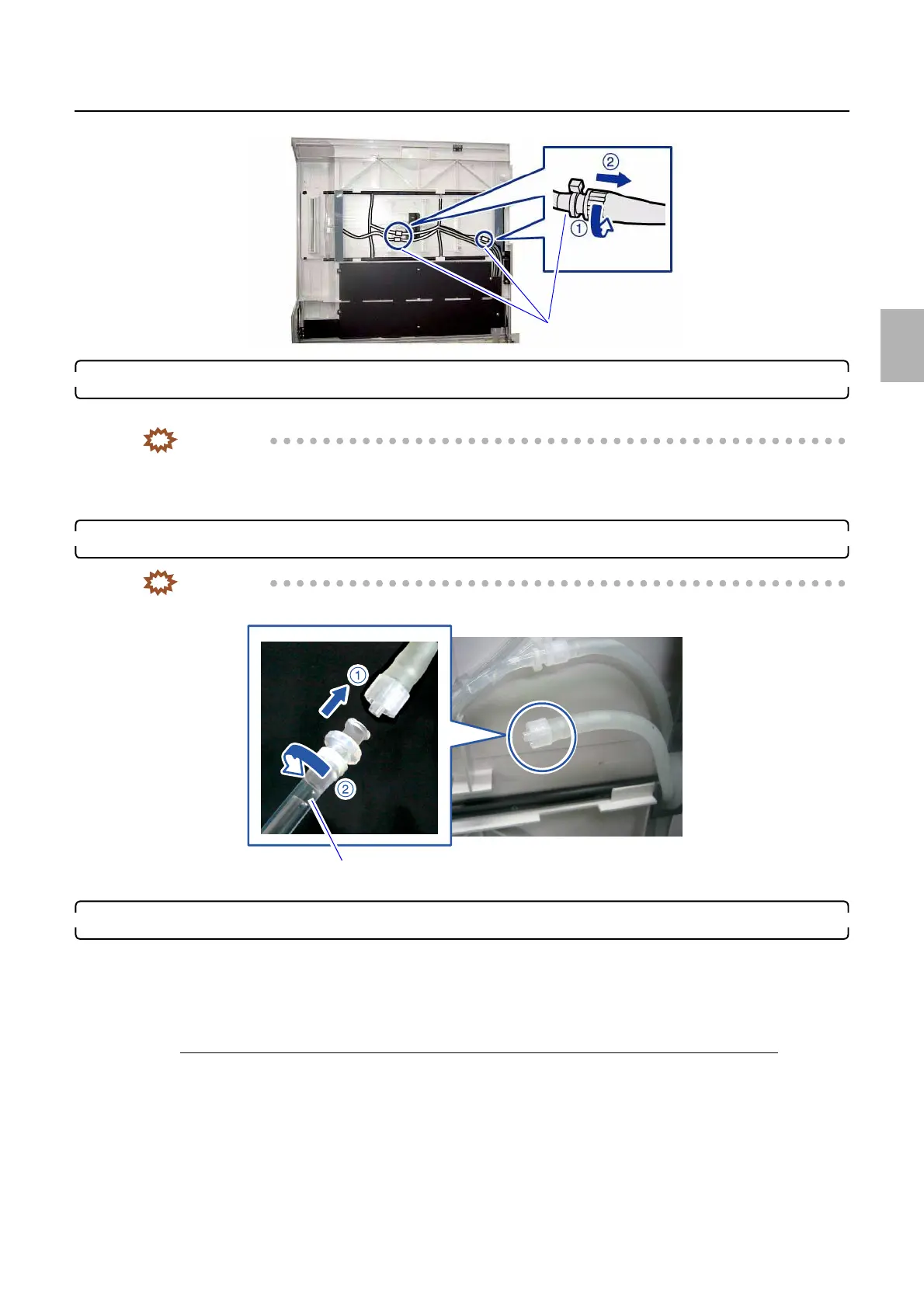
7. Connect the measurement hose to the connection part which removed the hose at the step 2.
Measure the output amount after removing the water inside the hose completely.
IMPORTANT
• There are two types of measurement hoses; one is for P1/P2 and the other is for PS. A label is attached on
each hose. If the hose for different processing solution is used for measuring the output, water cannot be
supplied correctly.
8. Prepare the measuring container to get water from the measurement hose.
IMPORTANT
• Water comes out. Be careful not to get in the water in the processing tank to prevent the contamination.
9. Measure the pump output amount.
(1) Confirm that the measuring container to get water from the measurement hose is ready.
(2) Carry out the output.
There are two types for carrying out the output.
When carrying out the output with the manual sorter switch (manual replenisher switch)
Press the manual sorter switch (manual replenisher switch).
Connection parts
G088971
Measurement hose
Prepare the measuring container to get water from the outlet.
G086880
Distributed by: minilablaser.com



 To Next Page