3. Mode
33004
4/5
33004
Processor Settings
The time of the procedure completion is shown. Wait until the time is 0.
When carrying out the output on the display monitor
Click YES: Execute.
The time of the procedure completion is shown. Wait until the time is 0.
IMPORTANT
• When the replenishment solution does not come out from the exit of the replenishment pipe, the pipe may
contain the air. In this case, repeat the procedure of output until the replenishment solution comes out, and
dispose the replenishment solution as effluent after coming out the replenishment solution and measure the
output amount again.
10. Measure the water amount discharged to the measuring container and write down the amount.
If the pump is activated once, the output is carried out at one time. The output cannot be divided in several times. Confirm the
completion of the output and measure the output amount.
11. After measuring the output amount, dispose the water discharged to the measuring container as
effluent.
IMPORTANT
• Be sure to dispose the water discharged to the measuring container as effluent and not to put it in the
processing tank.
12. Measure the output amount three times or more on a processing solution and calculate the average
amount.
The first output amount is unstable. Measure the average amount at the measured value after second output amount.
Repeat the procedure from Step 8 to Step 11 three times or more and calculate the average amount. When measuring the
output amount of other processing solution continuously, wipe the measuring container and remove the water completely.
13. Click NO: Cancel.
The screen returns to the Auto Cleaning Water Output Amount Setting display.
14. Change the output amount measured on the Auto Cleaning Water Output Amount Setting screen
to the average amount calculated on Step 12.
15. Click YES: OK.
The output amount is registered.
16. Remove the measuring hose.
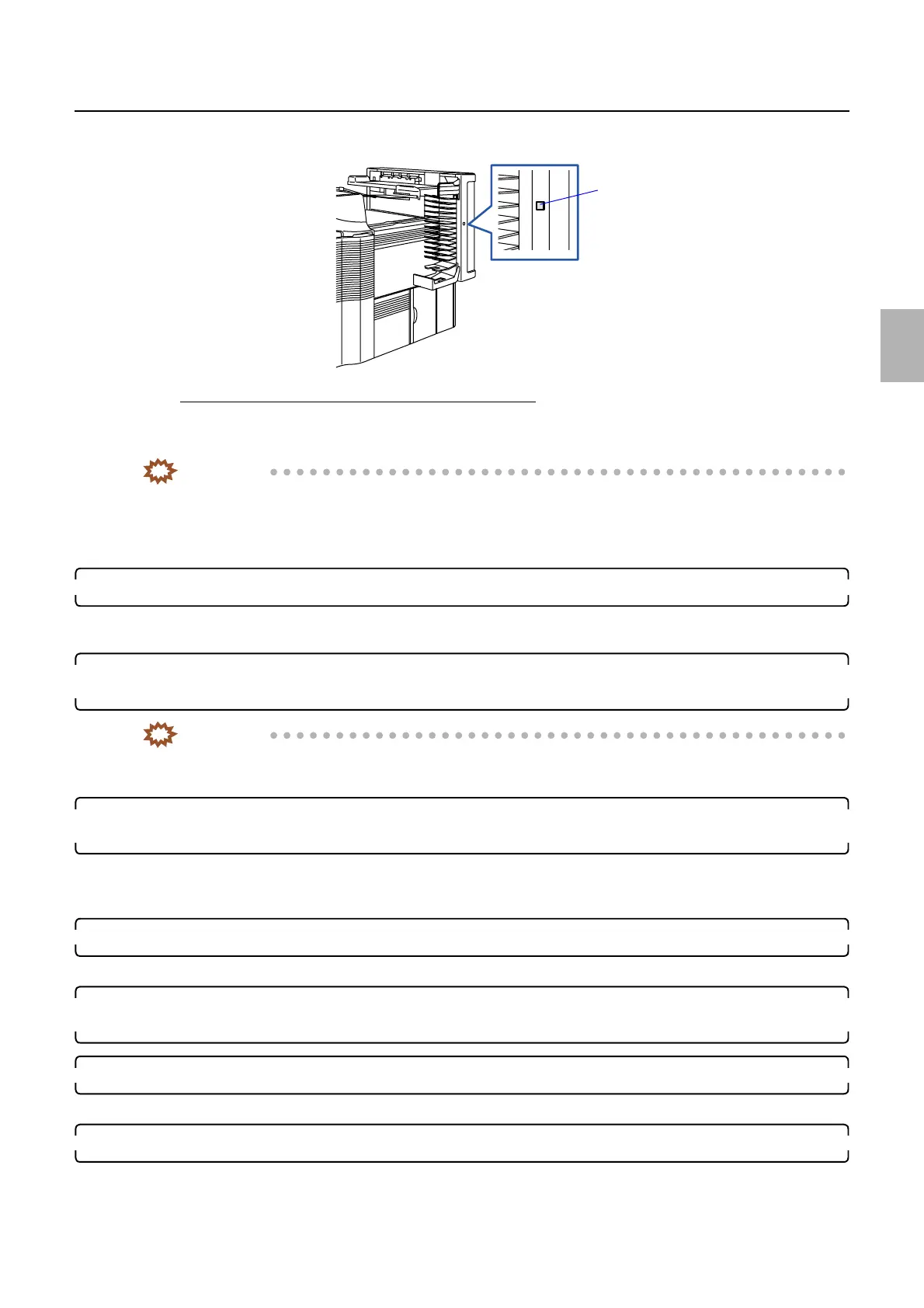
Manual sorter switch
G086903
Distributed by: minilablaser.com



 To Next Page