2/5
3. Mode
35210
35210
Maintenance
!
!!
! Magazine Code C
!
!!
! Magazine Unit A
!
!!
! Magazine Unit A2-1
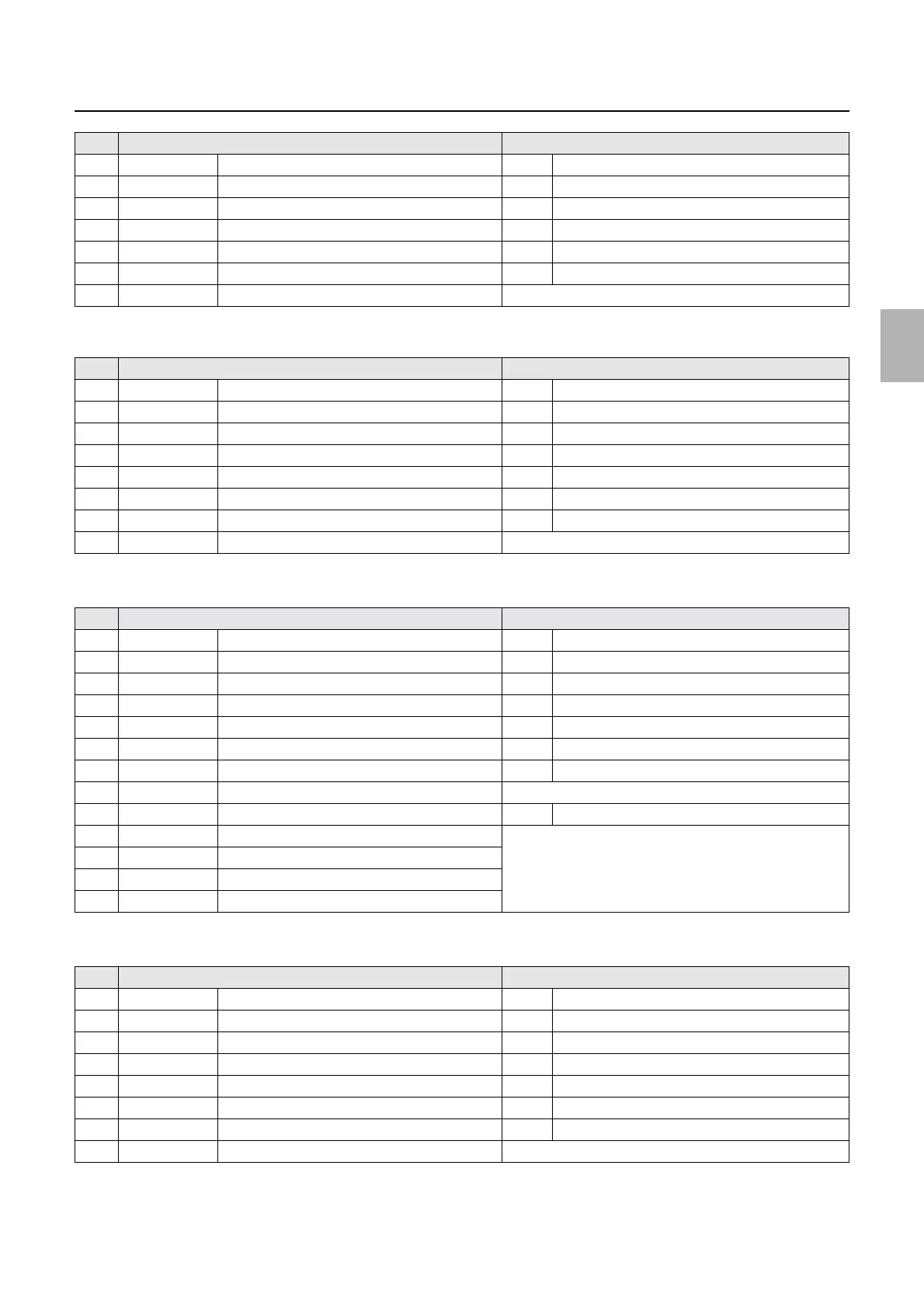
2 DARK/LIGHT Paper Magazine Code Sensor B2 DARK When the pin is detected.
3 DARK/LIGHT Paper Magazine Code Sensor B3 DARK When the pin is detected.
4 DARK/LIGHT Paper Magazine Code Sensor B4 DARK When the pin is detected.
5 DARK/LIGHT Paper Magazine Code Sensor B5 DARK When the pin is detected.
6 DARK/LIGHT Paper Magazine Code Sensor B6 DARK When the pin is detected.
7 DARK/LIGHT Paper Magazine Code Sensor B7 (Left) DARK When the pin is detected.
8 ### Attached Paper Magazine B Displays the attached paper magazine.
No. Display Status
1 DARK/LIGHT Paper Magazine Code Sensor C1 (Lower) DARK When the pin is detected.
2 DARK/LIGHT Paper Magazine Code Sensor C2 DARK When the pin is detected.
3 DARK/LIGHT Paper Magazine Code Sensor C3 DARK When the pin is detected.
4 DARK/LIGHT Paper Magazine Code Sensor C4 DARK When the pin is detected.
5 DARK/LIGHT Paper Magazine Code Sensor C5 DARK When the pin is detected.
6 DARK/LIGHT Paper Magazine Code Sensor C6 DARK When the pin is detected.
7 DARK/LIGHT Paper Magazine Code Sensor C7 (Upper) DARK When the pin is detected.
8 ### Attached Paper Magazine C Displays the attached paper magazine.
No. Display Status
1 DARK/LIGHT Paper Magazine Code Sensor A1 (Upper) DARK When the pin is detected.
2 DARK/LIGHT Paper Magazine Code Sensor A2 DARK When the pin is detected.
3 DARK/LIGHT Paper Magazine Code Sensor A3 DARK When the pin is detected.
4 DARK/LIGHT Paper Magazine Code Sensor A4 DARK When the pin is detected.
5 DARK/LIGHT Paper Magazine Code Sensor A5 DARK When the pin is detected.
6 DARK/LIGHT Paper Magazine Code Sensor A6 DARK When the pin is detected.
7 DARK/LIGHT Paper Magazine Code Sensor A7 (Lower) DARK When the pin is detected.
8 ### Attached Paper Magazine A Displays the attached paper magazine.
9 DARK/LIGHT Paper End Sensor A DARK Paper is detected.
10 ON/OFF Interlock Switch (Printer Top Cover) See
☞Operation of the interlock switches.
11 ON/OFF Interlock Switch (Printer Doors 1, 4)
12 ON/OFF Interlock Switch (Printer Door 2)
13 ON/OFF Printer Door 3 Sensor
No. Display Status
1 DARK/LIGHT Paper Magazine Code Sensor A21 (Upper) DARK When the pin is detected.
2 DARK/LIGHT Paper Magazine Code Sensor A22 DARK When the pin is detected.
3 DARK/LIGHT Paper Magazine Code Sensor A23 DARK When the pin is detected.
4 DARK/LIGHT Paper Magazine Code Sensor A24 DARK When the pin is detected.
5 DARK/LIGHT Paper Magazine Code Sensor A25 DARK When the pin is detected.
6 DARK/LIGHT Paper Magazine Code Sensor A26 DARK When the pin is detected.
7 DARK/LIGHT Paper Magazine Code Sensor A27 (Lower) DARK When the pin is detected.
8 ### Attached Paper Magazine A2 Displays the attached paper magazine.
No. Display Status
Distributed by: minilablaser.com



 To Next Page