2/2
3. Mode
35600
35600
Maintenance
!
!!
! Data
!
!!
! Control PCB (CPU), system file name, and software to be upgraded
When replacing each control PCB, select the check box of the software to be upgraded, then upgrade.
!
!!
! The location of the system program
Software Upgrade (HD)
C:\Noritsukoki\QSS-32_33\Data\Sys
!
!!
! Procedures for installing the system program
1. Exit the system program.
2. Insert the system program CD into the DVD drive and start Setup.exe in the CD-ROM.
3. When the InstallShield Wizard display is shown, click Next.
4. Installation starts.
5. Operations after installing the system program
LP7400, LP7500, LP7600
1. Select Select All on the Software Upgrade display and upgrade each control PCB.
2. Perform the Daily Setup from the Maintenance Application.
QSS-37
NOTE
• Because upgrading the printer is automatically performed, it is not necessary to upgrade on the Software Upgrade
display.
• If upgrading profile, perform the Daily Setup from the Maintenance Application. Otherwise, the message
☞No. 01756 Printer profile versions are inconsistent. is shown.
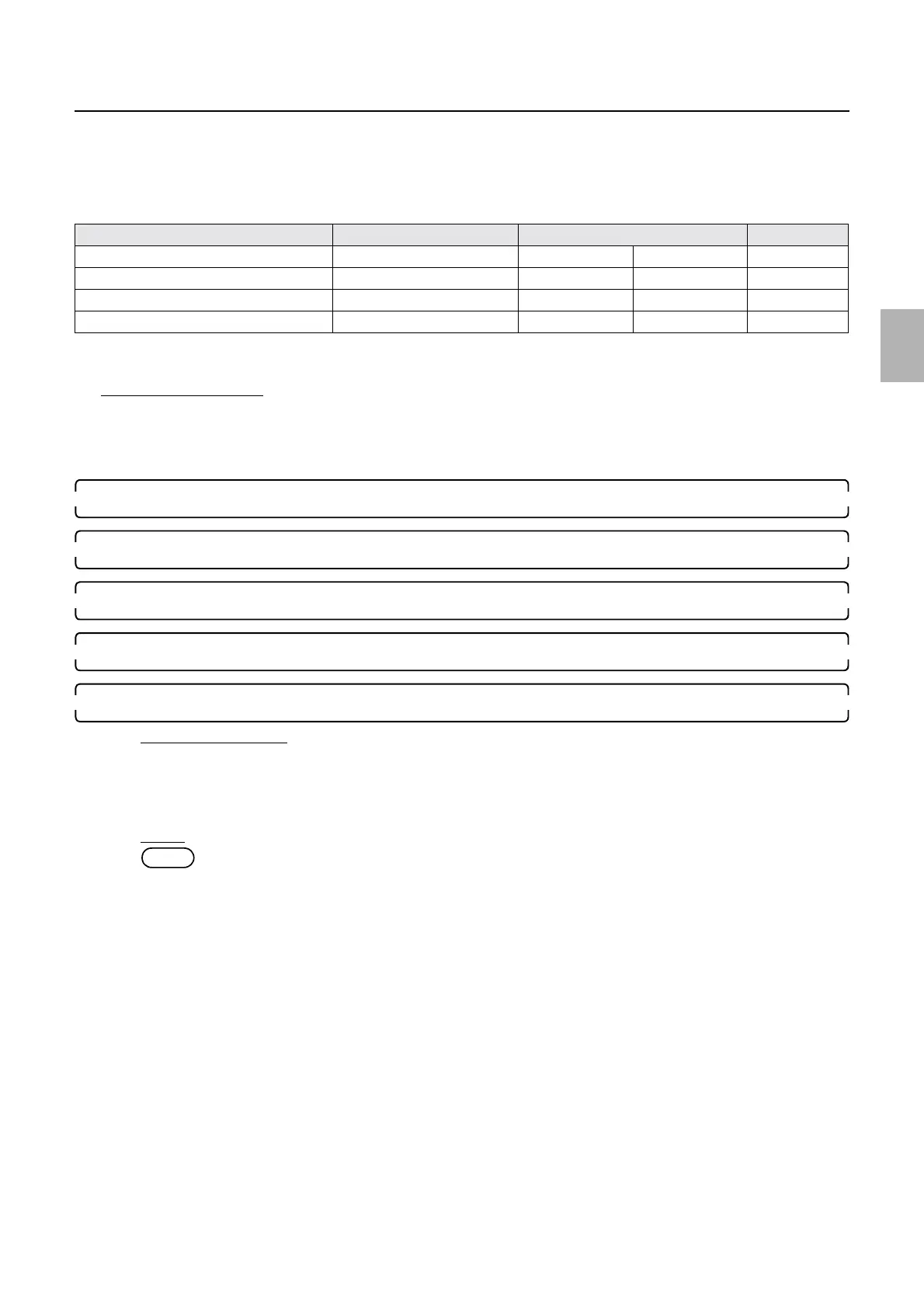
Control PCB Software to be upgraded System file name Remarks
Processor control PCB Processor proc0_1.sys proc1_1.sys
Printer control PCB Printer supply0.sys supply1.sys
Laser control PCB LASER laser0.sys laser1.sys
Printer I/F main PCB Printer I/F main PCB printerif0.sys printerif1.sys
Distributed by: minilablaser.com



 To Next Page