8/9
3. Mode
36080
36080
Printer Mechanical Adjustment
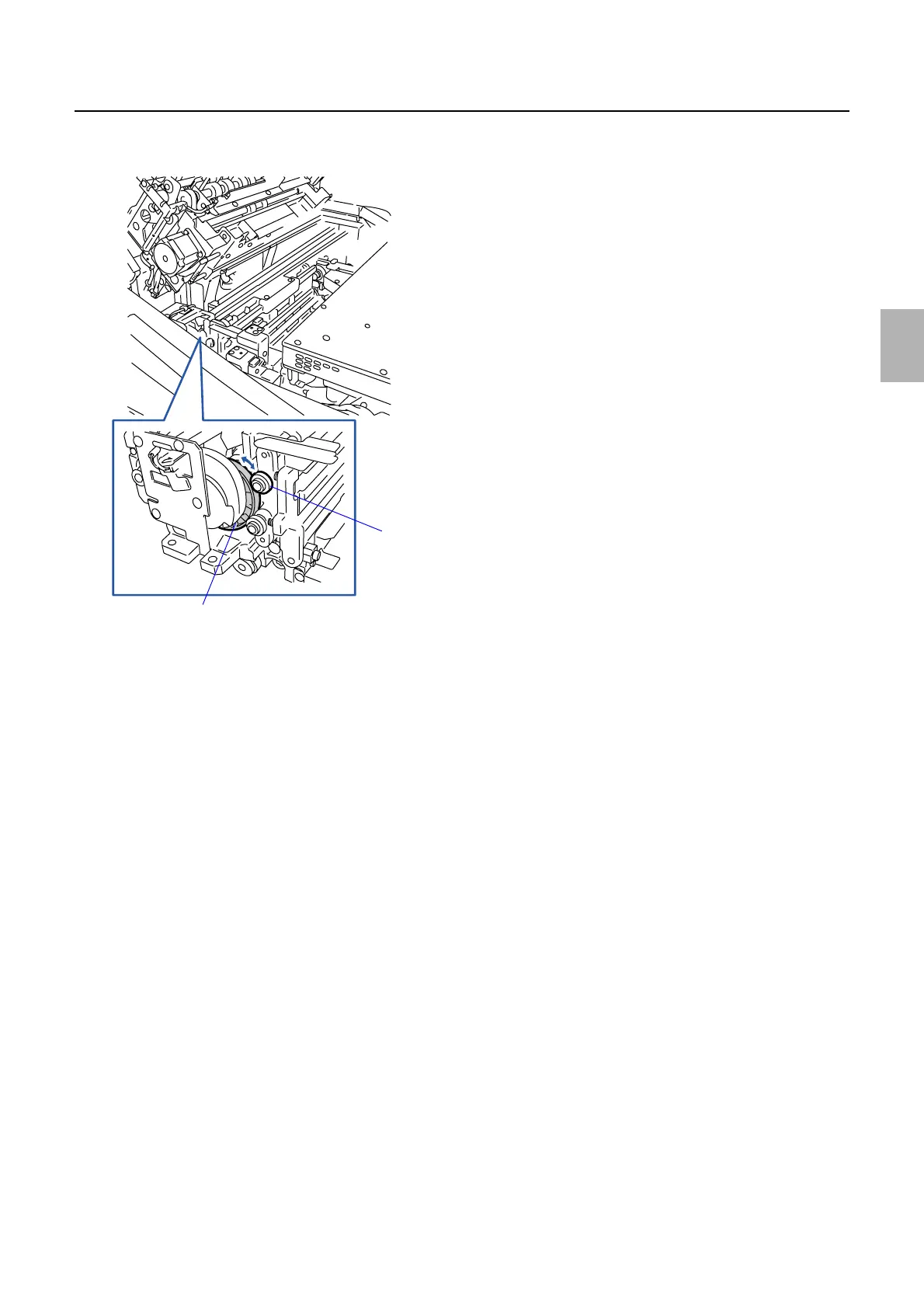
1. Turn the cam on the exposure advance unit to release the pressure of the pressure roller at the exit
side.
2. Release the pressure of the pressure roller at the exit side and set the paper. Make fine adjustments of
the cam in the exposure advance unit so that the pressure release amount of the pressure roller at the
inlet side is the thickness of about one sheet of paper.
Cam
Pressure roller at the exit side
G072399
Distributed by: minilablaser.com



 To Next Page