4. Troubleshooting
41300
2/2
41300
Attention message: Scanner/ Film Carrier
NOTE
• In the Attention message table, attention message numbers that are not used currently may be listed.
See the Connection Unit Service Manual.
NOTE
• In the Attention message table, attention message numbers that are not used currently may be listed.
See the Scanner Service Manual.
NOTE
• In the Attention message table, attention message numbers that are not used currently may be listed.
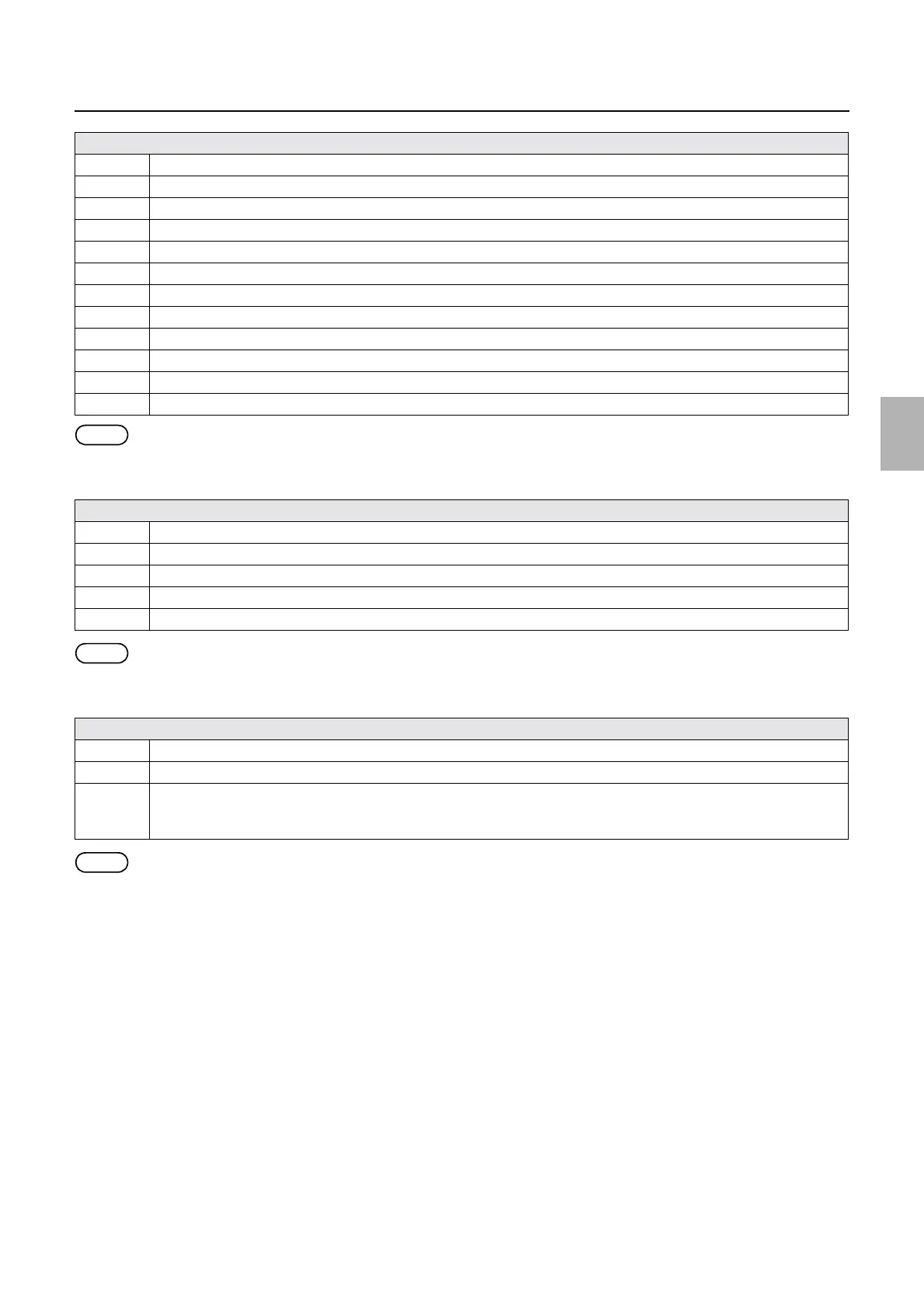
No. 01422 Select the 135 lane.
No. 01423 Execute Sensor LED Light Intensity Adjustment. Remove the film from the Film Carrier.
No. 01424 Sensor LED Light Intensity Adjustment is being executed.
No. 01425 Sensor LED Light Intensity Adjustment is complete.
No. 01426 Attach the 110 AFC.
No. 01427 Execute Sensor LED Light Intensity Adjustment. If film remains in the Film Carrier, remove it.
No. 01428 Remove the mount from the Film Carrier.
No. 01429 Make sure that the mount is placed correctly.
No. 01433 Attach the AMC.
No. 01435 Insertion direction of film is different. Insert the film from the rear end (end with largest frame number).
No. 01438 Set the attachment.
No. 01439 Light Source was not updated. Would you like to scan?
Attention message table
No. 01450 Attach the Connecting Unit.
No. 01451 Remove the film from the Connecting Unit.
No. 01452 Film Processor was not detected.
No. 01454 Close Film Advance Guides 1 and 2.
No. 01455 Remove the film from the Negative Stocker.
Attention message table
No. 01458 Attach the MFC.
No. 01459 Set the Adjustment Attachment.
No. 01460 The film advance section may be soiled. At the end of the daily operation (on the Close Down Checks display),clean the
film advance section using the cleaning leader.
For details, see the Troubleshooting Manual (scanner).
Attention message table
Distributed by: minilablaser.com



 To Next Page