Instructor User Guide
AIRCRAFT Tab
AIRCRAFT Tab
13 Oct 2017
Page 93
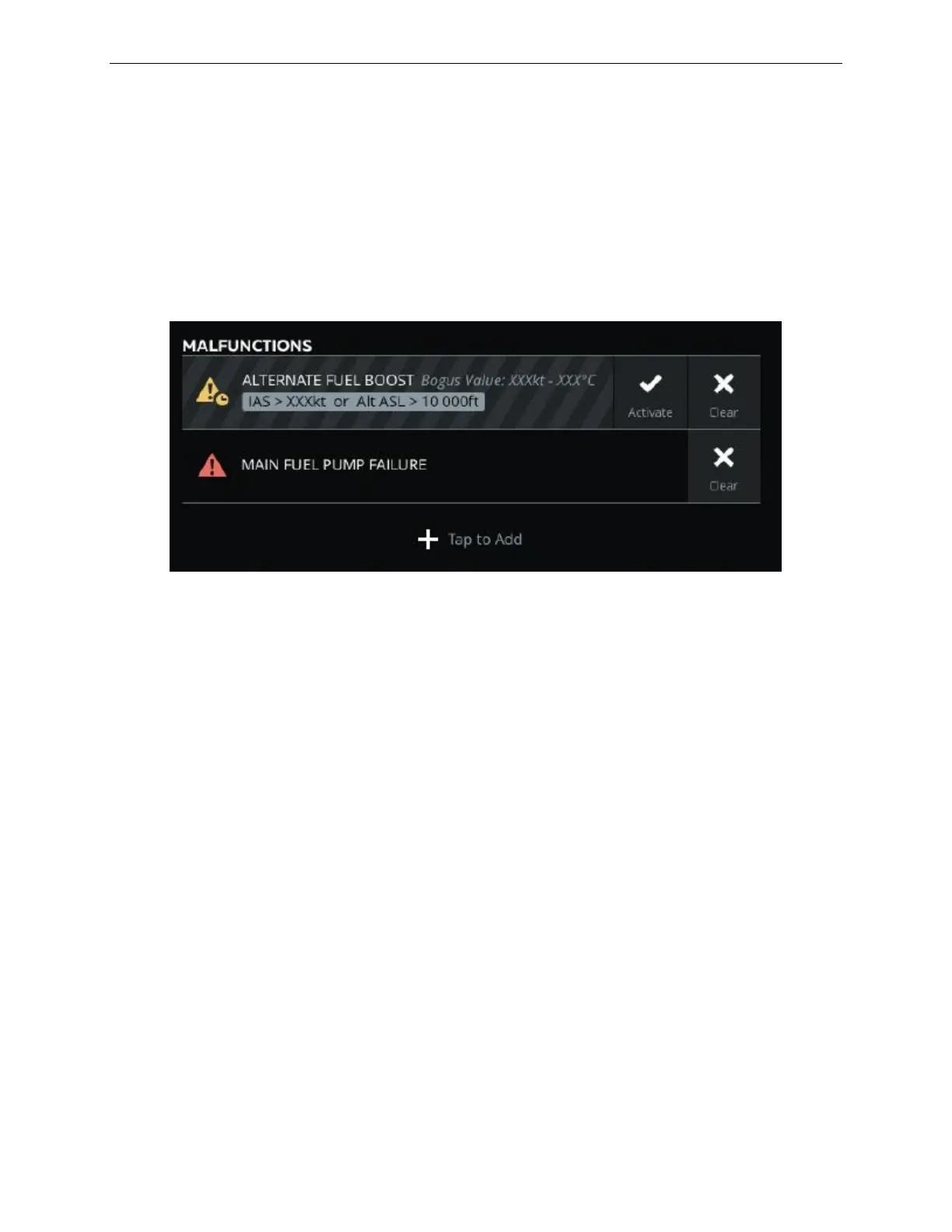
8.15 MALFUNCTIONS Section
The MALFUNCTIONS Section provides a summary of all active and/or armed
malfunctions.
In this section, the instructor can:
• Clear an active or armed malfunction as well as activate an armed malfunction.
• Scroll through when there are more than four malfunctions active or armed.
Figure 51 AIRCRAFT Tab – MALFUNCTIONS Section
8.15.1 Activate
Tap this button to activate the armed malfunction.
8.15.2 Clear
Tap this button to deactivate and clear the selected malfunction.
8.15.3 Clear All
Tap this button to deactivate and clear all armed or active malfunctions.
8.15.4 Tap to Add
Tap this button to open the MALFUNCTIONS sliding panel and add a new
malfunction to the simulation.



 To Next Page