A320 Neo Instructor Operating Station
Instructor User Guide
Control Board Footer
13 Oct 2017
Page 196
11.12 Notifications
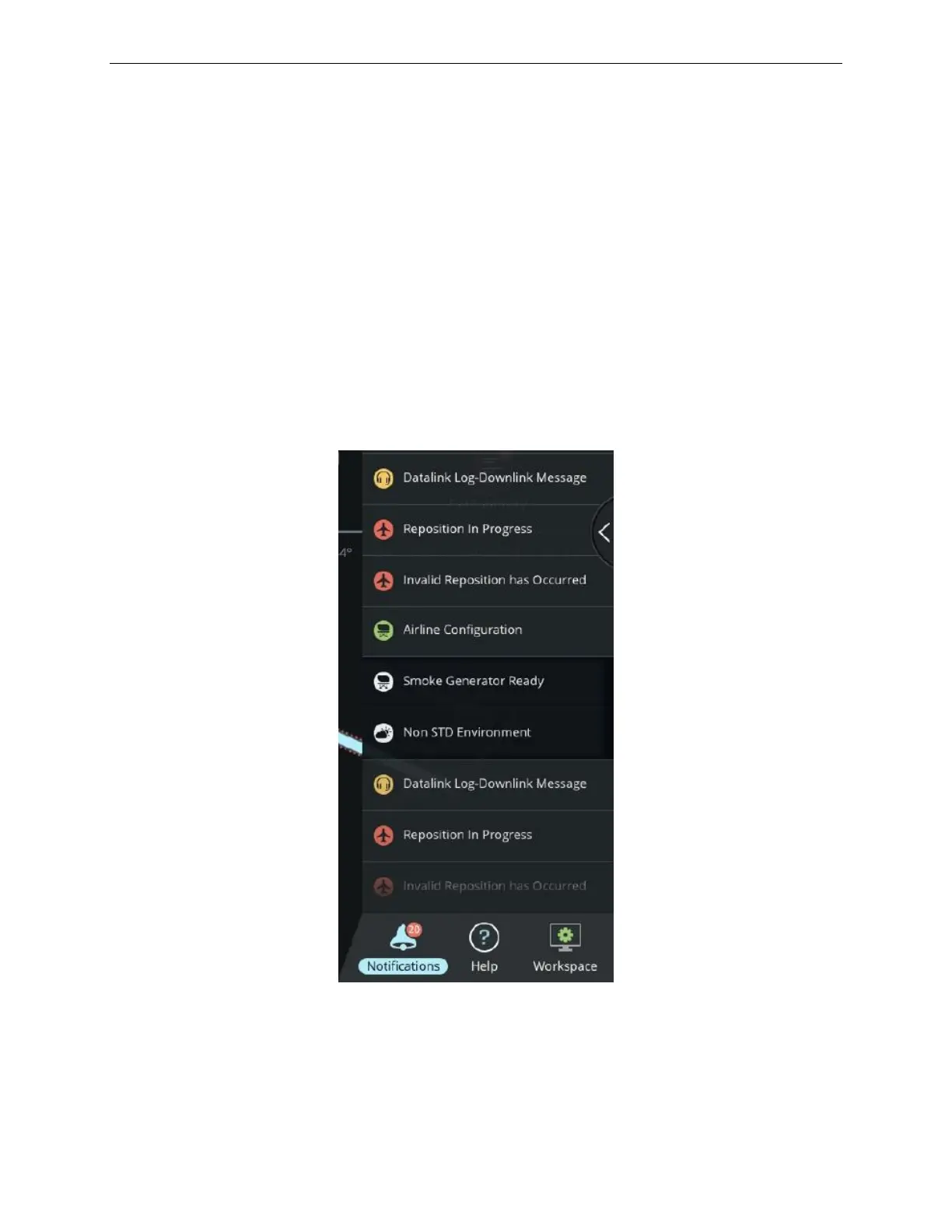
The Notifications button allows the instructor to view the notifications of events as
they occur during the simulation. Each notification message displayed on screen has a
color-coded icon depending on the severity of the message.
When a new event occurs, the associated notification message is displayed for five
seconds. As additional notifications are occurring during the simulation period, these
are stacked on top of each other.
Notifications that are no longer relevant are automatically removed from the listing.
A red badge on the Notifications button shows the number of active messages. Tap on
the button to display the list of active notifications.
Figure 99 Notifications



 To Next Page