A320 Neo Instructor Operating Station
Instructor User Guide
Map Workspace
13 Oct 2017
Page 222
15.4 Map Footer
The Map footer includes controls that are grouped in three sections:
• Left Side Footer
• Middle Footer
• Right Footer
15.4.1 Left Side Footer
The left side footer provides supplemental information about the student’s
performance such as graphs. It includes the following toggle and roll up menus:
• Events
• Plots
• Clear
Figure 129 Left Side Footer
15.4.1.1 Events
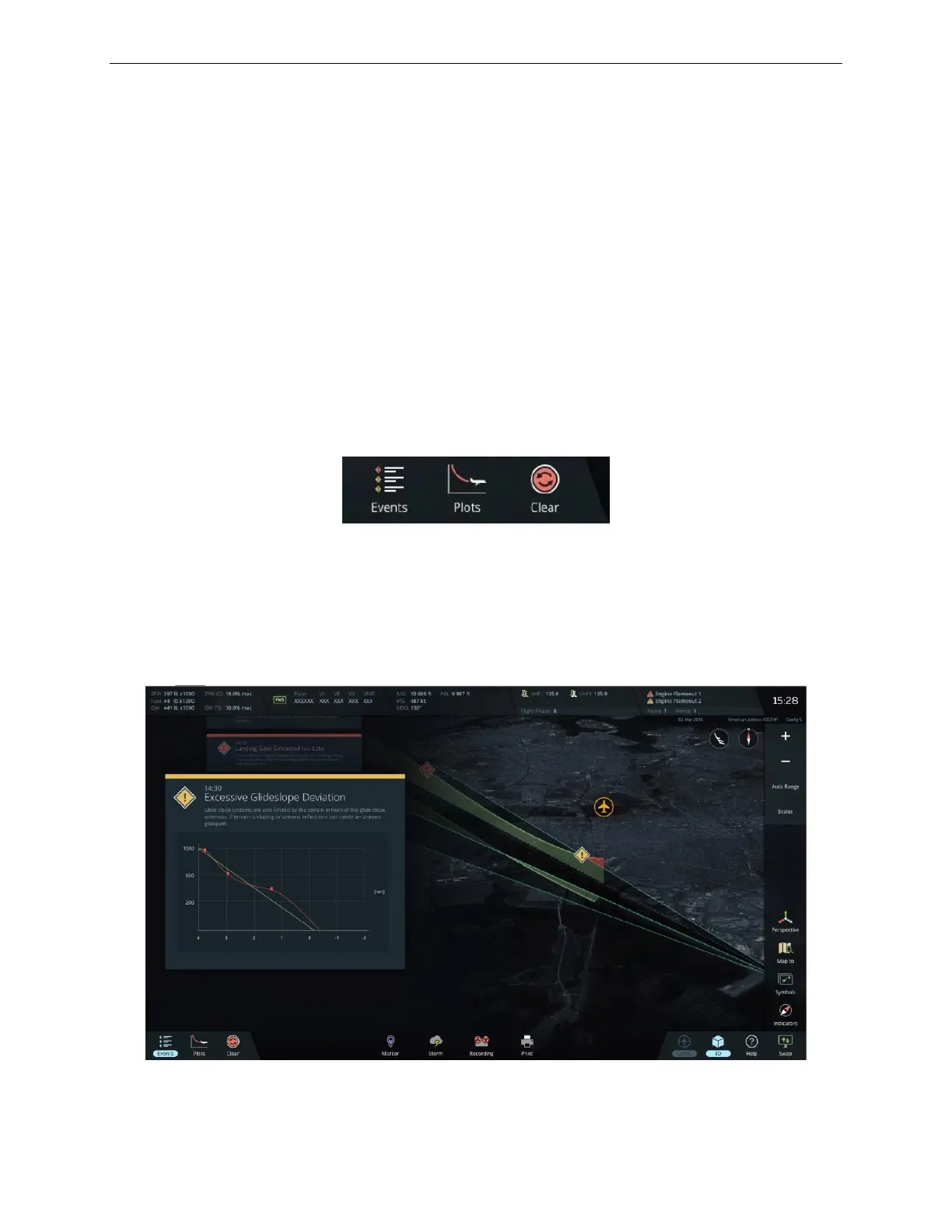
The Events toggle menu displays/hides the exceedances and abnormal conditions
messages identified by the system.
Figure 130 Left Events Toggle Menu



 To Next Page