Instructor User Guide
AIRCRAFT Tab
AIRCRAFT Tab
13 Oct 2017
Page 61
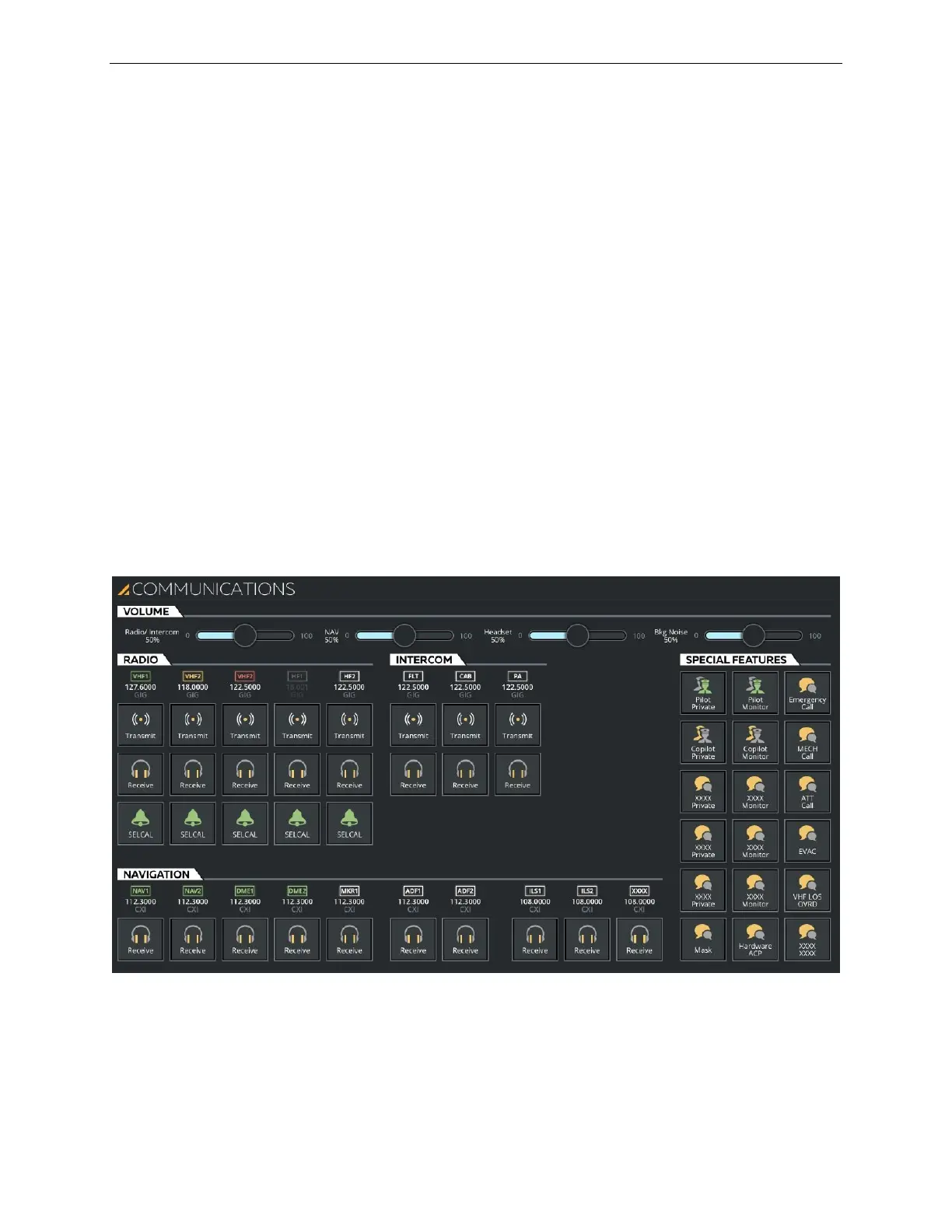
8.9 COMMUNICATIONS Sliding Panel
The COMMUNICATIONS sliding panel allows the instructor to:
• Establish:
o VHF and HF radio communications
o Communication with Inter Communication Systems (ICS)
• Listen to radio navigation signals
• Select various communication modes
This sliding panel provides controls to change any audio monitor, instructor transmit,
crew transmit or calls controls. It includes the following tabs:
• VOLUME
• RADIO
• INTERCOM
• NAVIGATION
• SPECIAL FEATURES
Figure 36 COMMUNICATIONS Sliding Panel (Typical)



 To Next Page