Instructor User Guide
Control Board Footer
Control Board Footer
13 Oct 2017
Page 195
11.10 Speed Up
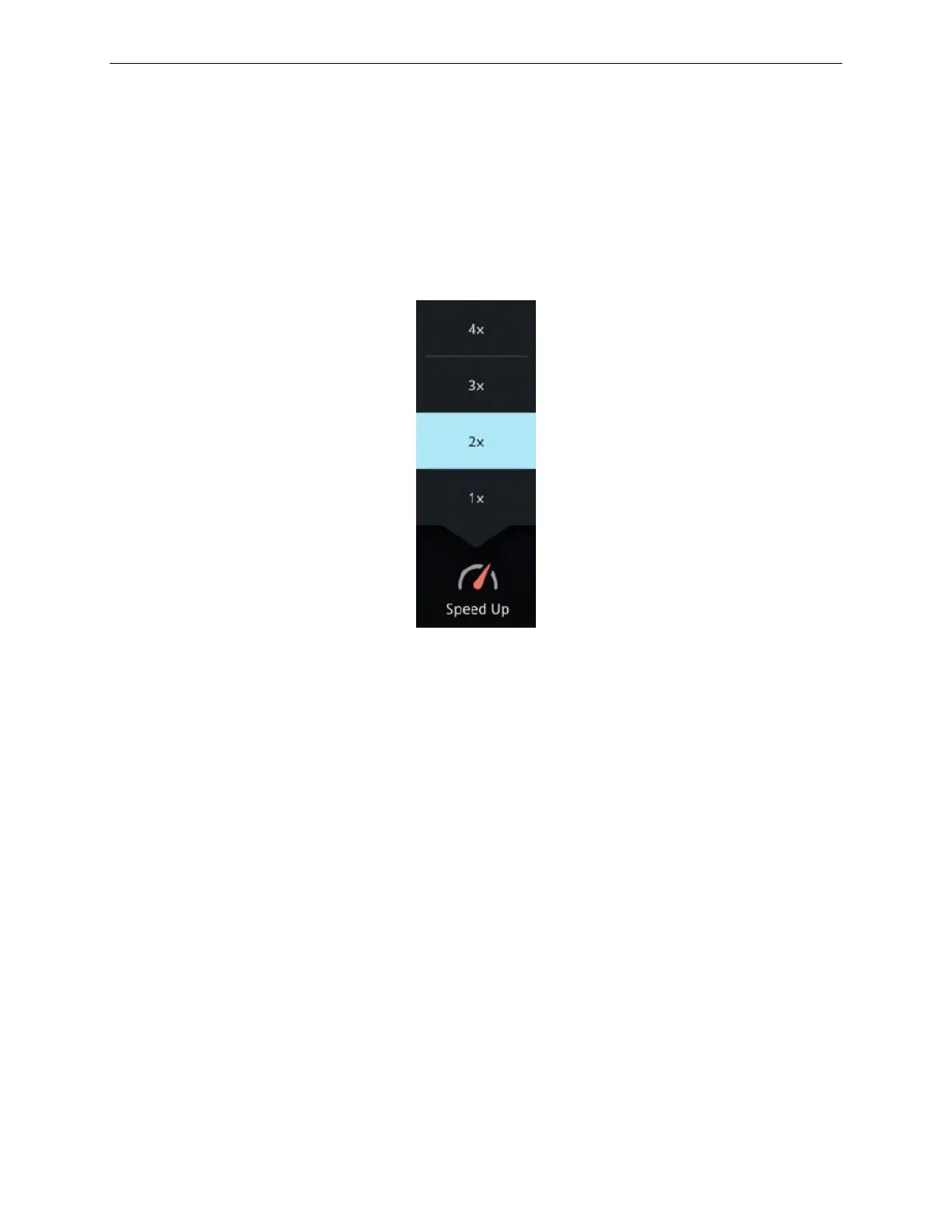
The Speed Up button allows the instructor to accelerate or slowdown the simulation
time. To do so,
• Tap on the Speed Up button to display the Speed Up menu, and then
• Tap on the desired Speed Up factor.
Figure 98 Speed Up Roll Up Menu
11.11 Clear All Malf.
The Clear All Malfunction button allows the instructor to clear all armed or active
malfunctions. These are indicated by a red badge overlaid onto the Clear All Malf
button.
To clear all malfunctions:
• Tap on this button.
• A CLEAR ALL MALFUNCTIONS confirmation popup is displayed.
• Tap Confirm to clear or Cancel to retain malfunctions.
This button is disabled if no malfunction is armed or active. When selected, the
button remains active for 2 seconds.



 To Next Page