A320 Neo Instructor Operating Station
Instructor User Guide
REFERENCE AIRPORT Tab
13 Oct 2017
Page 120
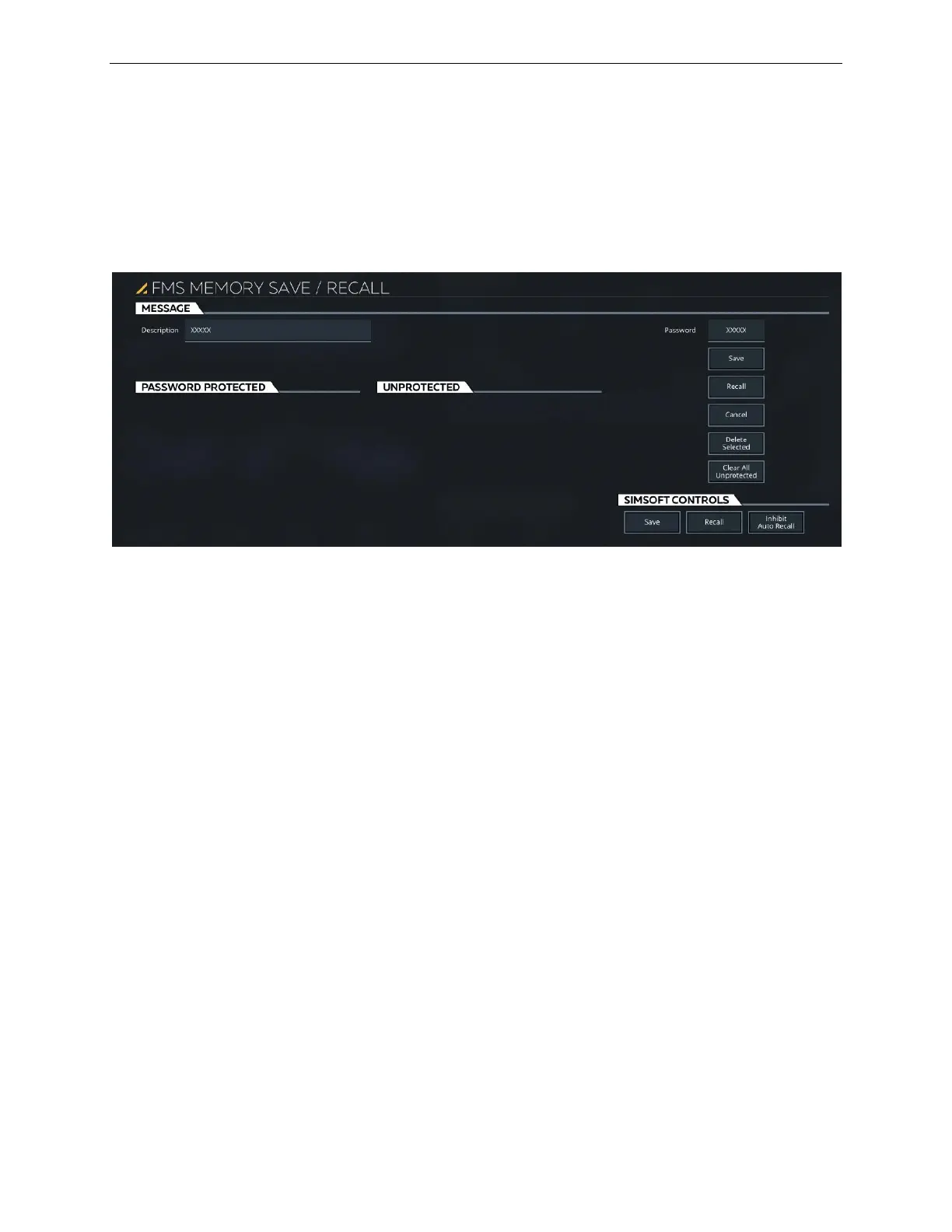
This sliding panels includes the following tabs:
• MESSAGE
• PASSWORD PROTECTED
• UNPROTECTED
Figure 63 FMS Memory Save/Recall
9.2.5.1 MESSAGE Tab
This tab includes the basic controls to save and recall flight plans.
9.2.5.1.1 Description
Tap this input text field to display a keypad that will allow entry of a description of
the flight plan to be saved.
9.2.5.1.2 Password
Tap this input text field to display a keypad that will allow entry of a valid password
of up to 10 characters.
9.2.5.1.3 Save
Tap this button to activate the process of saving the selected FMS Memory flight
plan.
9.2.5.1.4 Recall
Tap this button to recall the selected FMS Memory flight plan.



 To Next Page