A320 Neo Instructor Operating Station
Instructor User Guide
Advanced
13 Oct 2017
Page 292
16.7.2.2 SCENARIO BASED
This tab includes the scenario based upset scenarios that can be triggered by the
instructor. These consists of radio buttons that are mutually exclusive and are paired
as:
• Left Bank – Right Bank
• Airspeed Decrease – Airspeed Increase
These types of scenarios act as just like a gust of wind that will gradually set the
aircraft in the selected upset condition.
16.7.2.2.1 INTENSITY
This section allows the instructor to set the intensity of the selected scenario to either
Light, Moderate or Severe.
16.7.2.2.2 Activate
Tap this button to activate the selected Scenario Based scenario.
16.8 Resets/Freezes
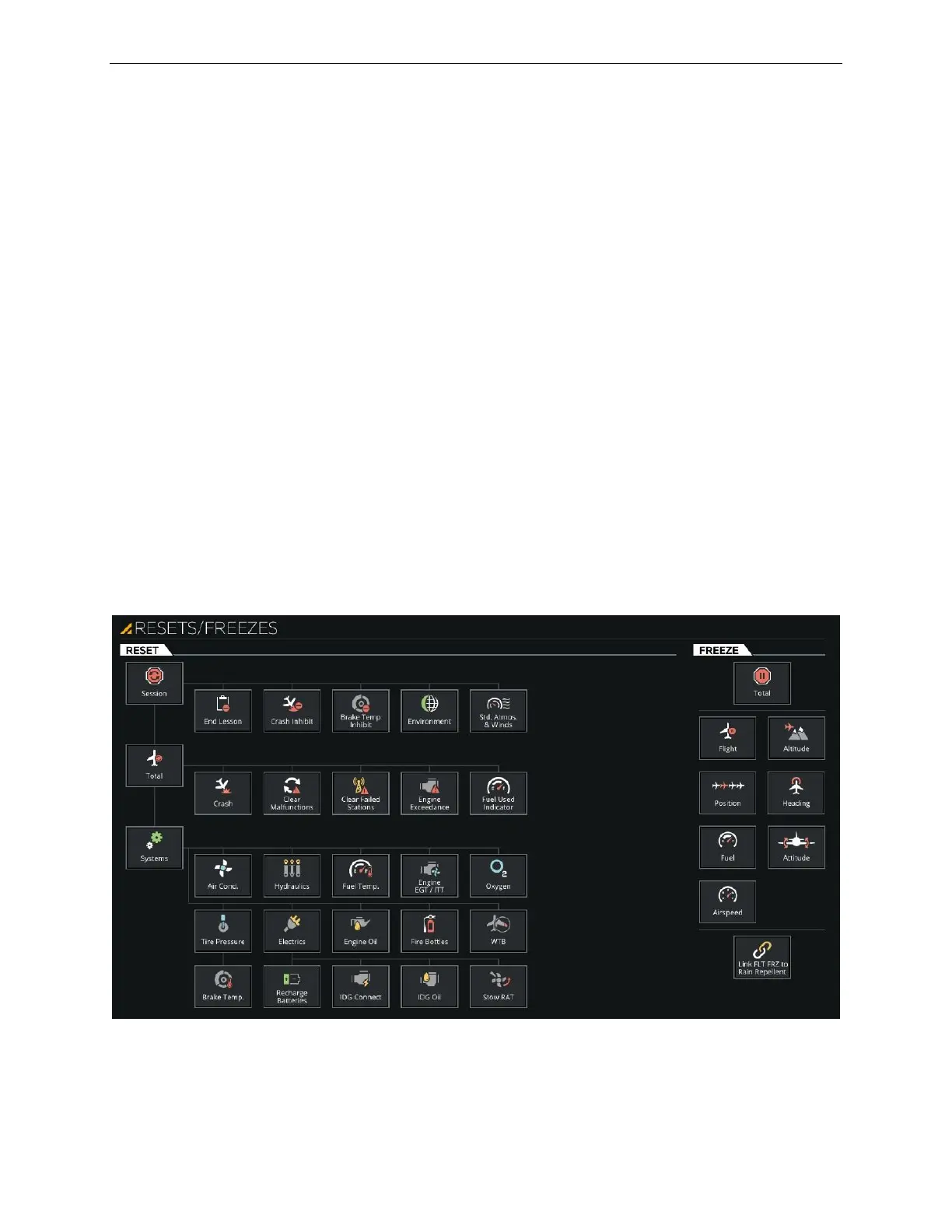
The Reset/Freeze button displays RESET & FREEZES page that includes the same
Reset and Freeze selection as found on the Control Board workspace footer.
Figure 182 Advance - Resets/Freezes



 To Next Page