Instructor User Guide
CURRENT CONDITIONS Tab
CURRENT CONDITIONS Tab
13 Oct 2017
Page 45
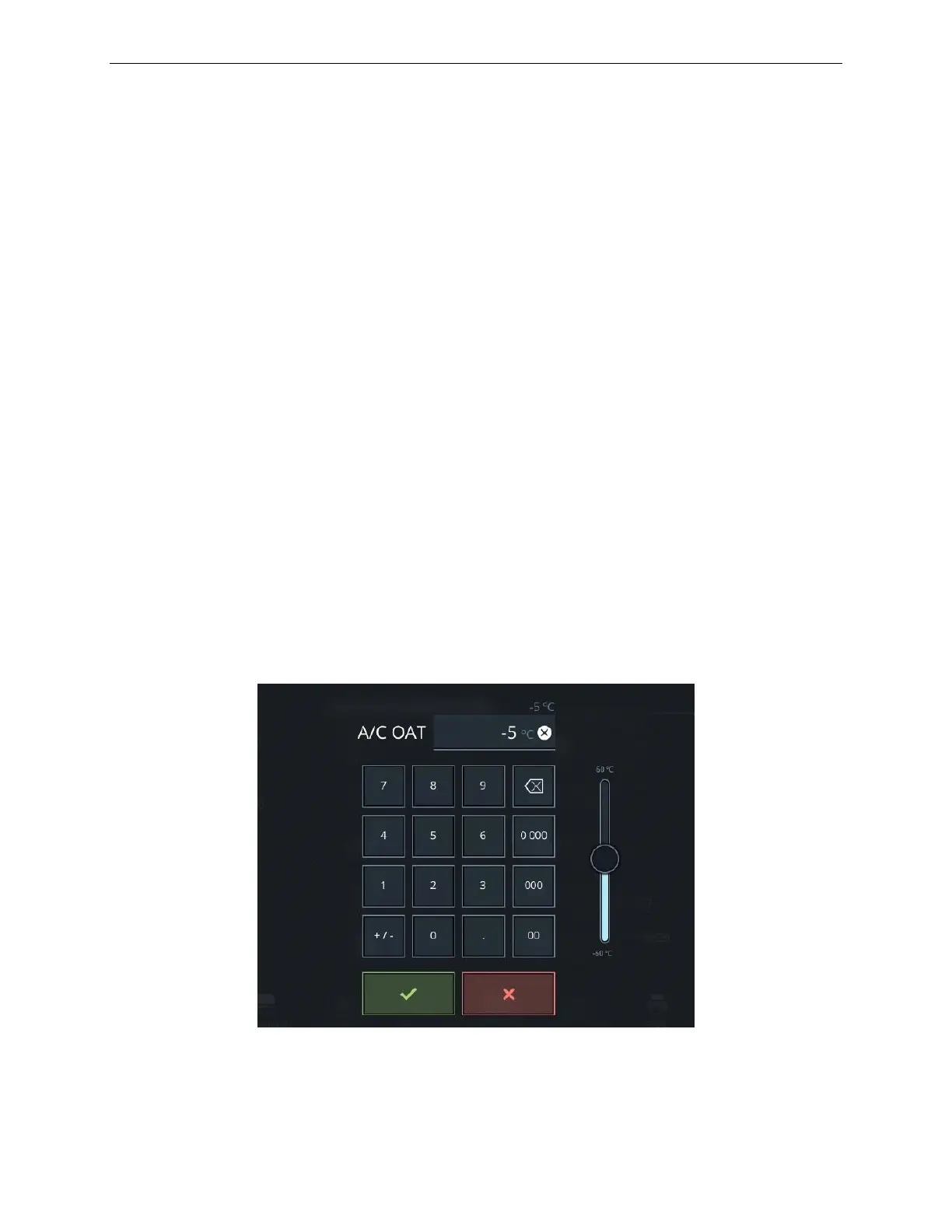
7.7 A/C OAT Keypad
The A/C OAT keypad displays the current Outside Air Temperature (OAT) at the
aircraft location.
To change the A/C OAT at the aircraft location:
1) Use the keypad or the slider control to enter a new OAT at the aircraft.
2) Tap on the green checkmark to confirm your selection or the red X to cancel
the entry.
The entire temperature profile will be offset by the change in the OAT (Dynamic
Min/Max).
If the aircraft is on the ground, the OAT change is instantaneous regardless of flight
freeze.
If the aircraft is in the air and flight freeze is not active, a change to OAT is
immediately ramped, at a pre-determined rate, to the requested value.
If the aircraft is in the air and flight freeze is active, a change to OAT is delayed until
flight freeze is released.
The advisory message, Temperature is Changing, will appear in the warning footer
area of the IOS until the change is completed. The ramped OAT reading will be
indicated on the IOS while the new value is reached.
Figure 23 A/C OAT Keypad



 To Next Page