A320 Neo Instructor Operating Station
Instructor User Guide
AIRCRAFT Tab
13 Oct 2017
Page 62
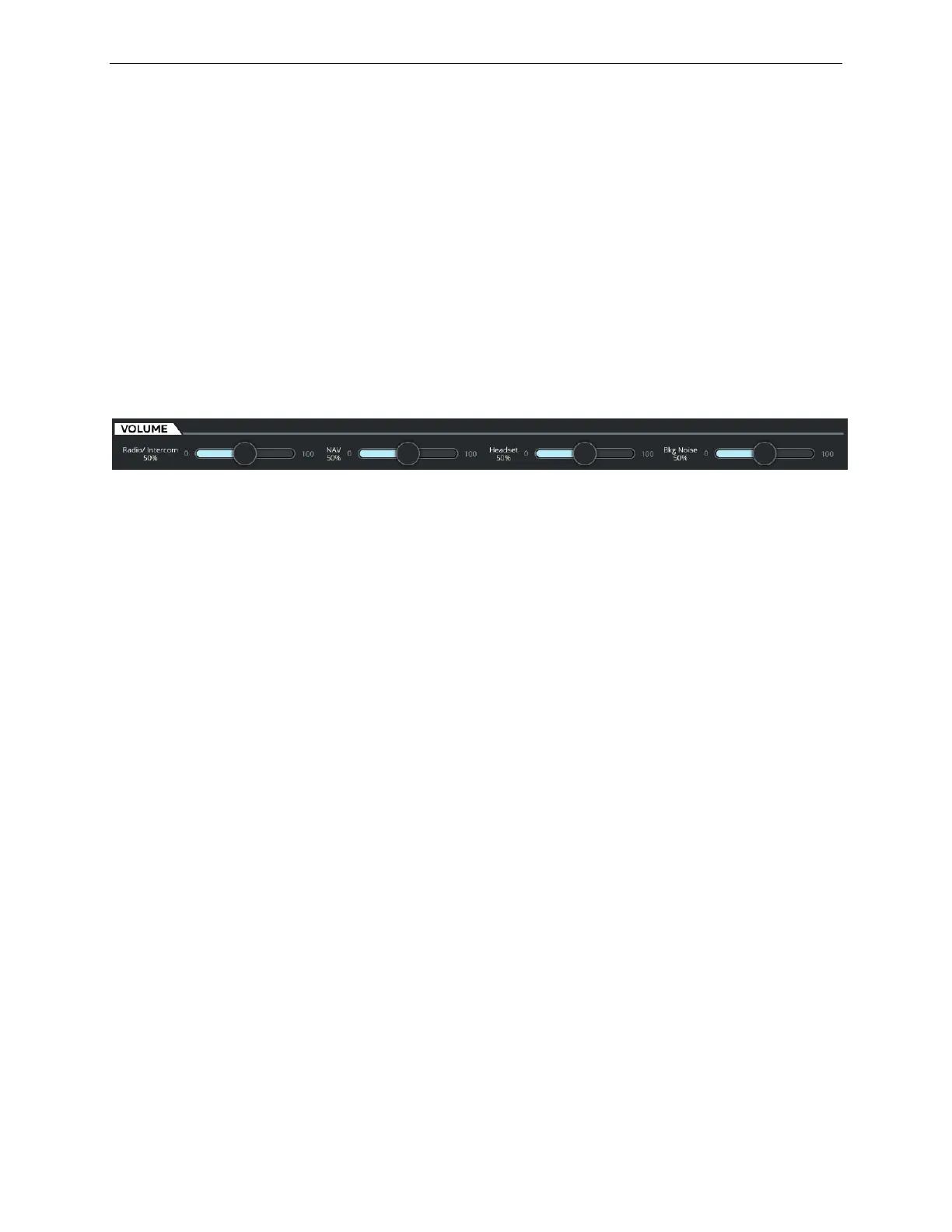
8.9.1 VOLUME Tab
The VOLUME tab allows the instructor to control the volume level of audio signals
through slider controls. There are several sliders to control:
• Radio/Intercom headphone audio
• Navigation audio signal
• Headset audio
• Bkg Noise
Each volume sliding control can vary the volume from a minimum value to a
maximum value.
Figure 37 VOLUME Tab (Typical)
8.9.2 RADIO Tab
The RADIO tab allows the instructor to transmit on a selected VHF/HF radio, listen
to channels/receivers or initiate a selective call (SELCAL) to simulate a ground radio
station wishing to communicate the flight crew.
This tab displays all available VHF and HF radios.
Each of these radios is assigned a radio name and displays:
• The selected frequency and,
• The name of the tuned GND Station type
Each radio includes three buttons:
Tap this button to transmit on the selected radio.
Tap this button to listen to selected channels or receivers.
Tap this button to initiate a SELCAL on the selected
transceiver or a call in the cockpit.



 To Next Page