A320 Neo Instructor Operating Station
Instructor User Guide
Advanced
13 Oct 2017
Page 268
16.4.1.5 Number of Intruders Indication
A red badge indicates the number of intruders.
16.4.1.6 Clear All Intruders
Tap this button to clear all intruders in the training scenario.
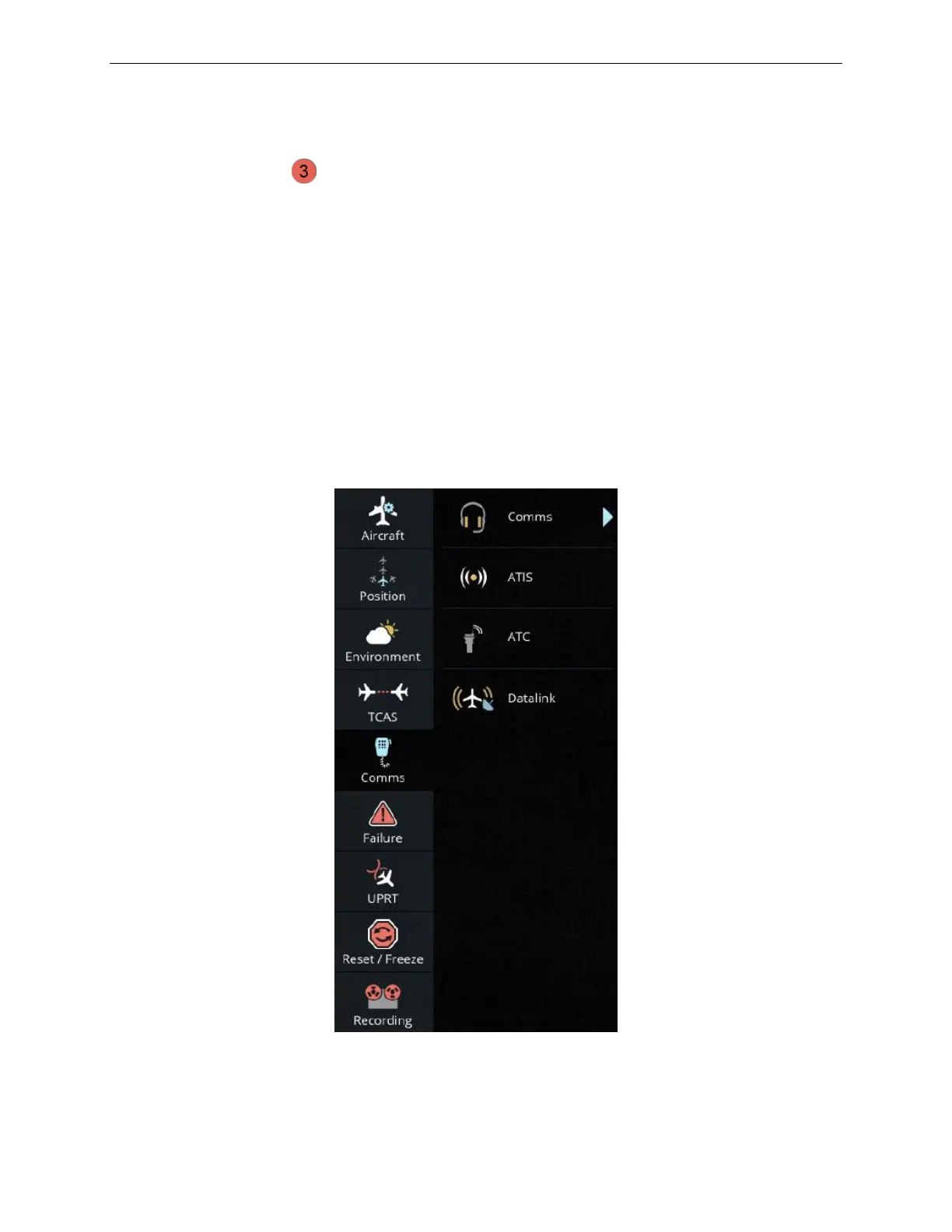
16.5 Comms
The Comms button provides access to the COMMUNICATIONS and DATALINK
pages allowing the instructor to change any audio monitor, instructor transmit, crew
transmit or calls controls as well as set various types of datalink parameters.
The Comms button also allows the instructor to modify and set:
• Automatic Terminal Information Service messages
• Air Traffic Controller messages
Figure 164 Advanced - Comms



 To Next Page