A320 Neo Instructor Operating Station
Instructor User Guide
Control Board Footer
13 Oct 2017
Page 186
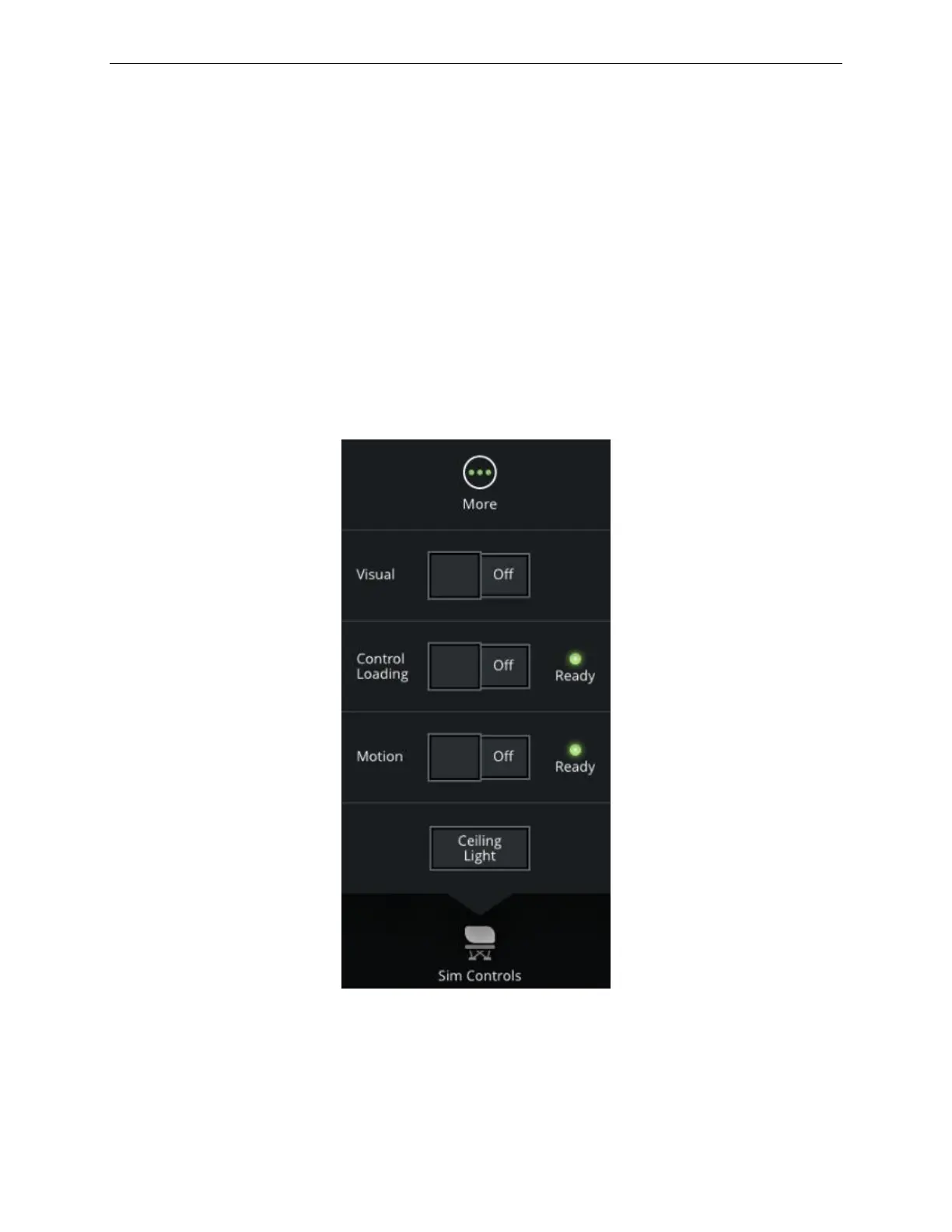
11.4 Sim Controls
The Sim Controls button allows the instructor to control and monitor the status of
various simulator systems such as:
• Visual
• Motion
• Control Loading
• Prime Smoke
• Ceiling Lights
Tap the Sim Controls button to display the Sim Controls roll up menu and view the
status of various systems.
Figure 91 Sim Controls Roll up Menu



 To Next Page