Instructor User Guide
IOS Software Interface
IOS Software Interface
13 Oct 2017
Page 15
3.3.11 Interactive Graphs
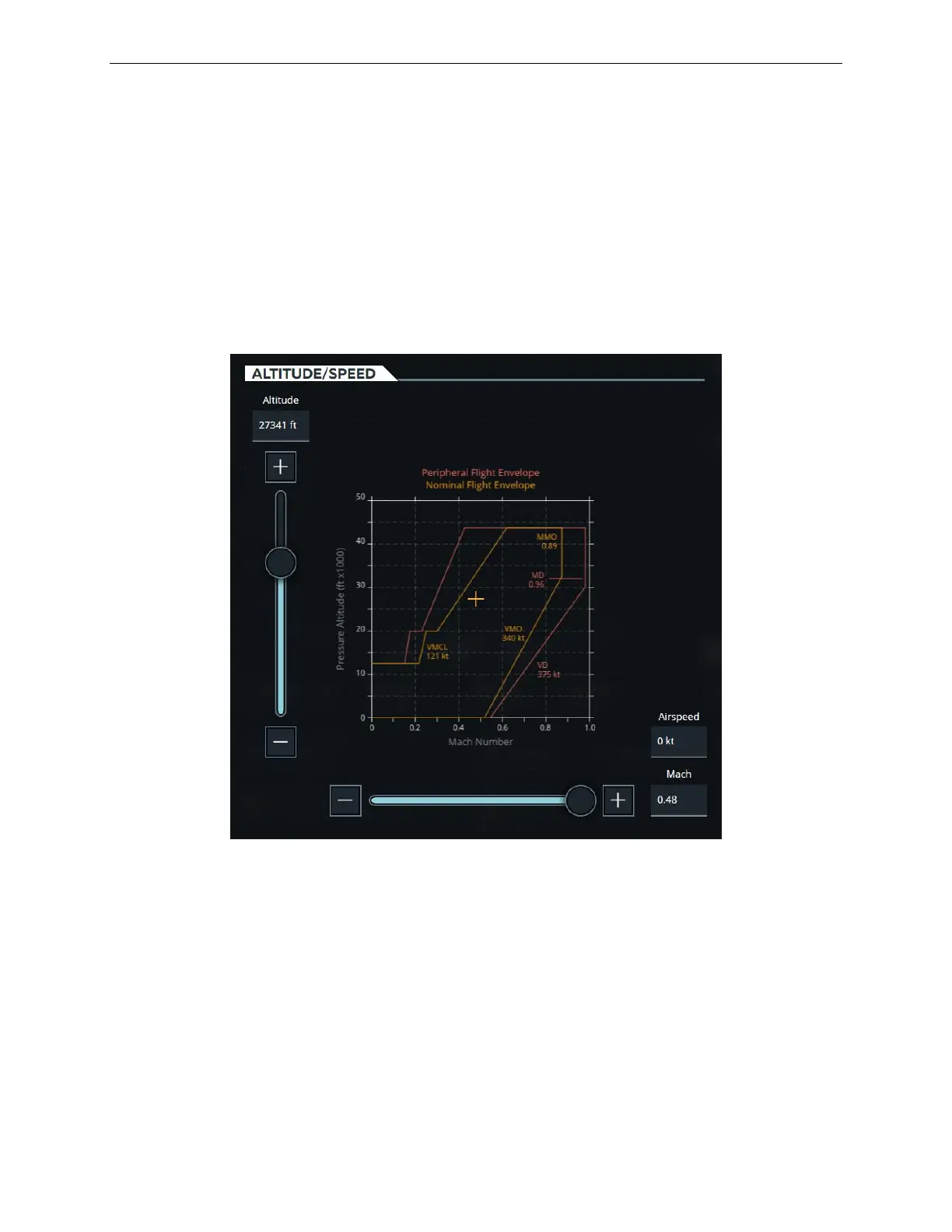
Some graphs are interactive and allow the instructor to alter values by simply
touching elements on the graph.
In the Slew graph below for example, the instructor can move the + on the graph
which will cause the sliders and text fields to be updated according to the new +
position on the graph.
Figure 11 Interactive Graphs (Typical)



 To Next Page