A320 Neo Instructor Operating Station
Instructor User Guide
LESSON PLAN Tab
13 Oct 2017
Page 24
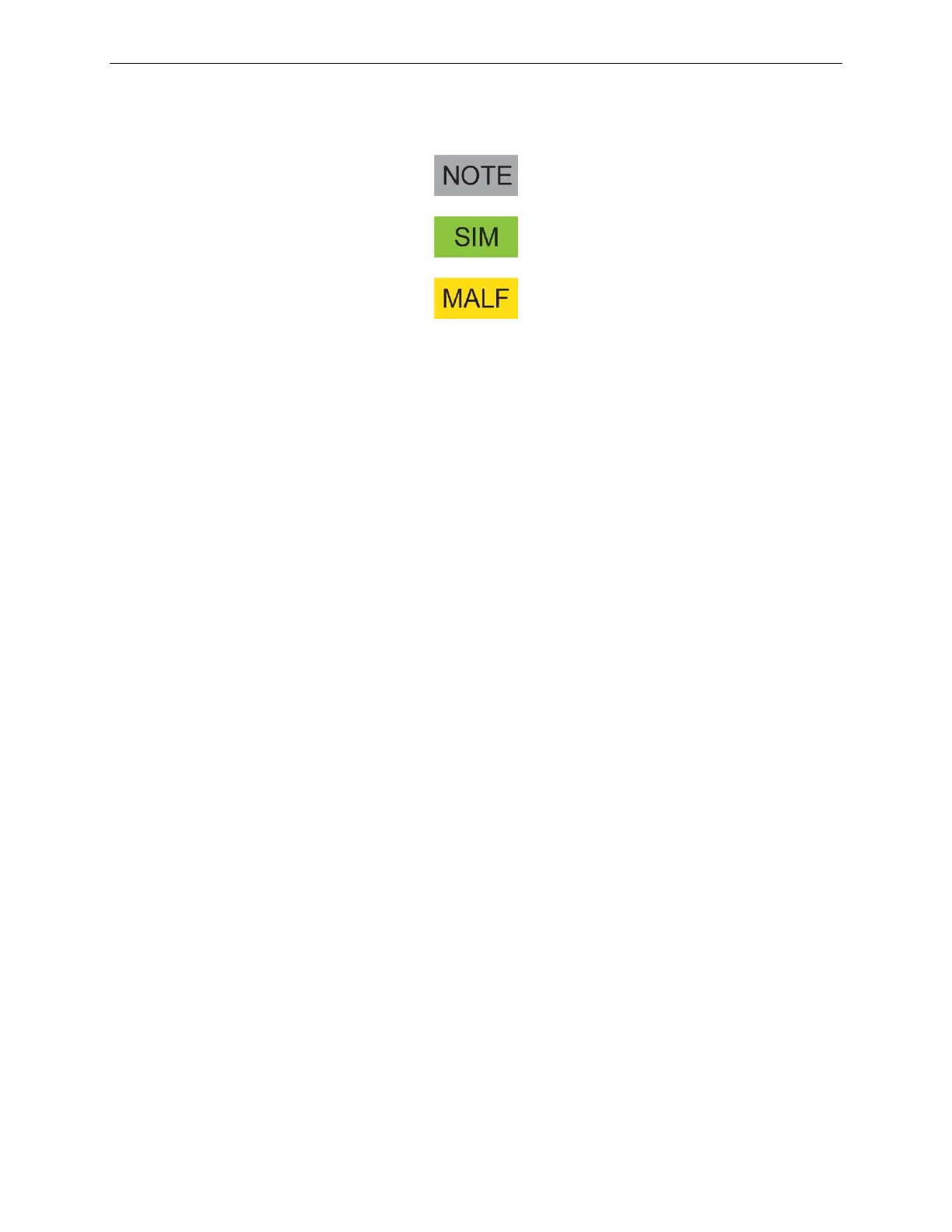
In a lesson plan, these are identified with the following flags:
Figure 15 Lesson Step Flags
5.5 LESSON PLAN Tab Buttons
The LESSON PLAN tab includes the following buttons.
5.5.1 Autorun
Tap this button to run lesson steps that have been set to run automatically.
5.5.2 Step-by-step
Tap this button to run the lesson steps in a step-by-step fashion. For each step to be
issued, requires a confirmation from the instructor which is done by tapping the
Execute button.
5.5.3 Go to Current
Tap this button to display the current lesson step in the Lesson Step Details Section.
5.5.4 Skip Condition
Tap this button to skip a condition associated to specific lesson step.
5.5.5 Execute
Tap this button to execute the current lesson step.
5.5.6 End Lesson
Tap this button to end the current lesson.



 To Next Page