A320 Neo Instructor Operating Station
Instructor User Guide
REFERENCE AIRPORT Tab
13 Oct 2017
Page 102
9.2.1.4 Change Destination Button
The Change Destination button allows the instructor to change the Destination
Airport and runway by selecting another airport ICAO code and associated runway.
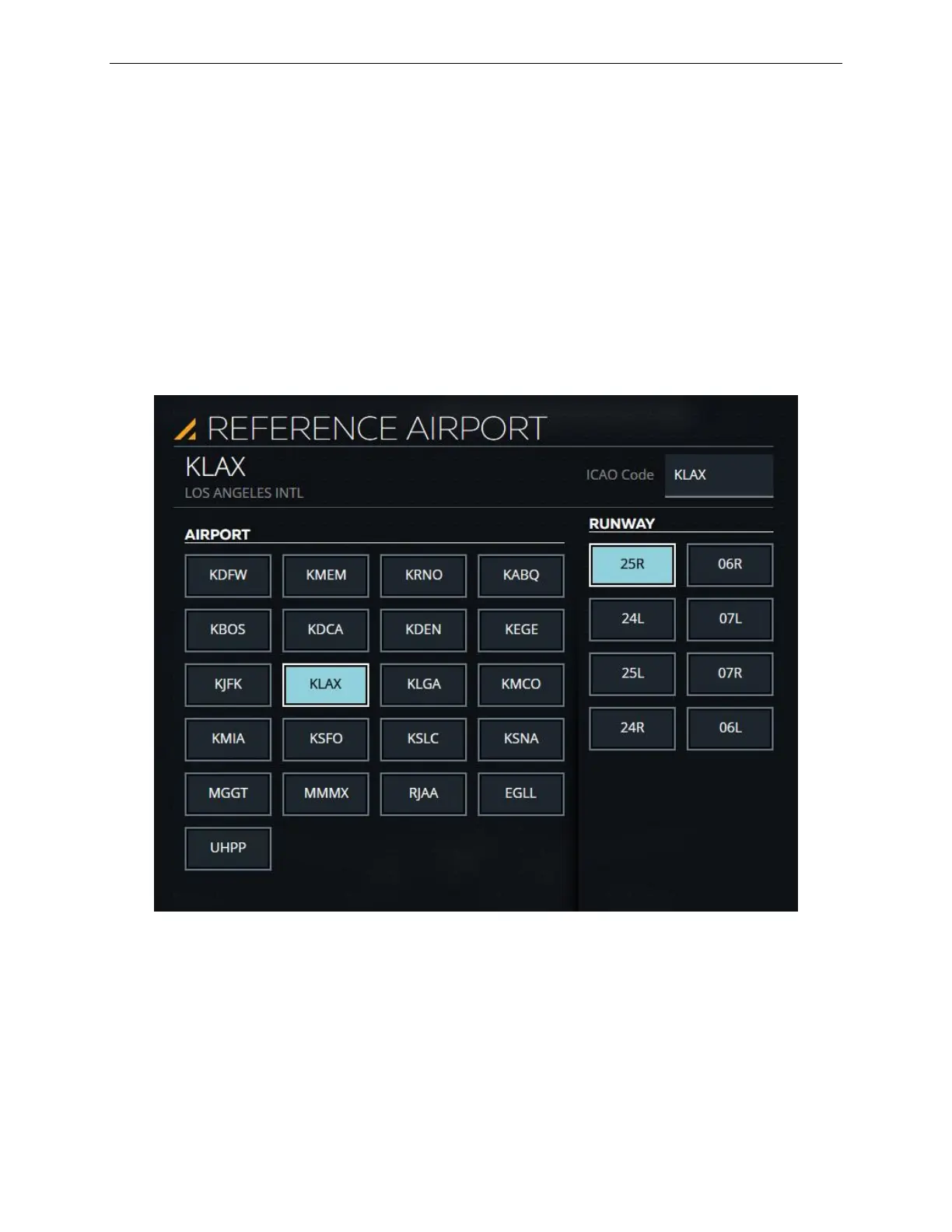
Tap this expandable button to display the DESTINATION AIRPORT (LOCATION)
sliding panel. This panel shows a list of available airport ICAO codes along with
available runways for each airport.
Figure 55 REFERENCE AIRPORT List (Typical)



 To Next Page