A320 Neo Instructor Operating Station
Instructor User Guide
IOS Software Interface
13 Oct 2017
Page 10
Once a Toggle Fail button is triggered, the fault is recorded by the Control Board and
displayed in Malfunctions sections, Control Board Footer and in the
MALFUNCTIONS sliding panel.
From the red activated state, tap the toggle fail button again to deactivate the
malfunction.
3.3.4.3 Action Button
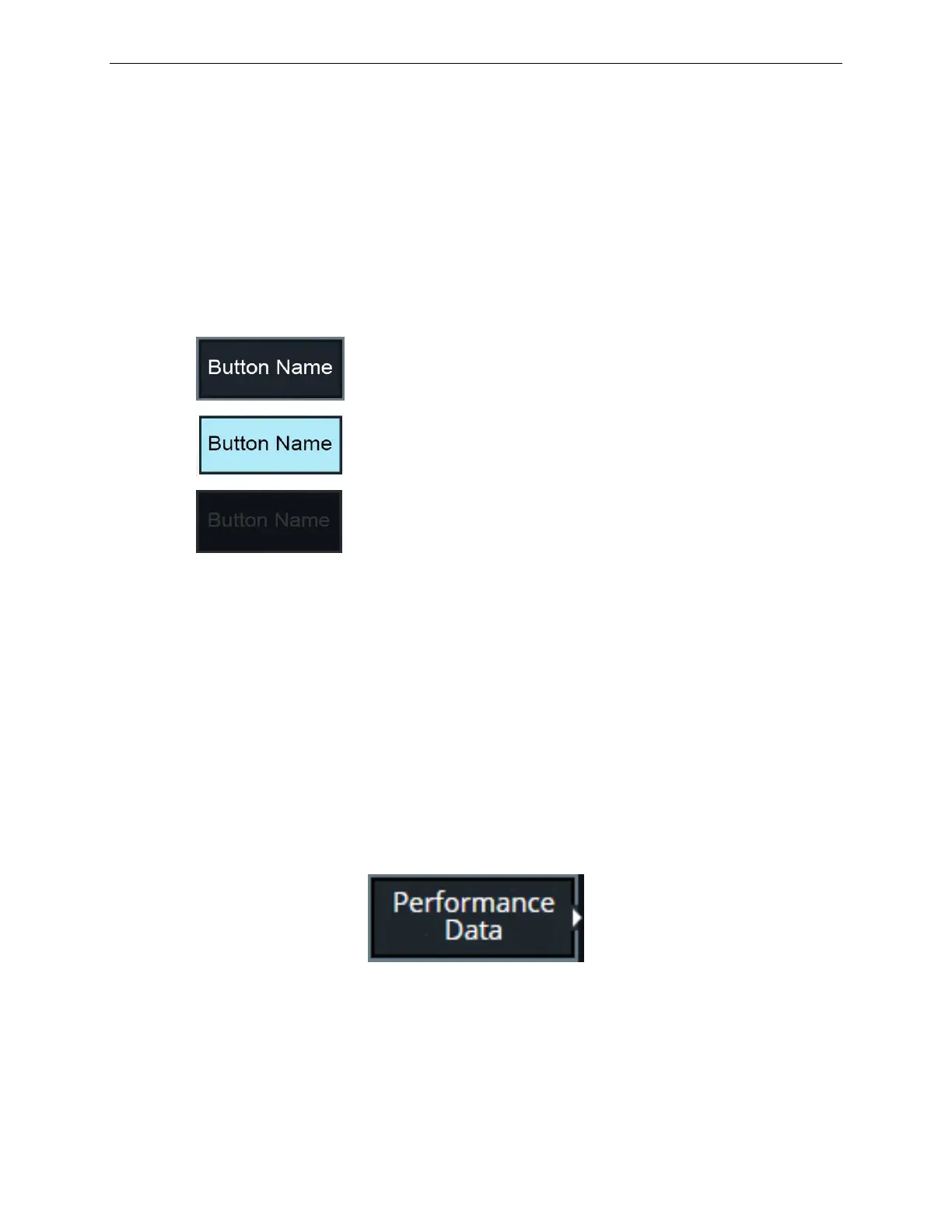
An Action button has the following states:
Activated State (for a few seconds)
The sequence of states of an Action button is as follows:
• Starts in the Normal State.
• Once the instructor taps on the button, button illuminates for a few seconds.
• Then, the Action button returns to either:
o Normal state, or
o Disabled state.
The return to either the Normal state or Disabled state depends on various conditions.
3.3.5 Expandable Buttons
Tapping on an Expandable button displays the associated sliding panel.
Figure 4 Expandable Button



 To Next Page