A320 Neo Instructor Operating Station
Instructor User Guide
REFERENCE AIRPORT Tab
13 Oct 2017
Page 138
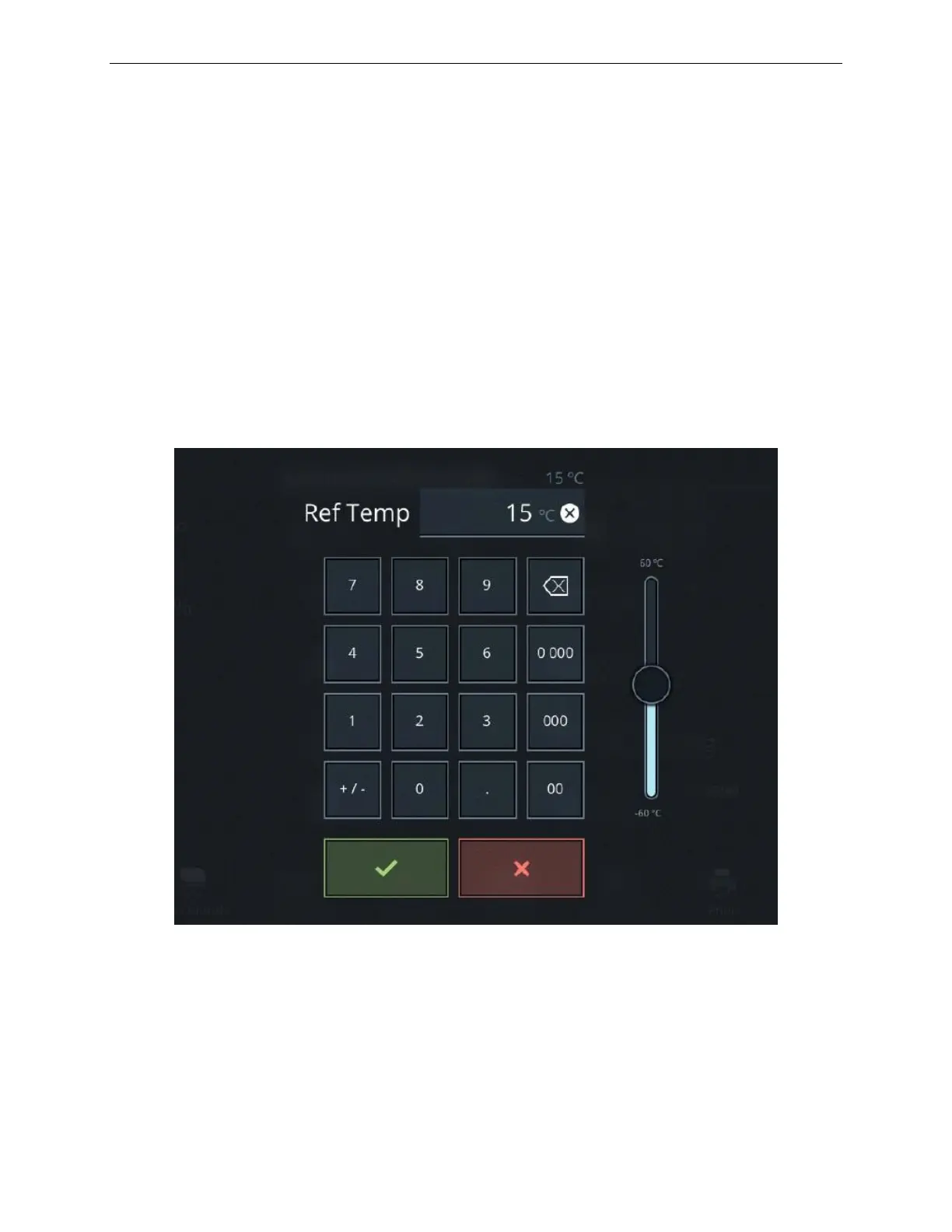
9.10 Ref Temp Keypad
The Ref Temp keypad displays the current temperature at the refence airport.
To change the temperature:
1) Use the keypad or the slider control to change the temperature at the reference
airport.
2) Tap on the green checkmark to confirm your selection or the red X to cancel
the entry.
The entire temperature profile will be offset by the change in the ground temperature.
(Dynamic Min/Max).
Figure 72 Ref Temp Keypad



 To Next Page