Instructor User Guide
AIRCRAFT Tab
AIRCRAFT Tab
13 Oct 2017
Page 63
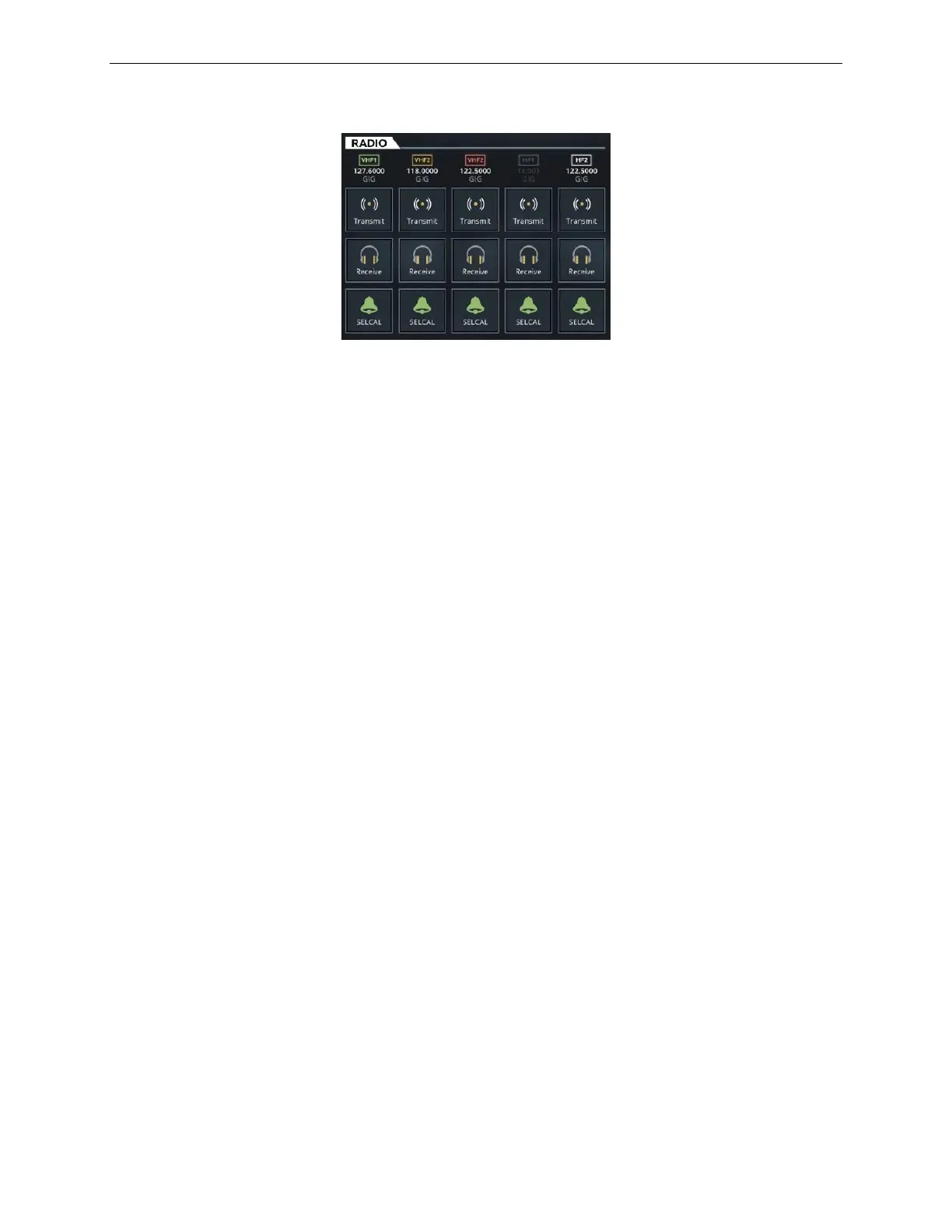
Figure 38 RADIO Tab
8.9.3 INTERCOM Tab
The INTERCOM tab allows the instructor to communicate with Inter Communication
Systems (ICS) such as:
• Flight Deck (FLT)
• Cabin (CAB)
• Passenger Address (PA)
Each of the ICS includes:
Intercom Call Incoming Info
Tap this button to allow the instructor to transmit on
the selected ICS. This button is disabled if there is
no power on a specific radio transmitter.
Tap this button to allow the instructor to listen on the
selected ICS.
8.9.4 NAVIGATION Tab
The NAVIGATION tab allows the instructor to listen to the signal of navigation
systems such as:
• Navigation (NAV)
• Distance Measuring Equipment (DME)
• Marker Beacon
• Automatic Direction Finder (ADF)
• Instrument Landing System (ILS)



 To Next Page