A320 Neo Instructor Operating Station
Instructor User Guide
Map Workspace
13 Oct 2017
Page 220
15.3.6 Symbols
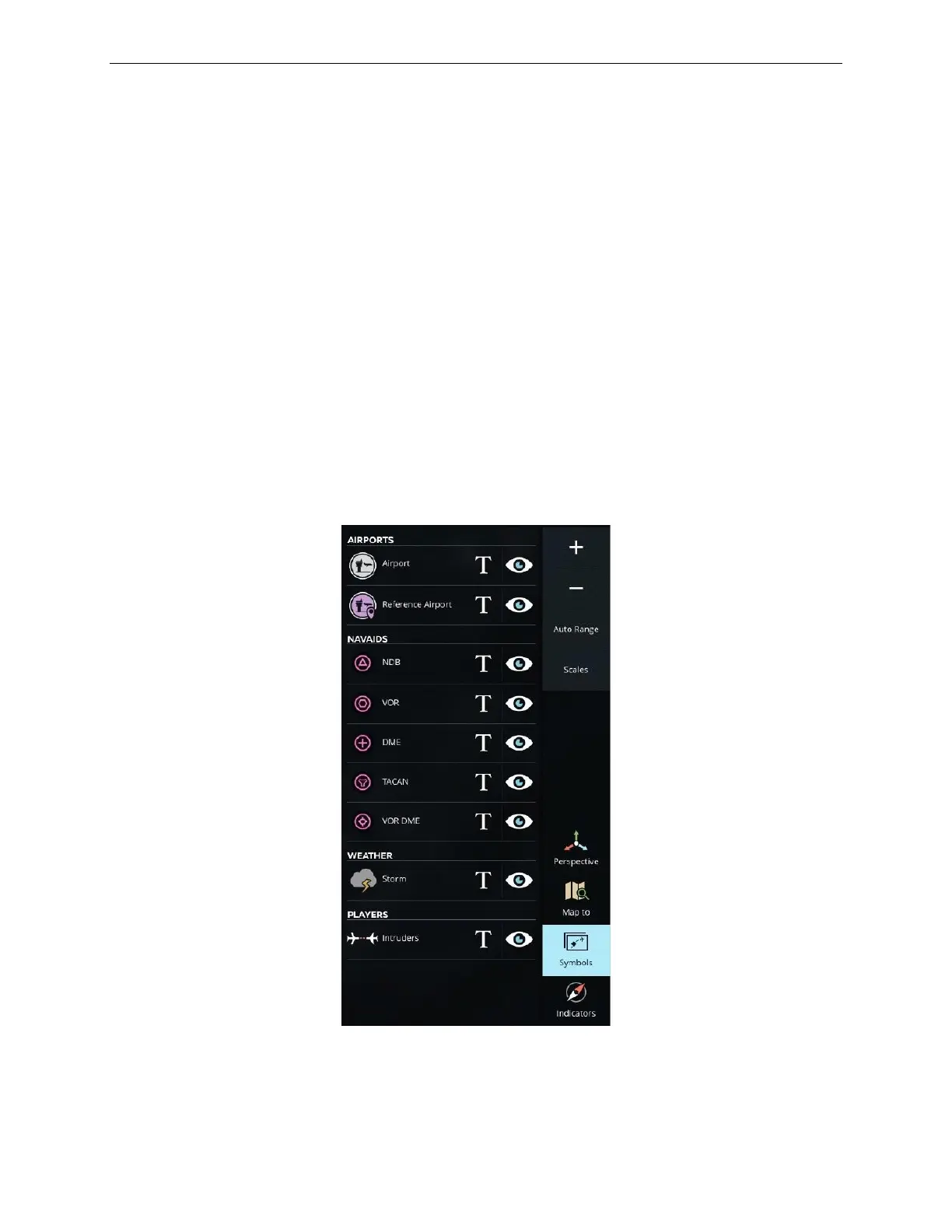
Symbols allows instructor to declutter the map by choosing to hide certain symbols
from the scene. The Symbols panel features a list of all airports, navaids, storms and
players each associated with T and eye visibility icons.
Tap the T visibility icon next to an item to display or hide the text associated to this
item.
Tap the eye visibility icon next to an item to display or hide this item from the map.
Symbols can include:
• Airports
• Navaids
• Storms
• Players – Intruders
Figure 127 Symbols



 To Next Page