EasyManua.ls Logo

FSC A320 - Radio Buttons; Checkbox; Sliders

Default Icon
329 pages
Print Icon
To Next Page IconTo Next Page
To Previous Page IconTo Previous Page
Loading...
Instructor User Guide
IOS Software Interface
13 Oct 2017
Page 11
3.3.6 Radio Buttons
Tapping on a Radio button allows the instructor to select only one of the predefined
set of options. These buttons are mutually exclusive.
Figure 5 Radio Button
3.3.7 Checkbox
A checkbox is a toggle feature that selects or deselects a particular item.
Figure 6 Checkbox
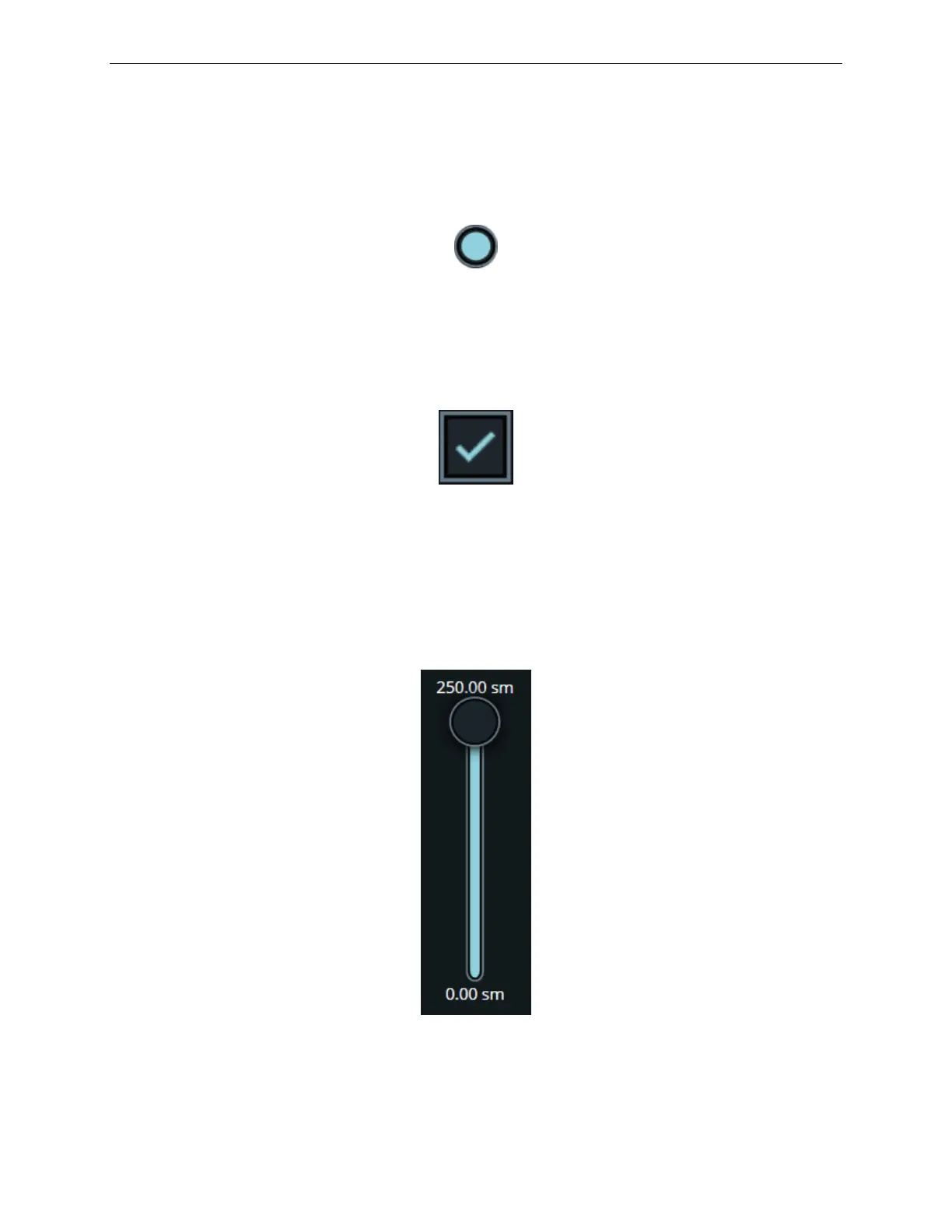
3.3.8 Sliders
Sliders can also be referred to as slider controls or scroll bars. These can come in
various forms but they all allow the adjustment of a particular item from a minimum
to a maximum value.
Figure 7 Slider

Table of Contents

Related product manuals