A320 Neo Instructor Operating Station
Instructor User Guide
Control Board Footer
13 Oct 2017
Page 192
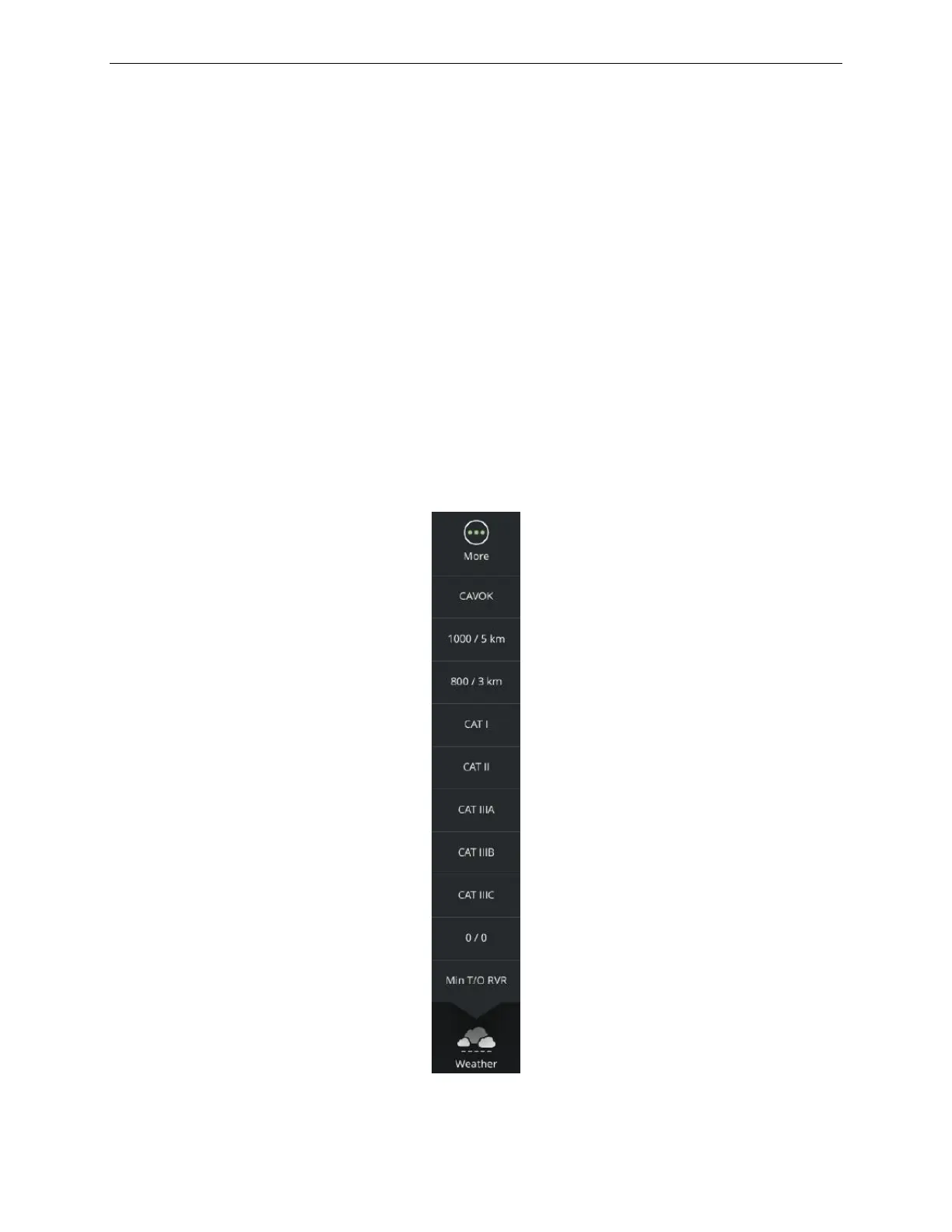
11.7 Weather Presets
The WX Presets button allows the instructor to change the cloud and visibility
conditions at the reference airport according to EASA / FAA standards (as
applicable).
To change the cloud and visibility conditions:
1) Tap this button to display the WX Preset roll up menu
2) Tap on the desired WX preset button
All WX Presets are defined in the Weather Presets Section of the CLOUDS sliding
panel paragraph 7.2.4
.
Note: The name of this roll up menu located under the icon varies with the
current WX preset selection.
Tapping the More… button displays the Advanced – Weather Region page.
Figure 95 WX Presets Roll up Menu



 To Next Page