Instructor User Guide
Control Board Footer
Control Board Footer
13 Oct 2017
Page 197
11.13 Help Rollup Menu
The Help rollup menu allows the instructor to:
• Display or hide the help associated to the active sliding panel.
• Create a zip file that can be sent to CAE personnel for assistance.
Figure 100 Help Rollup Menu
11.13.1 Help
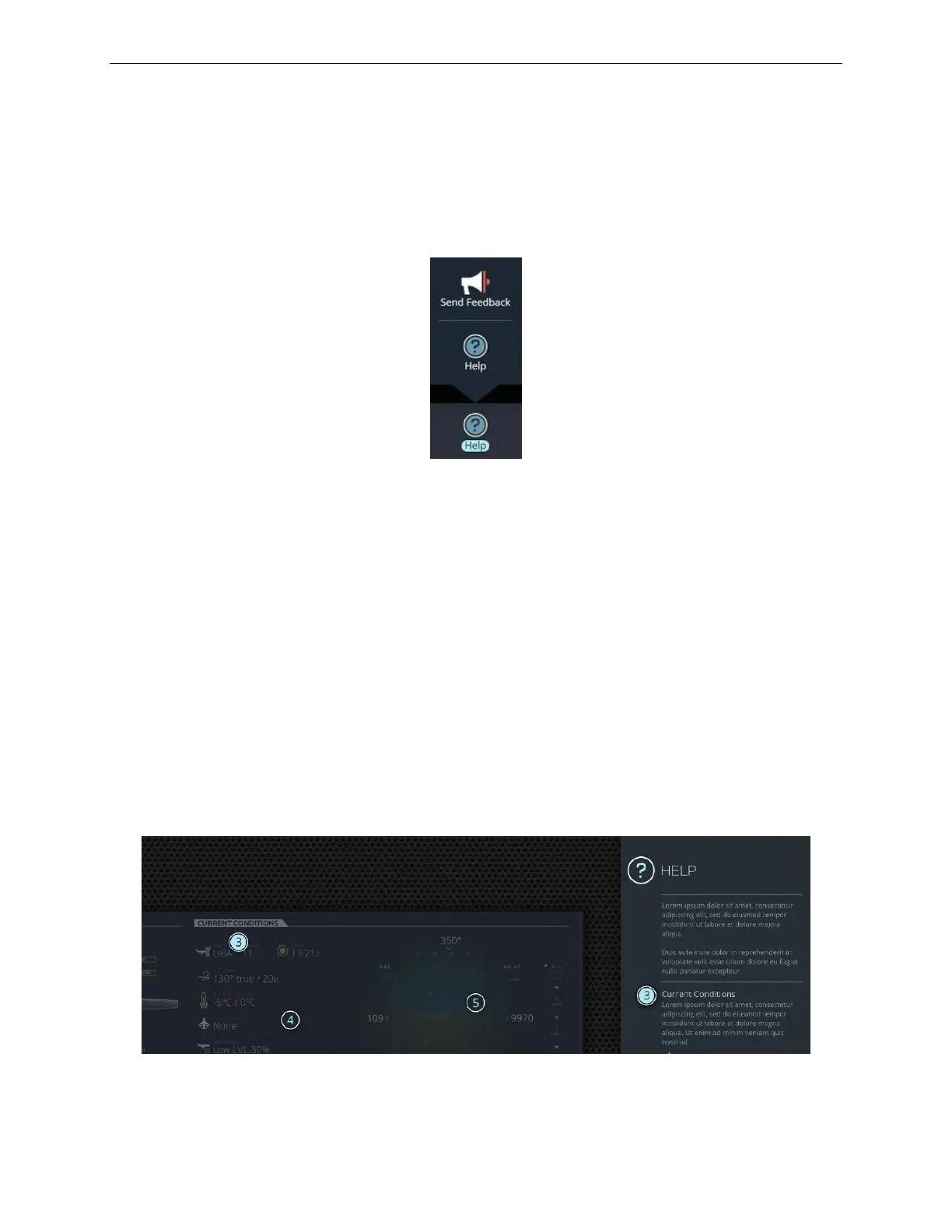
Tapping the Help button displays the help for the active or selected panel or sliding
panel. Available help is displayed in the form of bubbles with numbers on the
workspace.
To view the help associated to the numbered bubble:
• Tap on the bubble on the Help workspace
• This will automatically display the available help for the numbered bubble on
the left side of the screen.
If no selection is made within 2-3 seconds after help mode is activated, a popup
describing the functionality of the current panel appears.
Figure 101 HELP Panel



 To Next Page