Instructor User Guide
Map Workspace
Map Workspace
13 Oct 2017
Page 215
15.2.2.2 Aircraft Radial Menu
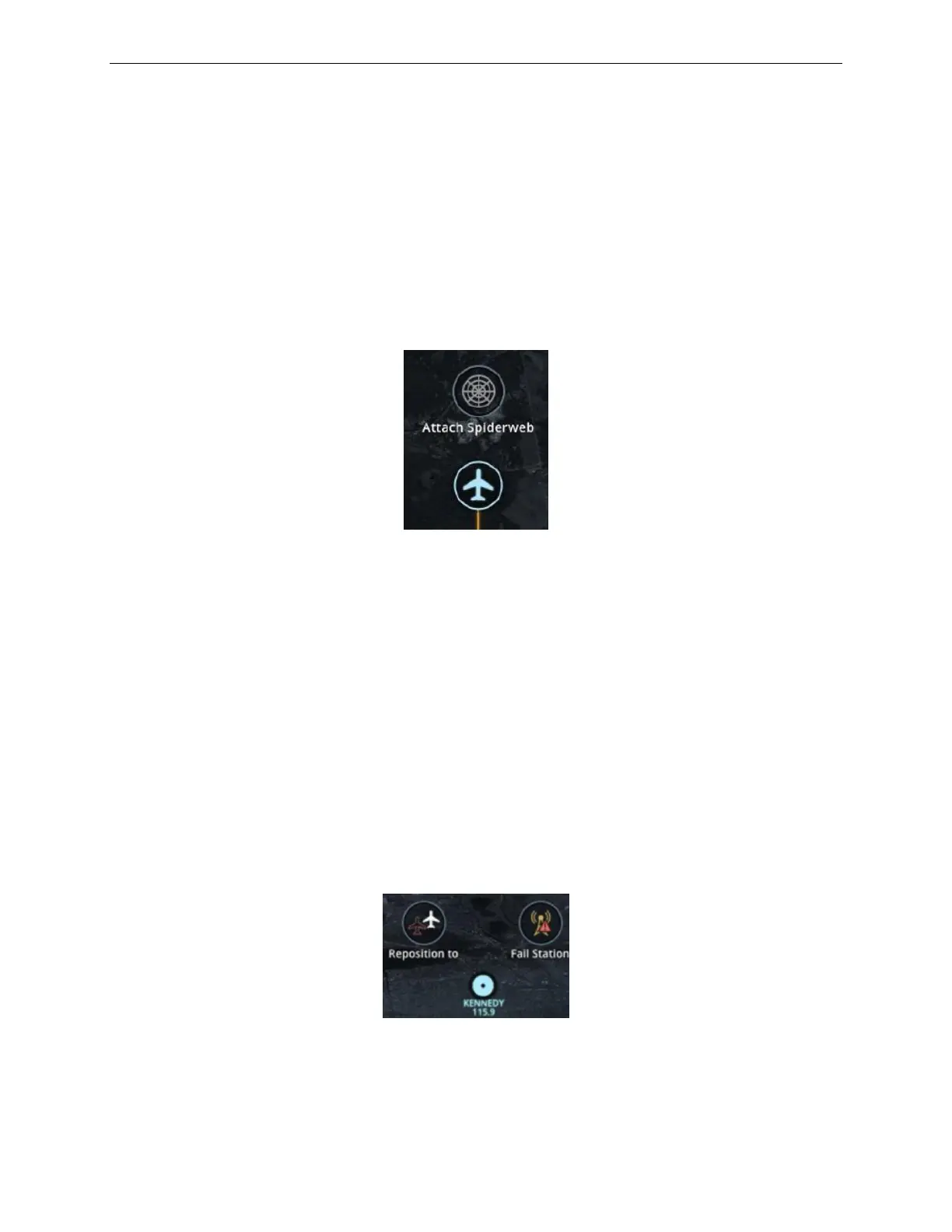
The Aircraft Radial menu allows the instructor to place a spider web around the
aircraft.
To display the Aircraft Radial menu:
1) On the main section of the map, tap on the aircraft.
2) Then tap on the Attach Spiderweb button to display a spider web around the
aircraft.
Figure 121 Aircraft Radial Menu
15.2.2.3 Navaid Radial Menu
The Navaid Radial menu allows the instructor to:
• Reposition the aircraft above the navaid while keeping its altitude and heading
and display fail navaid station. For navaids having multiple components such as
VOR-DME, it is possible to fail only one system.
• Reset a failed station
o The Fail Station button is changed to Reset Station when the failure is
active. The navaid icon on the map indicates the station status failed or
operational.
To display a Navaid Radial menu, on the main section of the map, tap on the Navaid
icon.
Figure 122 Navaid Radial Menu



 To Next Page