Instructor User Guide
INSTRUMENT REPEATER Workspace
INSTRUMENT REPEATER
Workspace
13 Oct 2017
Page 205
13. INSTRUMENT REPEATER Workspace
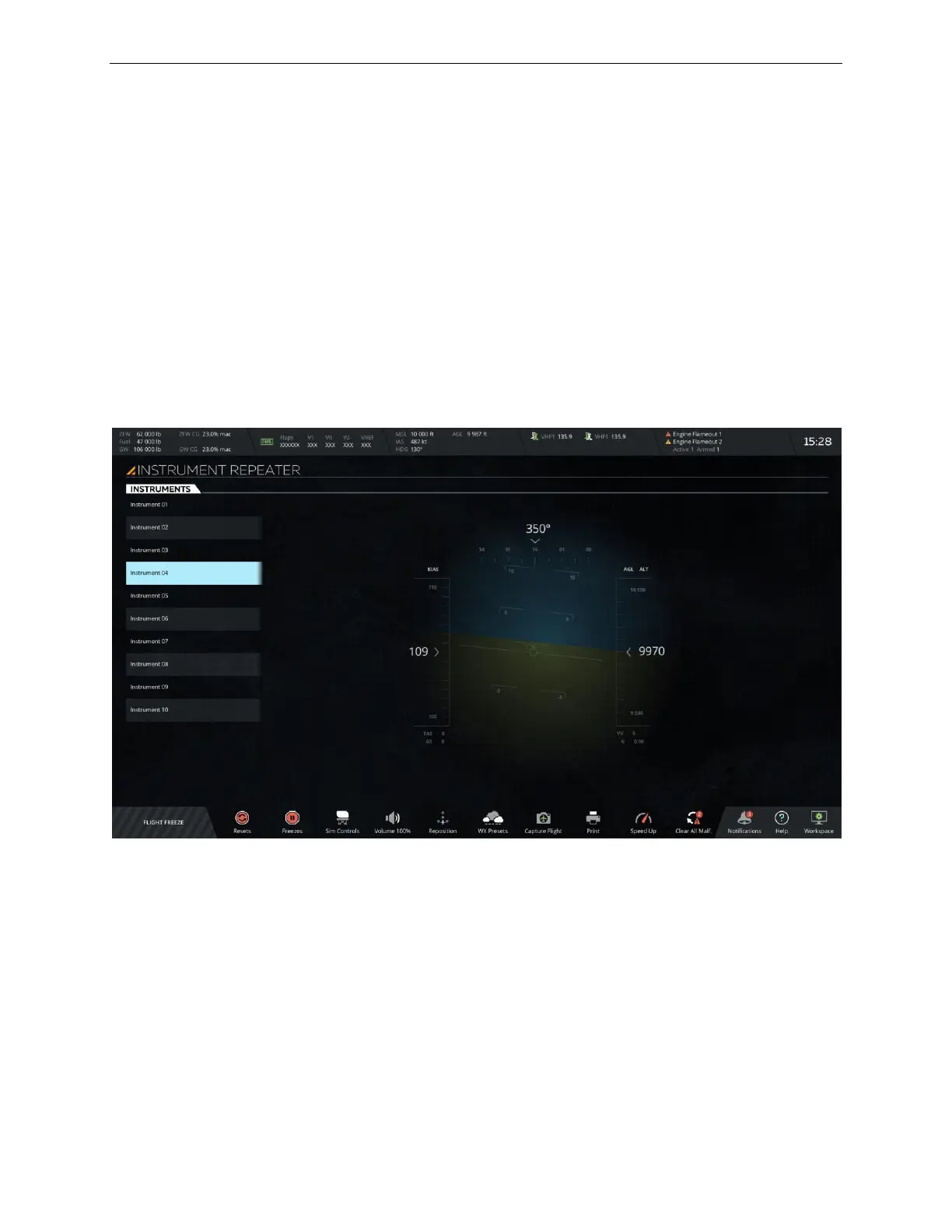
The INSTRUMENT REPEATER workspace allows the instructor to select an
instrument in the cockpit to be displayed on the current monitor.
Note: Depending on the IOS configuration, this workspace can be programmed
to view and repeat several cockpit instruments.
The INSTRUMENT REPEATER workspace features:
• A Map Header (identical to the Map workspace header)
• A Main Section
• A Map Footer (identical to the Control board footer)
Figure 109 INSTRUMENT REPEATER Workspace
13.1 Main Section
The main section of the Instrument Repeater workspace consists of:
• An INSTRUMENTS Tab
• An Instrument view mode section



 To Next Page