A320 Neo Instructor Operating Station
Instructor User Guide
IOS Software Interface
13 Oct 2017
Page 8
3.3 Selecting Parameters and Entering Data
Selecting parameters and entering data on the Control Board or other workspaces is
done by:
• Tapping on a parameter text field
• Quick Access Buttons
• Dropdown Buttons
• Selection Buttons
• Expandable Buttons
• Radio Buttons
• Checkbox
• Sliders
• Wheel Picker
• Keypad
• Interactive Graphs
3.3.1 Tapping on a Parameter Text Field
Tapping on a parameter text field displays either the respective sliding panel or a
keypad.
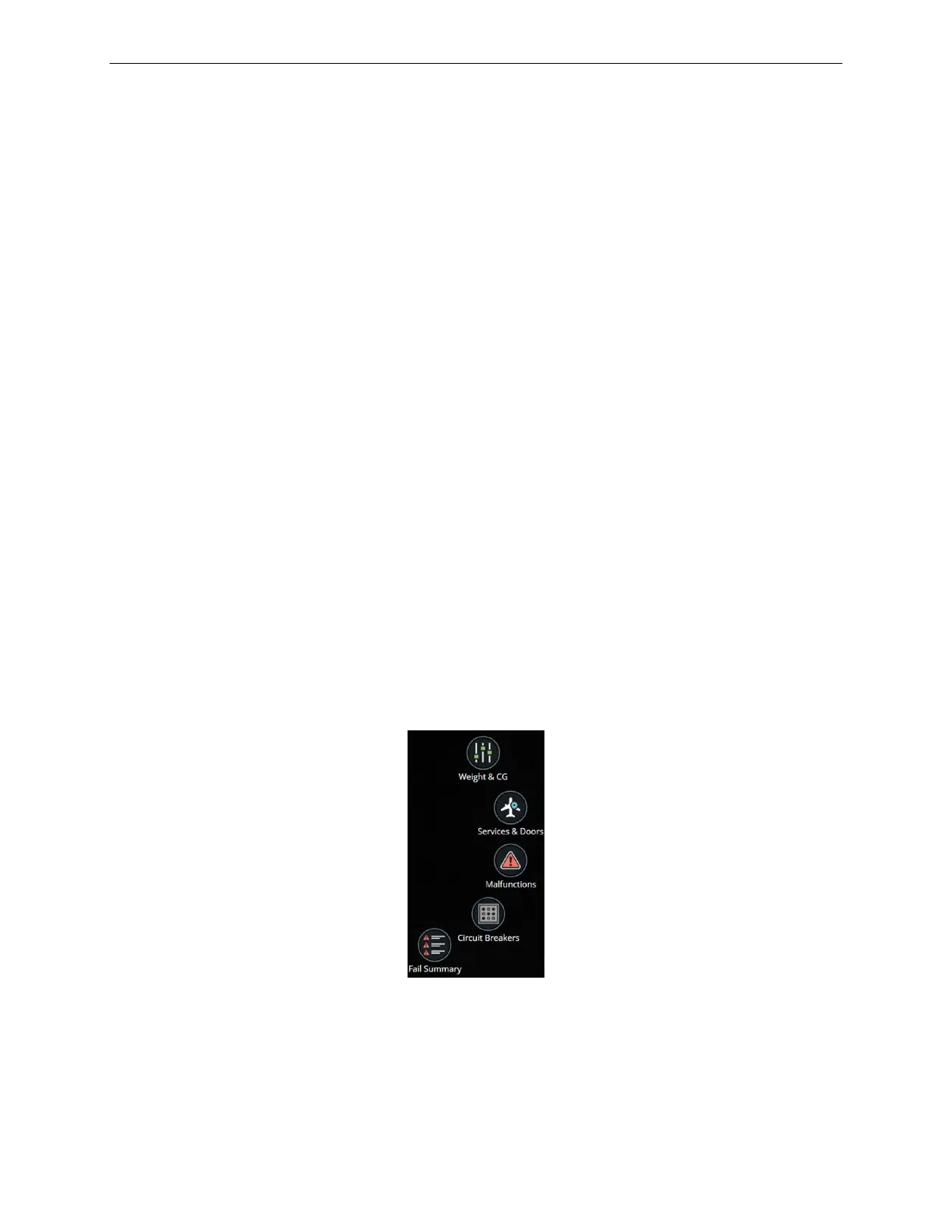
3.3.2 Quick Access Buttons
Tapping on a Quick Access button displays the respective sliding panel.
Figure 2 Quick Access Buttons (Typical)



 To Next Page