Instructor User Guide
REFERENCE AIRPORT Tab
REFERENCE AIRPORT Tab
13 Oct 2017
Page 123
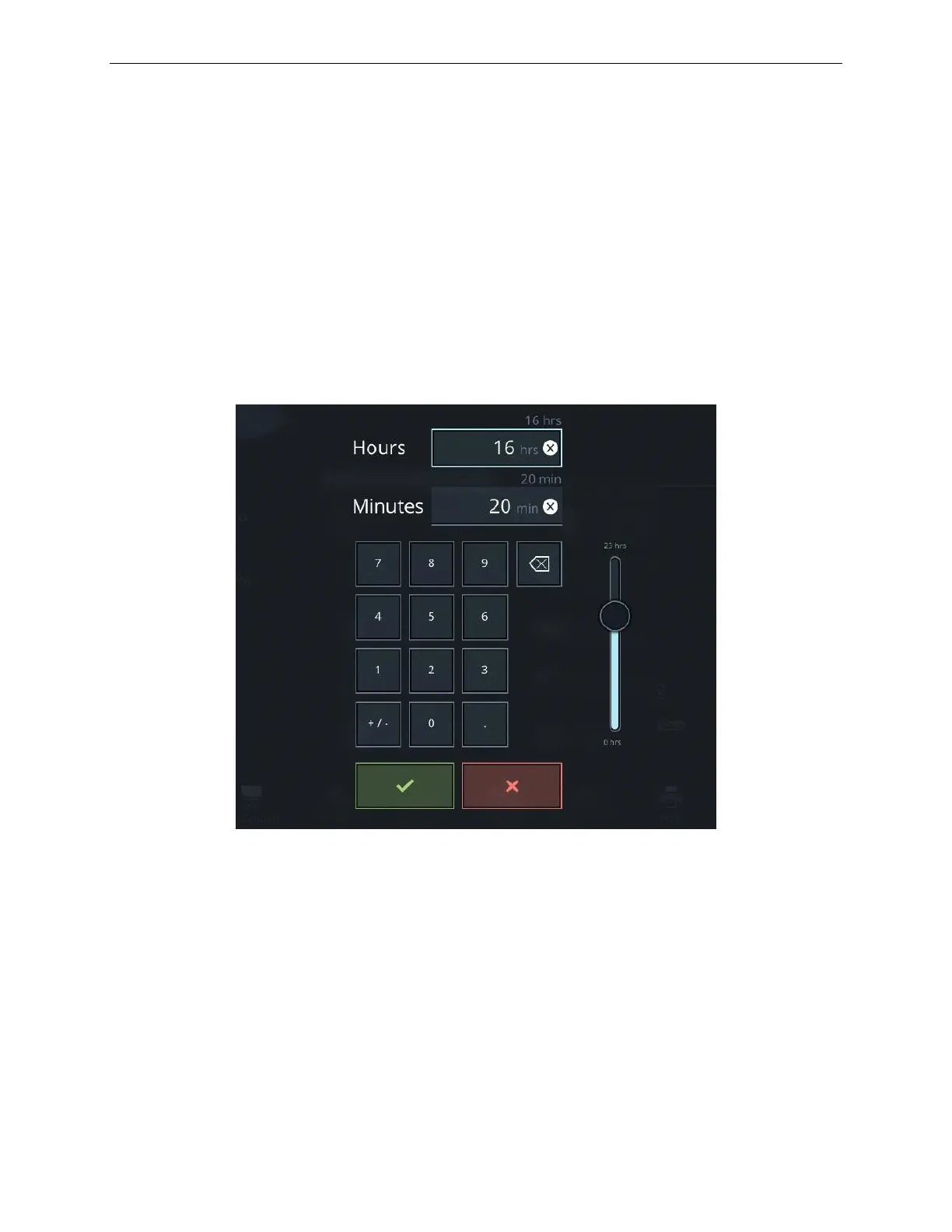
9.3 Time of the Day Keypad
The Time of the Day keypad displays the current time of day.
To change the time of day:
1) Use the keypad or the slider control to enter a new time of day.
2) Tap on the green checkmark to confirm your selection or the red X to cancel
the entry.
The slider control can vary the Time of the Day from 0-23 hrs (i.e. dawn, day, dusk or
night conditions) on the visual display.
Figure 64 Time of the Day Keypad



 To Next Page