Instructor User Guide
Control Board Footer
Control Board Footer
13 Oct 2017
Page 191
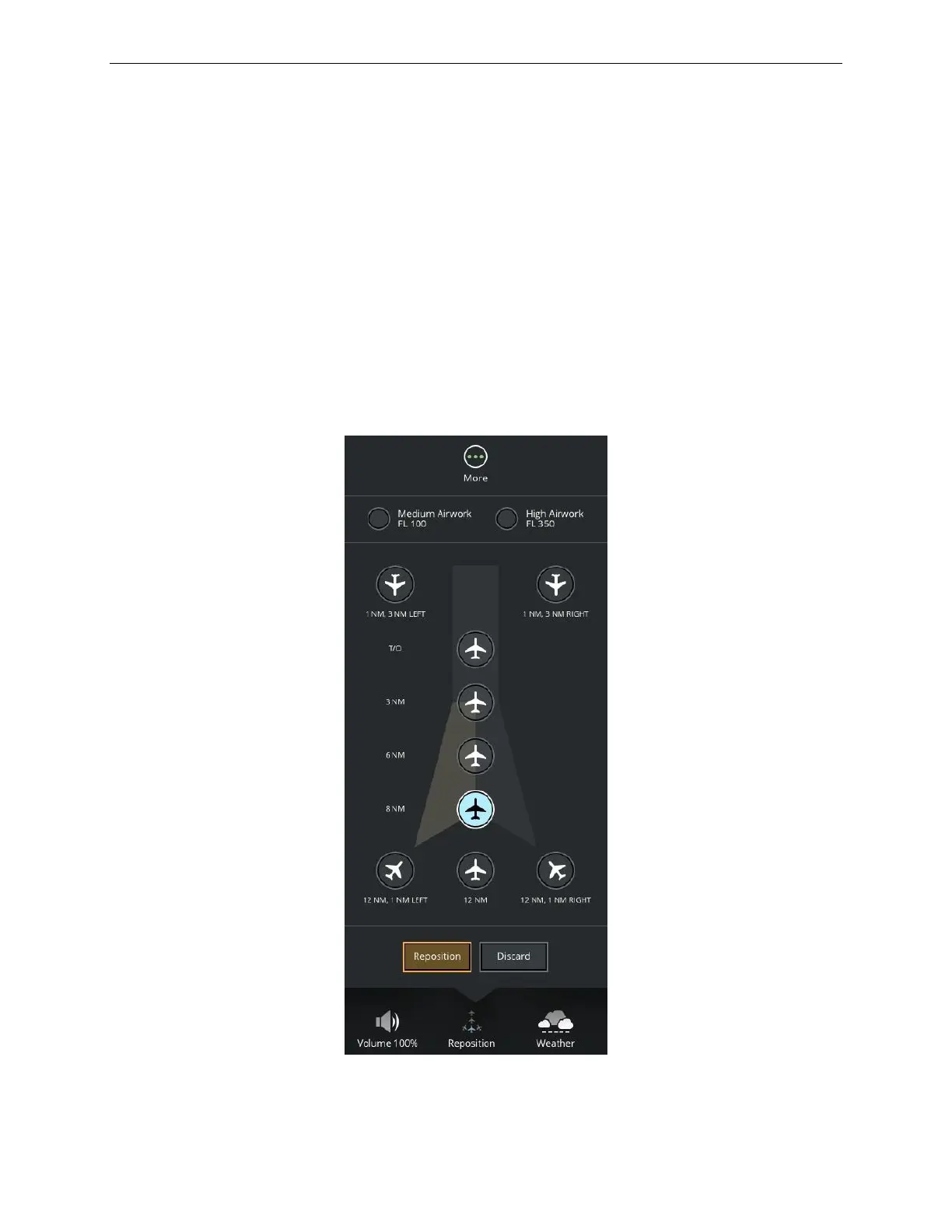
11.6 Reposition
The Reposition button allows the instructor to reposition the aircraft to a preset
position with respect to the reference runway.
To reposition the aircraft to an alternate preset position:
1) Tap this button to display the Reposition roll up menu.
2) Tap on the desired preset position.
3) Tap the Reposition button to activate the repositioning of the aircraft.
All Preset positions are defined in the AIRPORT REPOSITION Tab in the AIRPORT
REPOSITION sliding panel in paragraph 9.2. Tapping the More… button displays
the AIRPORT REPOSITION sliding panel.
Figure 94 Reposition Roll up Menu



 To Next Page