Instructor User Guide
Advanced
Advanced
13 Oct 2017
Page 239
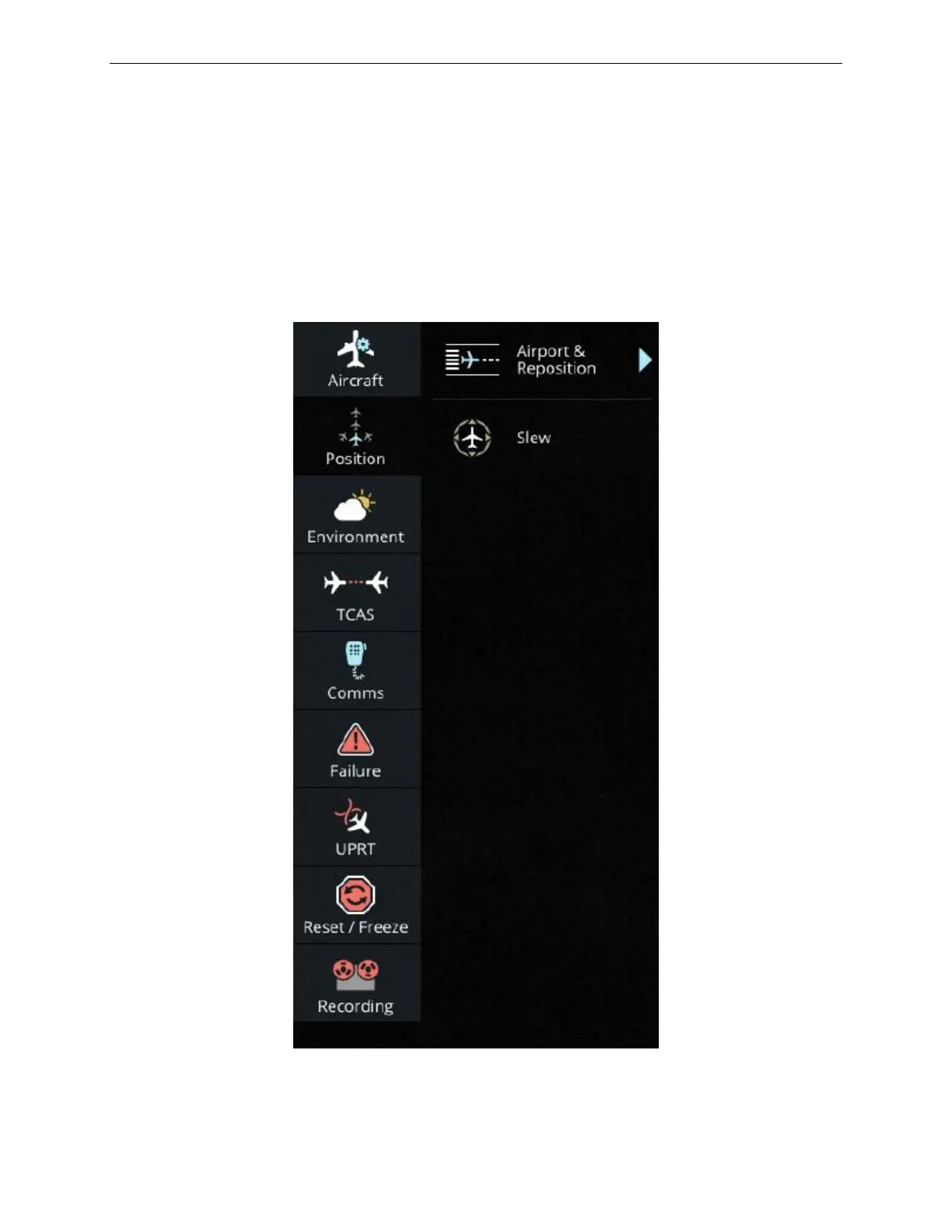
16.2 Position
The Position button allows the instructor to change reference airport/runway,
reposition and slew the aircraft.
The Position sub-pages accessible from Advanced offer the same controls as the
Airport & Reposition and Slew sliding panels accessible from the Control Board and
described in paragraphs 7.3 and 9.2.
Figure 146 Advanced - Position



 To Next Page